Business
Google Mail Profile
Overview
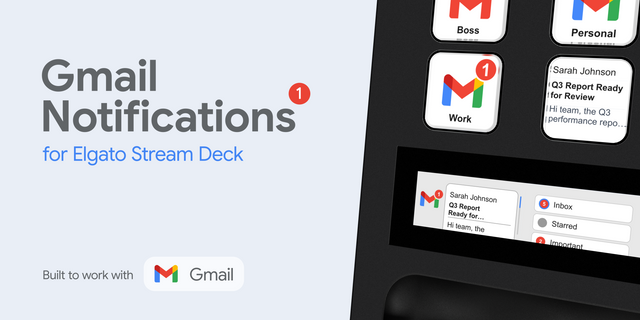
Email shouldn't feel like a chore. The Gmail Command Center transforms your Stream Deck into a high-speed triage station, allowing you to process, organize, and reply to emails faster than ever before.
Stop hunting for small icons and memorizing obscure hotkeys. With this profile, "Inbox Zero" is just a few taps away.
🚀 Why you need this:
Inbox Zero Speed: Archive, Delete, or Mark as Spam instantly. Triage 50 emails in the time it usually takes to triage 10.
Smart Search Macros: Don't just search—find. One button instantly types is:unread or has:attachment to surface exactly what you need.
Navigation Flow: Jump between your Inbox, Starred messages, and Drafts without touching your mouse.
Interactive Assistant: Includes a custom HTML Master Guide that opens directly on your Stream Deck to teach you the hidden power of Gmail shortcuts.
⚠️ IMPORTANT SETUP REQUIREMENT: This profile relies on Gmail's native keyboard shortcuts.
You must enable them first: Go to Gmail Settings > See all settings > Keyboard shortcuts > Select "Keyboard shortcuts on" and Save.
✨ What's Included:
15-Key Layout: Optimized for Stream Deck MK.2 (fully compatible with XL and Virtual).
Custom Icon Pack: Professional "Dark Mode" aesthetic with Gmail Red accents (#EA4335).
Smart Multi-Actions: Pre-configured macros that handle the search bar logic for you.
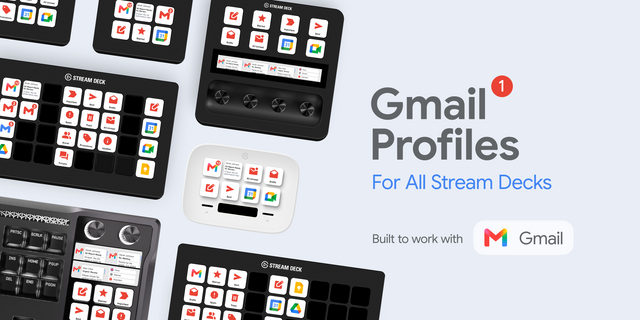
🎛️ The Layout (3 Rows of Focus):
Row 1 (Navigation): Instant jumps to Inbox, Starred, Drafts, Sent, and Compose.
Row 2 (Triage): The "Inbox Zero" engine—Archive, Delete, Spam, Reply, and Reply All.
Row 3 (Search & Tools): One-tap filters for Unread mail, Attachments, and Read Status toggles.
🛠️ Setup: Install the profile, enable Keyboard Shortcuts in your Gmail settings (instructions included in the Guide), and start dominating your inbox.
inital release
Version 1
Jan 21, 2026
Details
Type
Business
Development
Engagement
Productivity
Utilities
Device
Stream Deck MK
OS
Windows
Compatibility
Stream Deck 7.1 or later
Size
445.92 KB
Version
1
Support
AI Content
Yes
Icons
Yes
You might also like