Monitoring

Happ Toggle

Overview

Happ Toggle brings Happ VPN control and connection speed testing to Elgato Stream Deck. Toggle VPN from a key or Stream Deck+ control, see connection status, and run a test without searching for the Happ window. Windows 10/11, Stream Deck 7.6 or later, and Happ are required.

Choose Yandex, Cloudflare or Speedtest.net for download, upload and HTTP latency measurements. Start tests manually, cancel with another press, or enable a delayed test after connecting. Stream Deck+ supports service selection by dial and VPN control by a long press or screen tap. Stream Deck Neo Infobar displays tests started by a key on the same device.

Personalize the layout, number font, units, status symbol, optional latency and subtle animations. Russian and English settings are included. Open source under the MIT license, by Alexey Storozhilov.

This is an independent integration, not an official Happ, Elgato or Ookla product. Results are not guaranteed to match a browser test. The selected service is a speed-test service, not a Happ VPN server. Tests use synthetic traffic and can consume significant data.

Happ Toggle 1.12.4

Stability and more trustworthy connection-speed measurements.

- English-only UI for all Stream Deck application locales; existing action settings are retained.

- Consistent HTTP goodput calculation using actual transferred/acknowledged bytes and real elapsed phase time, including connection and server-response waits.

- Timed-out uploads, invalid measurements and HTML/JSON error downloads are not reported as successful speed results.

- Fix cancellation/status monitoring for a standalone Speed Test key, curl startup without an AbortSignal, and recovery after a transient screen-layout error.

- Preserve Happ's open/tray/minimized window state when toggling. A brief deeplink-induced flash can still occur.

Version 1.12.4

Oct 16, 2026

Details

Type

Monitoring

Productivity

Utilities

OS

Windows

Compatibility

Stream Deck 7.6 or later

Size

152.64 KB

Version

1.12.4

Language

English

Support

Profiles

No

Dial support

Yes

Neo Infobar support

Yes

Additional links

You might also like

  • LimitBeacon
    LimitBeacon app icon

    LimitBeacon

    by Milan Jelicanin

    ∙

    Monitoring

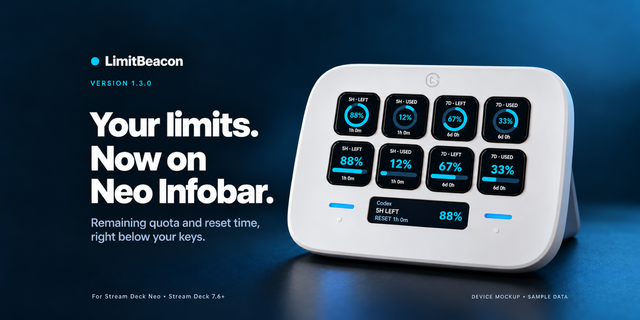
    LimitBeacon is a local Codex usage monitor and ChatGPT usage tracker for Stream Deck. Keep current rate limits, daily to...

    Free

  • Soundweave
    Soundweave app icon

    Soundweave

    by Arkbyte

    ∙

    Music

    Control the Soundweave audio mixer on your PC from Stream Deck. Four actions: Toggle mute: mute or unmute a mixer strip ...

    Free

  • Phasmo Deck
    Phasmo Deck app icon

    Phasmo Deck

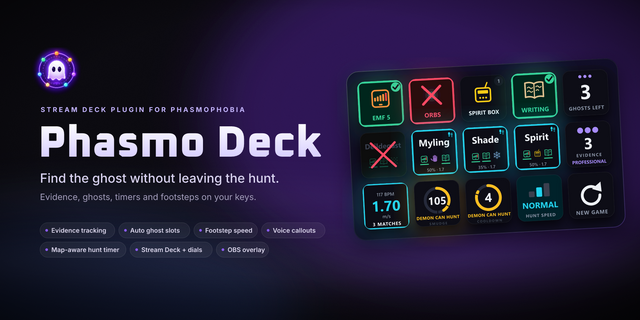
    Identify the ghost in Phasmophobia without leaving the game. Phasmo Deck turns your Stream Deck into an evidence journal...

    Free

  • iGoX BusyLight
    iGoX BusyLight app icon

    iGoX BusyLight

    by iGoX

    ∙

    Lighting

    Control your DIY BusyLight (https://github.com/igox/busylight) from your Stream Deck...

    Free

  • HWiNFO Deck Bridge
    HWiNFO Deck Bridge app icon

    HWiNFO Deck Bridge

    by PackRat 🐀

    ∙

    Utilities

    HWiNFO Deck Bridge is the free Stream Deck plugin that connects hardware sensor readings to the separately purchased HWi...

    Free

  • Inwords
    Inwords app icon

    Inwords

    by 7bp Solutions

    ∙

    Artistic

    The time, in words, on your Stream Deck Neo's Infobar. Inwords writes the time the way you would say it: "quarter past t...

    Free

  • SyncSing Studio
    SyncSing Studio app icon

    SyncSing Studio

    by LinkStudio

    ∙

    Productivity

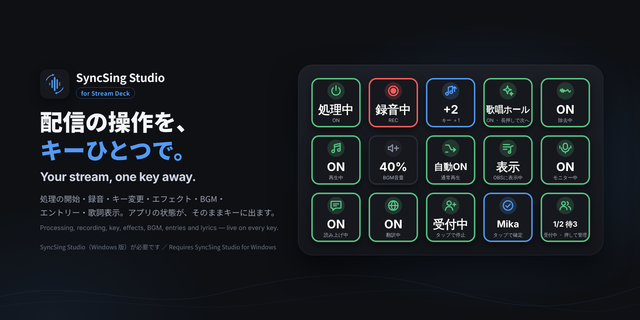
    SyncSing Studioのキー変更・エフェクト・録音・処理・ノイズ除去・PC伴奏ミックス・仮想マイク音量・音源権利ステータス・BGM・エントリー・読み上げ・翻訳・モニター・歌詞表示・マイクミュート・自主規制(ピー音)・声の置き換え・拡...

    Free

  • Bonsai Lite
    Bonsai Lite app icon

    Bonsai Lite

    by 7bp Solutions

    ∙

    Artistic

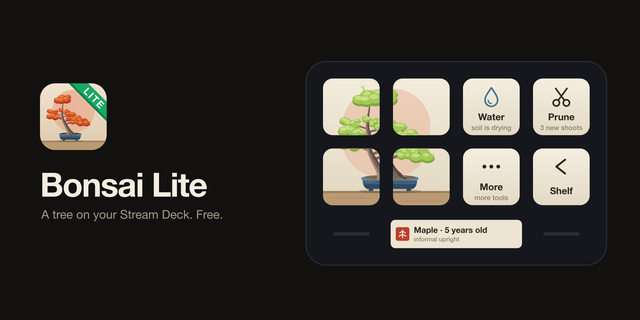
    Bonsai Lite is the free edition of Bonsai. It puts one tree on your Stream Deck. Plant a seed and a bonsai unique to tha...

    Free