Gaming
Hardware Monitor XL
by Atomic
Overview
Hardware Monitor - Version 1.3 out now, with Large size widget and more themes! Version 2.0 coming soon with Small/Medium support, and more themes!
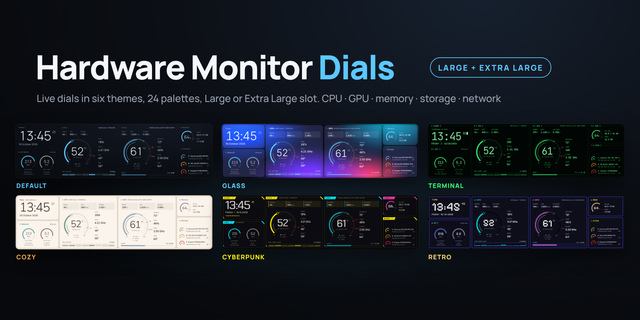
Your whole system at a glance, on one Extra Large or Large XENEON EDGE widget.
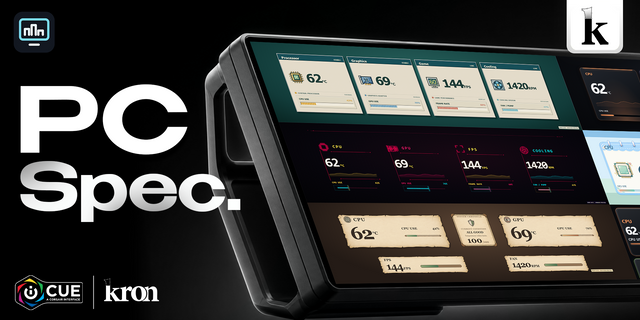
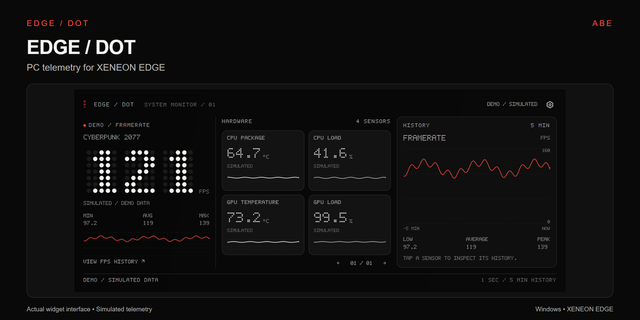
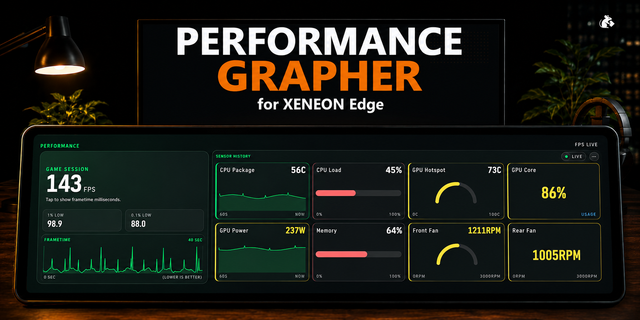
Hardware Monitor puts a clock, network activity, CPU, GPU, memory and storage side by side in one clean, easy-to-read dashboard, with live graphs of temperatures and load over time.
Color alerts you can read from across the room. Temperatures, graphs and usage bars change color as things heat up: they start in your accent color, turn orange as they approach your limit, and red when they reach it. You can tell when your CPU, GPU or memory is running hot, or a drive is filling up, without reading a single number. Every limit is yours to set, including a separate GPU hotspot limit.
Part of a matching set! Hardware Monitor Dials, Weather and Radar, Calendar, Clock, Calculator, Battery, Now Playing, FPS, Fan Monitor, Power Cost, GIF Frame, Game Launcher, Audio Control, RSS Reader, Stocks and Countdown use the same themes, palettes and edges. Put a Large Hardware Monitor next to Now Playing and a Clock to make one seamless dashboard, or mix and match any combination and keep one consistent look. Check out the full set by clicking Atomic at the top of the page!
Features
Clock & date: with live download/upload speeds and a traffic graph
CPU: temperature, load, clock speed, power, voltage, per-core load, and fan speed or AIO coolant temperature
GPU: temperature and hotspot, load, clock speed, power, fan, voltage and VRAM usage
Memory: usage with a history graph
Storage: up to 3 drives with used space, free space and temperature, labeled with their drive letters
Make it yours
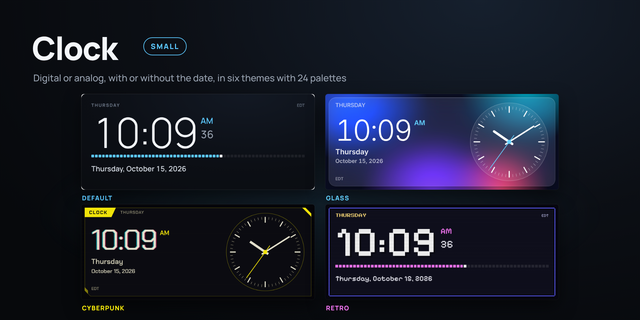
Six themes (Default, Glass, Terminal, Cozy, Cyberpunk, Retro) with 4 palettes each
Theme effects: scanlines, glow, glitch and pixel shadows
Choose your own accent, background, text, warning and limit colors, or give each section its own color, or switch back to the palette’s colors any time
Adjust text size and font weight, and switch between °C/°F, 12/24-hour time and Mbps/MB/s
Detects AIO coolers automatically and shows coolant temperature instead of a fan reading
Requirements
iCUE 5.44 or newer, and the widget placed in an Extra Large slot
Libre Hardware Monitor (free) running, with Options → Remote Web Server → Run turned on. Running it as administrator gives the most complete sensor readings. Libre Hardware Monitor version 0.9.4 or newer required for Zen 5 CPU
Privacy: The widget reads sensor data only from Libre Hardware Monitor on your own PC. It doesn’t connect to the internet or send data anywhere.
Improved error handling of a bad sensor reading came in
Fixed the widget freezing after a drawing error.Errors now show under Show Debug Info.
Version 1.4
Oct 23, 2026
Details
Type
Gaming
Monitoring
Utilities
Device
XENEON EDGE
OS
Windows
Size
820.42 KB
Version
1.4
Language
English
Support
Dashboard Sizes
Extra large
Large
Recommended Orientation
Horizontal
Interactive
No
Additional links
You might also like