Development
Headroom
Overview
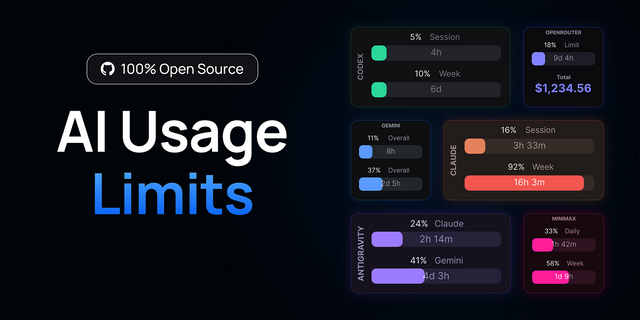
Every AI coding plan has a ceiling. The only place to see it is a settings page you open after something already went wrong: the weekly heavy tier gone mid-refactor, a 5-hour window burned without noticing, a month quietly projecting into overage while the dashboard still says 40%.
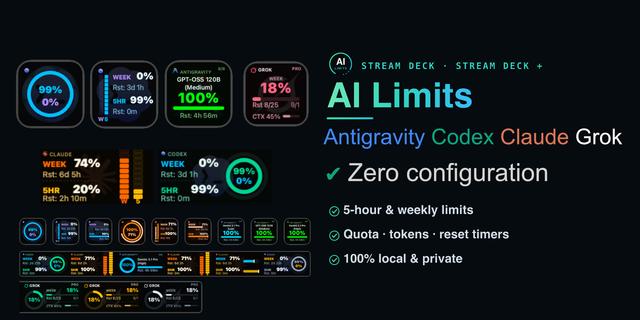
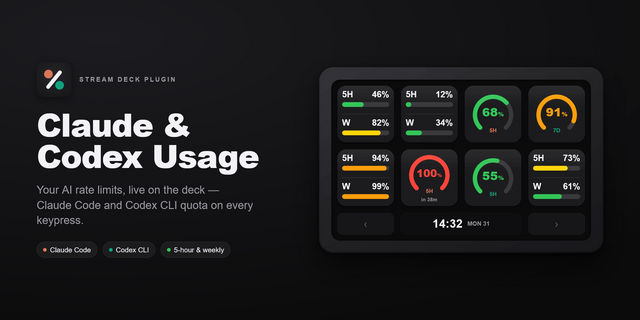
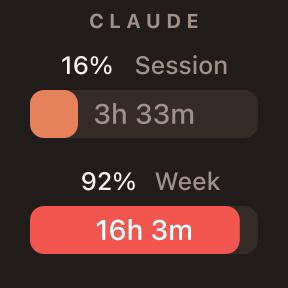
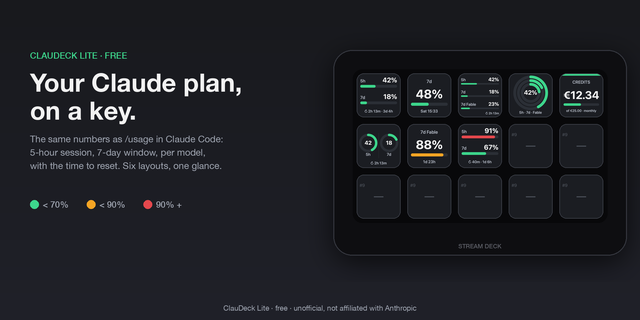
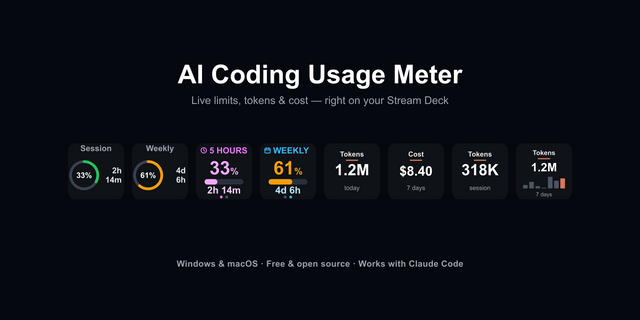
Headroom puts that number on a key instead. One key, one meter. Pick a provider Grok, Claude, Codex, Antigravity (Google), and OpenCode Go, pick the limit that actually gates you (monthly credits, weekly usage, or the rolling 5-hour session), and the key paints live used %, a period badge (MO / WK / 5H), and, where the provider's usage data allows, a projection of where you'll land by the end of the period and when the window resets.
Color means health, not brand. Green: keep shipping. Amber: watch your pace. Red: you're on track to hit the ceiling, so switch model, slow down, or wait for the reset. Provider identity stays on the edge stripe so you can run three meters side by side and read them at a glance.
No new account, no API key to paste in. Headroom reads the same logins your CLIs already use (Grok, Claude Code, Codex, Antigravity, Opencode), and it shows what each vendor's own usage API reports rather than guessing from token counts.
Configurable per key:
Provider: Grok, Claude, Codex, Antigravity (Google), or OpenCode
Rule: monthly, weekly, or 5-hour session (availability varies by provider and plan)
Face: High-Vis Billboard, Split, or Alarm for arm's-length reading; Ember Bar or Dual Arc for denser decks
Short-press to refresh on demand. The Open Usage action jumps straight to that provider's real usage page when you want the full picture.
Built for anyone who pays for AI coding limits and works with a Stream Deck nearby, especially if you switch between providers during the day and would rather see the wall coming than discover it mid-prompt.
Now supports MQTT, allowing you to publish your token metrics to Home Assistant, Node-RED, or directly to other IoT devices.
Grok supports multiple accounts in version 1.6.7+.
Requires the CLI for each provider you want to meter. After install, you may need to do a one-time/login to each provider through CLI.
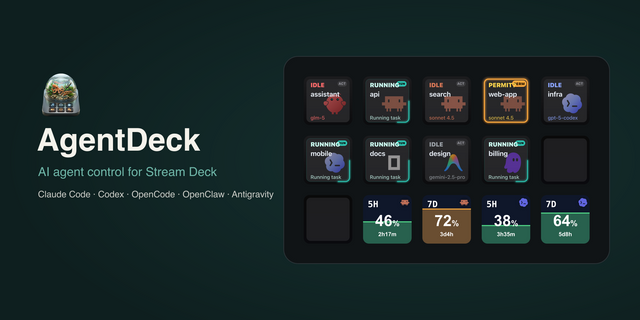
If you want to get the most out of your coding agents, check out AI Control, a Stream Deck plugin that allows you to monitor each CLI, so you know when it's thinking and when it's idle. It can alert you when a CLI goes idle, so you can give it your next task.
Support for multiple Grok accounts.
Version 1.6.7
Oct 26, 2026
Details
Type
Development
OS
Mac
Windows
Compatibility
Stream Deck 7.1 or later
Size
231.96 KB
Version
1.6.7
Language
English
Support
Neo Infobar support
No
Profiles
No
Dial support
No
You might also like