Streaming
Helm
by Helm
Overview
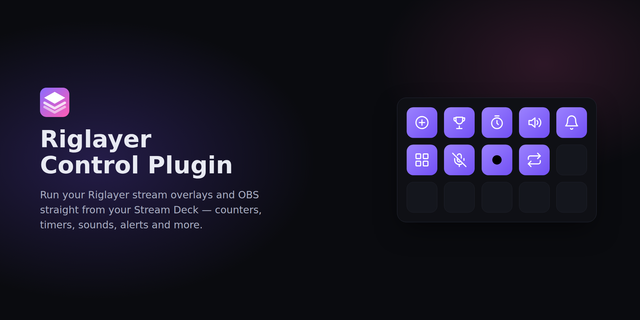
Helm turns your Stream Deck into a physical control panel for Helm, the stream overlay and alerts platform. Pause, skip and mute alerts mid-stream, replay the last event, fire your triggers, bump counters, show or hide overlay layers, and control timers and the subathon clock. Every key mirrors Helm's live state.
Included actions: • Pause Alerts - hold the queue; the current alert finishes, new ones wait • Skip Alert - kill the alert on screen and play the next • Clear Alert Queue - drop every queued alert • Mute Alerts - popups keep showing, sounds stop • Replay Last Event - re-fire the last event without double-counting stats • Fire Trigger - run any Helm trigger; key names follow renames • Counter - press to add, hold to reset; the key shows the live value. Rotate to adjust on Stream Deck + • Show / Hide Layer - toggle any overlay widget or group • Timer - start, pause, reset or add minutes to a Timer widget • Subathon - add time, pause or resume the clock; on a dial, each press can add or remote minutes • Spotify* - play/pause, next and previous track through Helm
How it works: enter your Helm URL and a remote-control token once (Dashboard -> Account -> Integrations) and every key connects. Keys follow a live feed, so pausing alerts from the Helm dashboard or a chat command updates the deck too. If Helm is unreachable, keys show Offline and presses fail visibly instead of firing late.
* The Spotify action needs Spotify connected in Helm and Spotify Premium.
Fixed first-time setup sometimes failing to connect right after entering the Helm URL and token.
Trigger, layer, and variable dropdowns now fill in automatically once the connection is up - no more reopening the settings panel.
More reliable reconnection after entering or correcting credentials.
Version 1.0.1
Aug 17, 2026
Details
Type
Streaming
OS
Mac
Windows
Compatibility
Stream Deck 6.9 or later
Size
318.44 KB
Version
1.0.1
Language
English
Support
Profiles
No
Dial support
Yes
You might also like