Development

HMA VPN Controls

Overview

Control the installed HMA VPN app directly from your Stream Deck. One configurable key lets you connect, disconnect, request a new IP or switch countries.

Press to connect or disconnect. Set a long press to reconnect in the same country and request a new IP, or cycle through a country list selected from HMA’s Recent Locations. Both long-press actions can also establish a connection when the VPN is off.

The key detects existing connections at startup and follows changes made in HMA. Controls work while HMA’s main window is closed. If HMA has been quit, using the key starts it automatically.

Show or hide the connected country’s flag and choose a fixed or random mask from 13 animated styles. Connection progress is shown on the key, and the mask returns once HMA confirms the connection.

Requires Stream Deck 6.9+, macOS 13+, and an installed, signed-in HMA VPN app with an active subscription and its interface set to English. Accessibility access is required to read and control HMA.

If you find this useful, follow @teamvrotek on GitHub or Instagram. Your support helps us feel more special, thank you.

Connect or disconnect HMA VPN with one press.

Configure a long press to request a new IP or cycle through your country list.

Choose from 13 donkey disguises or select a random mask for each connection.

Watch the mask come off while reconnecting and return after HMA confirms the connection.

Show or hide the connected country’s flag.

Detect existing VPN connections at startup and reflect changes made in HMA.

Control HMA in the background and start it automatically when using the key.

Version 1

Sep 15, 2026

Details

Type

Development

Productivity

Streaming

OS

Mac

Compatibility

Stream Deck 6.9 or later

Size

1.18 MB

Version

1

Language

English

Support

Profiles

No

Dial support

No

Additional links

You might also like

  • Nord VPN Connector
    Nord VPN Connector app icon

    Nord VPN Connector

    by Andy Smith

    ∙

    Utilities

    Take full physical control of your online privacy with the NordVPN Smart Controller. Whether you are securing your conne...

    $1.45

  • Tailscale
    Tailscale app icon

    Tailscale

    by Andy Smith

    ∙

    Utilities

    Take full control of your private network directly from your desk. The Tailscale Connector plugin provides a seamless wa...

    $1.00

  • Windows VPN Toggle
    Windows VPN Toggle app icon

    Windows VPN Toggle

    by Odd Signal Labs

    ∙

    Productivity

    Toggle an existing Windows VPN profile with one Stream Deck key and see its live ON/OFF status. Select your VPN profile ...

    $500.00

  • Tailscale Control
    Tailscale Control app icon

    Tailscale Control

    by TeaTime

    ∙

    Monitoring

    Tailscale Control Your tailnet, on your Stream Deck. Connect and disconnect Tailscale, route through an exit node, and c...

    $2.00

  • Navigation

    Navigation

    Car Navigation Drive Mode (Day/Night) 2× animated Screensaver ━ 1920x1080 Pixel...

    Free

  • Astronomy
    Astronomy app icon

    Astronomy

    by Cygnus Labs

    ∙

    Utilities

    Astronomical data for your Stream Deck. Compatible with Stream Decks with dials. Let's build the best astronomy plugin t...

    $25.00

  • Tarot

    Tarot

    by Corsair

    ∙

    Artistic

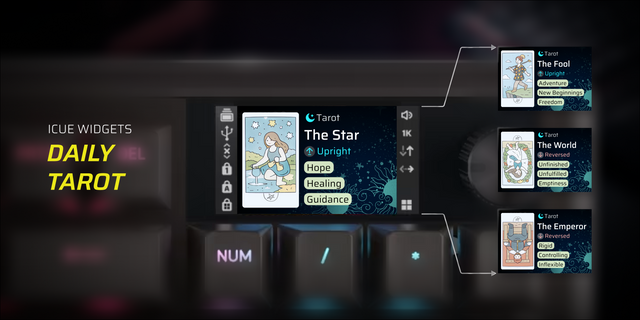
    Overview Tarot is an interactive iCUE LCD display widget that brings daily Major Arcana tarot card draws directly to you...

    Free

  • Happ Toggle
    Happ Toggle app icon

    Happ Toggle

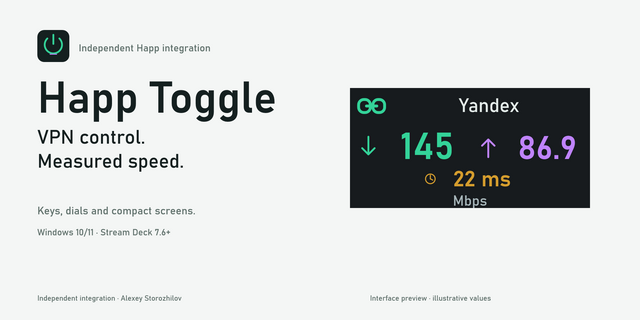
    Happ Toggle brings Happ VPN control and connection speed testing to Elgato Stream Deck. Toggle VPN from a key or Stream ...

    Free