Utilities
HWiNFO Sensor Dashboard
by PackRat 🐀
Overview
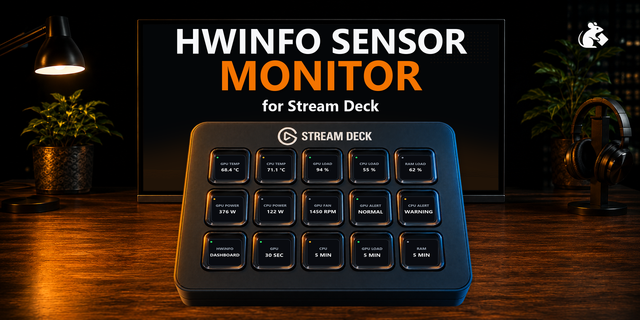
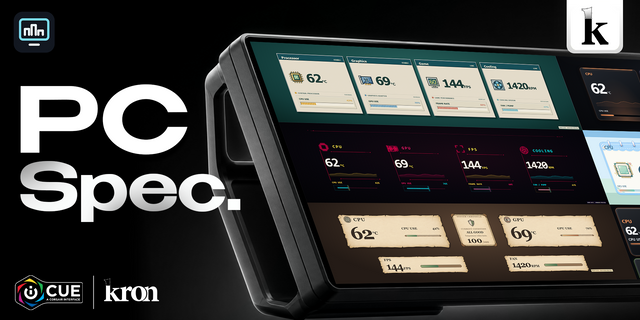
HWiNFO Sensor Dashboard turns CORSAIR XENEON Edge into a customizable live hardware telemetry display powered by the HWiNFO sensors already available on your Windows PC.
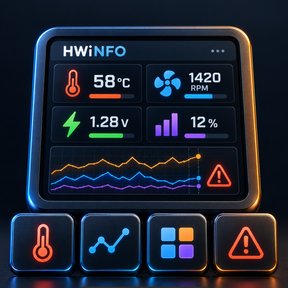
Pick essentially any numeric sensor HWiNFO exposes: CPU temperatures, utilization, clocks and power; GPU temperature, hotspot, load, power, VRAM and fans; RAM usage; motherboard, VRM and chipset sensors; storage temperatures and activity; network readings; fans and pumps; voltages; currents; and other readings exposed through Shared Memory.
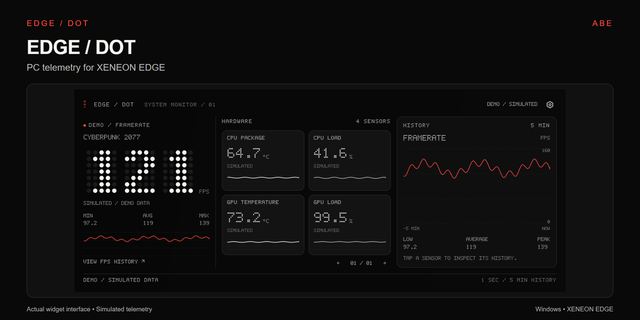
Each selected sensor shows its current value in the exact unit reported by HWiNFO, bounded rolling history, and local dashboard-session minimum, average and maximum. Configure warning and critical thresholds per sensor, favorite readings you use often, search large sensor lists, and apply quick CPU/GPU, thermal, fan or storage presets.
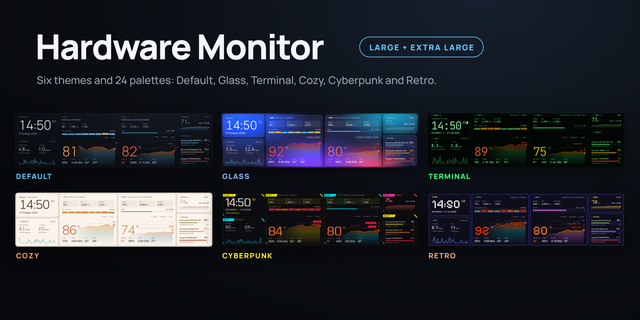
The dashboard is deliberately tuned for all eight XENEON Edge size/orientation combinations. Small layouts prioritize one or two readable values with sparklines. Medium layouts support up to four sensors. Large and Extra Large layouts expand into multi-card hardware dashboards with richer history and statistics.
RECOMMENDED SETUP — FREE STREAM DECK PLUGIN
Install HWiNFO Deck Bridge through Elgato Marketplace in Stream Deck 7.3+ on Windows. The plugin bundles the necessary local Windows bridge, so no separate executable installer is needed. XENEON Edge can unlock Virtual Stream Deck, so a separate physical Stream Deck is not required: connect XENEON Edge, choose Add Virtual Device in Stream Deck, and place Bridge Status on a virtual key. Keep Stream Deck running, open Bridge Status for the local pairing key, and paste it into the iCUE Connection settings. The plugin bundles and supervises the Windows bridge automatically.
HWiNFO must be installed separately and Shared Memory Support must be enabled. HWiNFO64 free editions may disable Shared Memory after 12 hours of continuous runtime; the dashboard reports that condition honestly and does not attempt to circumvent the limit. HWiNFO licensing remains between the customer and HWiNFO for the customer's use case.
HWiNFO is a third-party product and trademark of its respective owner. PackRat is independent and is not affiliated with, endorsed by, or sponsored by HWiNFO.
Part of the PackRat Ecosystem.
• Fixes bridge setup/download links and adds the free Stream Deck bridge Marketplace link.
• Routes bridge-version mismatch help to current setup instructions.
• Preserves pairing, sensor preferences, thresholds, history and all eight layouts.
Version 1.0.2
Oct 19, 2026
Details
Type
Utilities
Device
XENEON EDGE
OS
Windows
Size
48.92 KB
Version
1.0.2
Language
English
Support
Dashboard Sizes
Extra large
Large
Medium
Small
Interactive
Yes
You might also like