Audio
HypeRate Music Matcher
by HypeRate
Overview
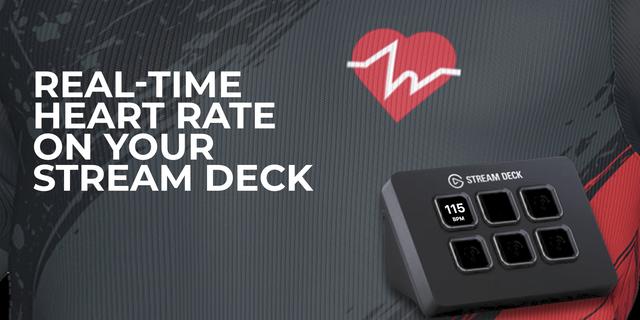
HypeRate Music Matcher automatically plays music that matches your heart rate in real time. This plugin brings full playback control to your Stream Deck, so you can stay in the zone without breaking your flow.
What you can do:
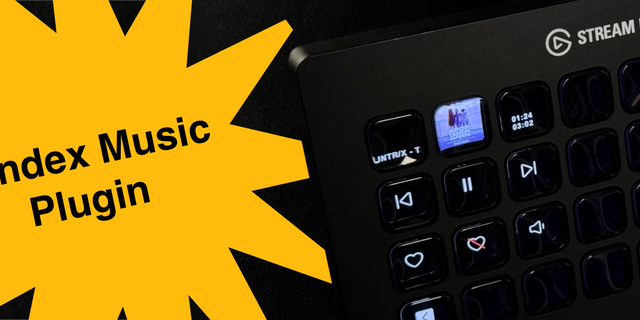
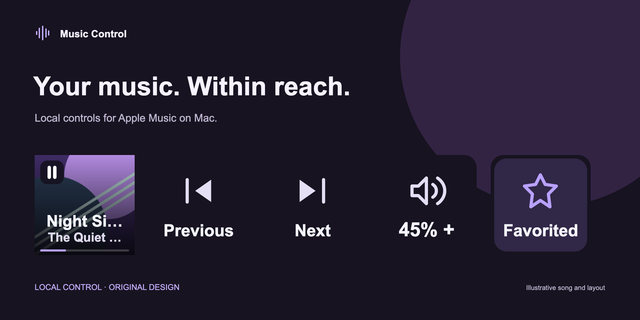
Skip Track — Jump to the next song instantly
Pause / Play — Toggle playback with a single button press
Stop — Stop playback completely
Auto Zone Pause — Pause or resume automatic heart rate zone switching; the button blinks when zone switching is active, so you always know your current state at a glance
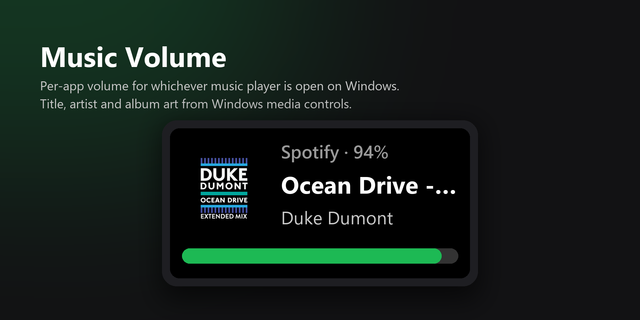
Volume Up / Volume Down — Adjust playback volume in 10% steps
Setup is simple: Enter your HypeRate ID once in any button's Property Inspector — it applies to all buttons automatically. No additional configuration needed.
🚧 Early Beta — We're actively developing HypeRate Music Matcher and would love your feedback. More features and integrations are on the way.
🎵 Spotify support coming soon — Currently requires an active Apple Music subscription. Spotify integration is in development and will be added in a future update.
Requirements:
A running instance of HypeRate Music Matcher (musicmatcher.hyperate.io)
A HypeRate account and active heart rate device
An active Apple Music subscription
Stream Deck software 6.9 or later
v1.1.4: We finally figured out that shipping a plugin without its dependencies is generally considered bad practice. Who knew? Your buttons now work on computers that aren't ours. Revolutionary.
Version 1.1.4
Feb 26, 2026
Details
Type
Audio
OS
Mac
Windows
Compatibility
Stream Deck 6.9 or later
Size
145.1 KB
Version
1.1.4
Language
English
Support
Profiles
No
Dial support
No
Additional links
You might also like