Artistic
Illustrator Color Swatches
by Schwab Music
Overview
Turn your Stream Deck into a dedicated color palette for Adobe Illustrator. Apply fill and stroke colors to selected objects with a single press, or use the Stream Deck+ dial to explore tints and shades in real time.
Two Actions
Apply Color (Button) — Configure a color on any button and apply it to selected objects with one press. The button displays a live preview, turning your Stream Deck into a visual color palette.
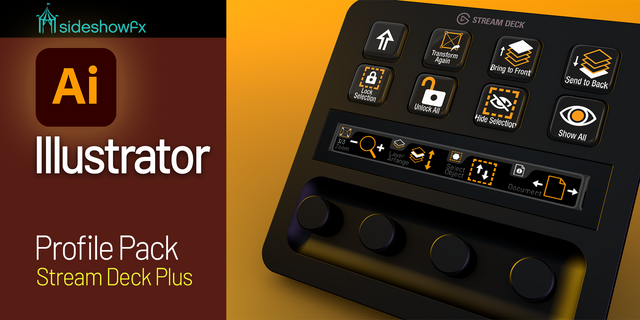
Tint / Shade Dial (Stream Deck+) — Set a base color and rotate the dial to explore lighter tints and darker shades. The touchscreen previews the color in real time before you apply it.
Color Modes
Hex — Color picker plus text field for standard hex codes (#FF5733).
RGB — Red, Green, Blue values (0–255) for exact specifications.
CMYK — Cyan, Magenta, Yellow, Key (0–100) sent directly to Illustrator's CMYK color space for accurate print color without RGB conversion artifacts.
None (Transparent) — Removes fill or stroke, setting it to no color (button action only).
Apply Color Features
Target: Fill, Stroke, or Both Fill & Stroke
Opacity: Optional 0–100% override for selected objects
Button Label: Optional custom name like "Brand Red" or "Background"
Auto Icon: Buttons automatically display a colored icon matching your settings — filled square for fill, outlined square for stroke, or filled with colored border for both
Dial Interactions
Rotate Clockwise: Move toward a tint (mix with white)
Rotate Counter-Clockwise: Move toward a shade (mix with black)
Press Dial: Apply the current color to selected objects
Tap Touchscreen: Toggle between Fill and Stroke mode
Long Press Touchscreen: Reset back to the base color
A gradient bar in settings shows the full range from darkest shade through base color to lightest tint, with a marker indicating the current position.
Usage Tips
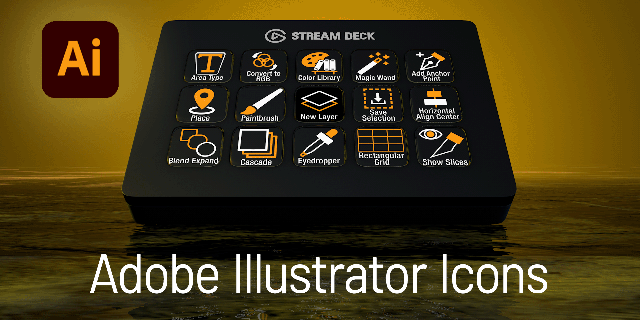
Build a visual palette. Fill a page with Apply Color buttons set to your brand colors or design system swatches.
Explore variations. Use the dial with a base brand color to find the perfect shade for shadows or tint for highlights before committing.
CMYK for print. Use CMYK mode when preparing documents for print to ensure accurate color specification without RGB conversion shifts.
Pair with Illustrator Commands. Apply a color, then trigger menu commands like Expand Appearance, Create Outlines, or Group from the companion Illustrator Commands plugin.
Clear colors fast. Set a button to None mode to quickly remove fills or strokes from selected objects.
Platform Details
macOS: Uses AppleScript's do javascript method (requires Automation permission)
Windows: Uses PowerShell via Illustrator's COM interface
Detection: The plugin checks for Illustrator before sending commands and shows a warning indicator if it's not running
Compatibility
macOS 10.15 (Catalina) or later
Windows 10 or later
Elgato Stream Deck software 6.9 or later
Adobe Illustrator 2020 or later
All Stream Deck models: MK.2, +, XL, Mini, Neo
Dial features require Stream Deck+ or compatible model with encoder dials
Apply Color and Dial Tint / Shade actions included.
Version 1
Apr 30, 2026
Details
Type
Artistic
Productivity
OS
Mac
Windows
Compatibility
Stream Deck 6.9 or later
Size
35.32 KB
Version
1
Language
English
Support
Profiles
No
Dial support
Yes
Additional links
You might also like