Development
IntelliJ IDEA Shortcut Profile
by Adx.cool
Overview
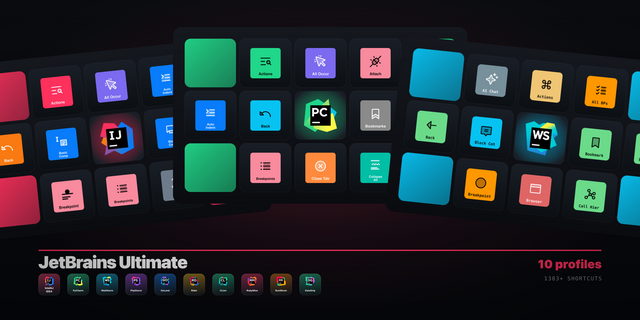
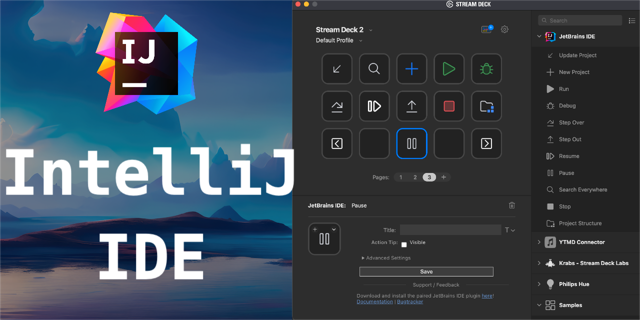
The complete IntelliJ IDEA keyboard shortcut pack for Stream Deck.
117 shortcuts across 13 categories — organized, scored by importance, and ready to install on Stream Deck Classic / MK.2, XL. Stop memorizing key combos. One tap, one action.
What's included:
• Run & Debug (15) • Edit (14) • Navigate (12) • Code (12) • Windows (11) • Search (10) • Refactor (10) • VCS (8) • Select (7) • Fold (6) • Build (6) • Analyse (5) • Help (1)
Features: • Read from JetBrains' predefined keymap and the shipped keymap XML • Every binding checked against the encoder before it shipped — no dead keys • Includes the four the reference page omits: Go to Class, Optimize Imports, Find and Replace in Files • The refactoring family drawn as code moving between scopes, not as twelve arrows • macOS and Windows, a distinct icon on all 116 keys
Install: double-click any .streamDeckProfile to import. The App binding is pre-filled to IntelliJ IDEA — auto-activates on focus. If it didn't pre-fill, set it manually under Stream Deck → Preferences → Profiles → App.
Learn more about IntelliJ IDEA: https://www.jetbrains.com/idea/
v1.1 — four macOS keys corrected against JetBrains' own keymap data (jetbrains.com/help/idea, IntelliJ IDEA 2026.2).
Fixed on macOS:
Insert Live Template now sends Cmd+J. It sent Ctrl+J, which opens Quick Documentation.
Recent Locations now sends Cmd+Shift+E. It sent Ctrl+Shift+E, which is unbound.
Complete Current Statement now fires on Mac too (Cmd+Shift+Enter). It was Windows-only.
Show Intention Actions now fires on Mac too (Option+Enter). It was Windows-only.
Windows: unchanged, every key re-checked.
Existing customers: re-install the .streamDeckProfile to pick up the fixes.
Version 1.10
Oct 22, 2026
Details
Type
Development
Device
Stream Deck MK
Stream Deck XL
OS
macOS
Windows
Compatibility
Stream Deck 6.4 or later
Size
8.72 MB
Version
1.10
Language
English
Support
Icons
Yes
Additional links
You might also like