Gaming
iRaceDeck
Overview
iRaceDeck — Stream Deck Plugin for iRacing
Turn your Stream Deck into a fully-featured iRacing control panel — and your own pit wall. iRaceDeck gives you one-tap access to hundreds of controls — pit stops, cameras, replay, telemetry, chat, live car setup — plus a spoken Race Engineer who keeps you informed while you keep your eyes on the track.
Why iRaceDeck?
iRacing buries a lot of functionality behind keyboard shortcuts, chat commands, and nested menus. That's fine when you're browsing the UI, but mid-race or during a heated stint, fumbling for the right key combo costs time and focus. iRaceDeck moves all of that to your Stream Deck where you can see it, organize it, and hit it without thinking — 32 actions covering hundreds of individual controls.
Your Own Race Engineer
A built-in voice crew keeps you in the picture: spotter calls ("Car left!"), incident and penalty callouts, fuel strategy warnings, flags, live gap battles with the cars around you, opponent pit stops and penalty flags, even corner names in practice — and the engineer addresses you by name. Every callout can be toggled individually, and a directional proximity radar adds audio awareness of cars alongside.
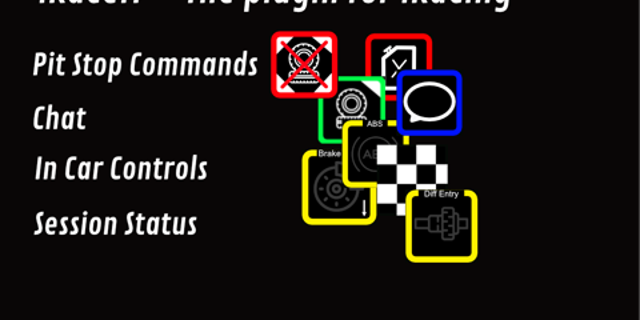
Pit Stop Controls
Configure your pit strategy on the fly. Adjust fuel — including autofuel with lap margins — tires, compounds, and service options before you hit pit lane. No more memorizing black box navigation — just tap and go.
Live Data on Your Keys
Surface live telemetry right on your buttons: position, incidents, fuel and laps-to-empty, estimated iRating gain/loss, time gaps to your rivals, flags, track wetness, wind. Or build your own — any key title can show live iRacing data through template variables, and the Telemetry Display action renders fully custom readouts.
Camera & Replay
Switch cameras, follow different cars, and control replay playback directly from your deck. Ideal for broadcasters, league admins, and anyone who wants quick access to iRacing's camera system — including a full broadcast camera editor.
Chat & Race Admin
Send predefined chat messages with a single press — 15 configurable macros with live-data templating — plus reply, whisper, and quick chat toggles. League admins get a full race-control panel: black flags, penalties, wave-arounds, pace laps, session advance, and more.
Everything in One Settings Window
Every plugin-wide setting lives in one full-size window instead of being repeated inside every key's panel: all 236 key bindings in one searchable table, appearance defaults, the Race Engineer, ready-made profiles, SimHub, and diagnostics — opened with the cog button under any key's own settings. Your settings live in a file iRaceDeck owns, so they survive plugin updates and reinstalls, and each release's notes ship inside the plugin so you can read what an update changes before taking it.
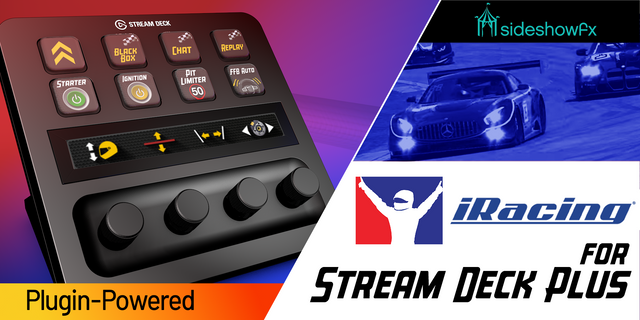
Made for Stream Deck +
16 actions come with full dial support on Stream Deck+: spin a dial for fuel amounts, brake bias and other setup values, audio volumes, camera focus, FFB strength, black boxes, and more — with live readouts on the touch strip.
Built for Every Stream Deck
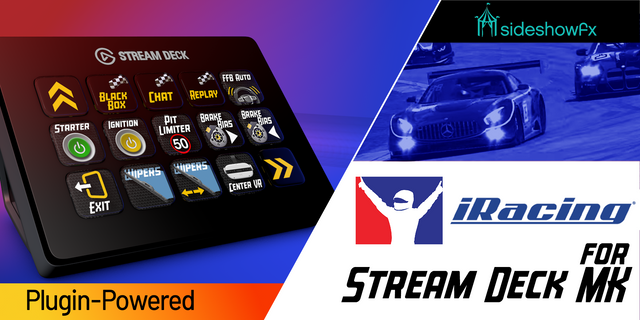
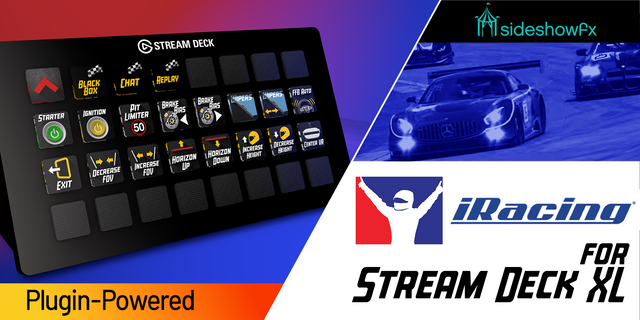
iRaceDeck supports Stream Deck, Stream Deck Mini, Stream Deck XL, and Stream Deck+ — and ships ready-made profiles so you can start from a full layout instead of an empty grid.
Free & Open Source
iRaceDeck is completely free. No subscriptions, no paywalls, no premium tiers. It's open source and community-driven — contributions, bug reports, and feature requests are always welcome.
Requirements
Stream Deck software 7.1 or newer
iRacing subscription
Windows 10 or newer
iRaceDeck 3.6.1
Fixed
Euro NASCAR and Camera Controls: iRacing's session data for the Euro NASCAR V8GP lists one entry twice, and iRaceDeck stopped reading any session info for that car. Camera Controls could not switch cameras, driver names and numbers, Session Info and Telemetry Display templates came up empty, and the plugin's CPU use climbed while it kept retrying. Session info is now read correctly for this car and for any other car with the same quirk.
Version 3.6.1.2674
Oct 21, 2026
You might also like