Development
iTerm2 Shortcut Profile
by Adx.cool
Overview
The complete iTerm2 keyboard shortcut pack for Stream Deck.
47 shortcuts across 7 categories — organized, scored by importance, and ready to install on any Stream Deck model. Stop memorizing key combos. One tap, one action.
What's included:
• Windows & Tabs (11): New Window, New Tab, New Tab with Profile, Close Tab, Close Window, and 6 more • Panes (10): Split Vertical, Split Horizontal, Close Split, Next Split, Prev Split, and 5 more • View (7): Clear Buffer, Reset Terminal, Toggle Fullscreen, Increase Font, Decrease Font, and 2 more • Search & Clipboard (6): Find, Find Next, Find Prev, Copy, Paste, and 1 more • Navigation (5): Open Quickly, Tab Search, Jump to Mark, Next Mark, Prev Mark • Advanced (5): Broadcast Input, Instant Replay, Edit Session, Preferences, Password Manager • Shell (3): Interrupt (SIGINT), EOF / Exit, History Search
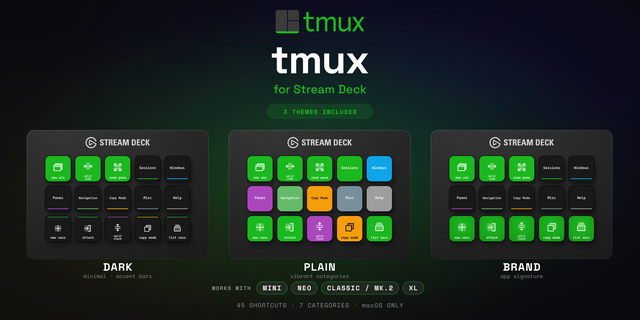
Features: • Two icon themes: Dark (minimal, accent bars) and Plain (vibrant category colors) • Folder-based navigation with category pages for quick access • Auto-organized layout — most important shortcuts first • Works on all Stream Deck models (Mini, Neo, Classic, XL) • Available for macOS and Windows
Setup:
Double-click the .streamDeckProfile file to install
Open Stream Deck app → Preferences → Profiles
Click your profile → Application → select your terminal (Terminal, Warp, iTerm2, Alacritty...) The profile will activate automatically when your terminal is in focus.
Learn more about iTerm2: https://iterm2.com
Initial release of the iTerm2 Shortcut Profile.
• 47 keyboard shortcuts across 7 categories
• Two icon themes: Dark and Plain
• Folder navigation with category pages
• Supports all Stream Deck models
• macOS and Windows keybindings
Version 1
Apr 28, 2026
Details
Type
Development
Device
Stream Deck Mini
Stream Deck MK
Stream Deck Neo
Stream Deck XL
OS
macOS
Compatibility
Stream Deck 6.4 or later
Size
2.72 MB
Version
1
Support
Icons
Yes
Additional links
You might also like