Smart Home
Itsyhome
by Itsyhome
Overview
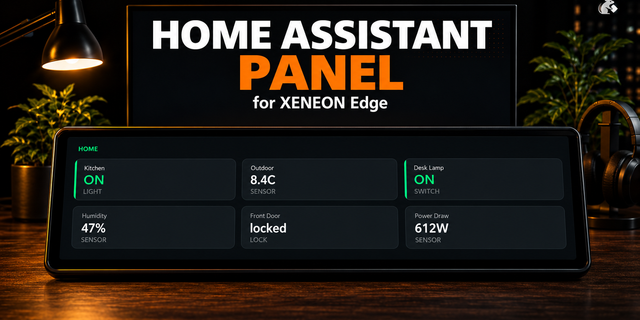
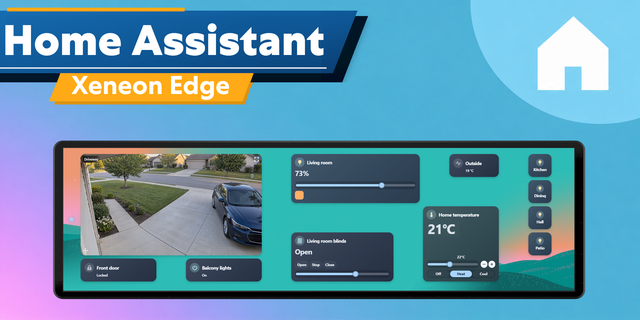
Itsyhome brings your HomeKit and Home Assistant smart home to Stream Deck. Control lights, fans, locks, blinds, garage doors, thermostats, security systems, and more — all with a single button press.
Itsyhome is a native macOS menu bar app for controlling your smart devices. This Stream Deck plugin connects to Itsyhome's local webhook server, giving you instant physical buttons for your entire smart home. No cloud services, no latency — everything runs on your local network.
What you can do • Toggle lights, switches, and outlets on and off • Execute scenes • Adjust light brightness to a target level • Control fans with speed display • Lock and unlock doors — with visual confirmation • Open and close garage doors and blinds • Arm and disarm security systems • Monitor temperature and humidity sensors in real time • Control device groups with partial state display (e.g. "3/5 on") • Set thermostat modes with heat/cool/auto-aware icons
Enable web server in Itsyhome Click Itsyhome icon in the menu bar, choose Settings – Webhooks/CLI and enable webserver. It is required for this plugin to communicate with Itsyhome.
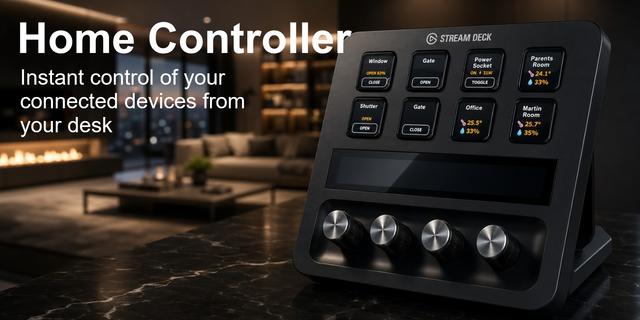
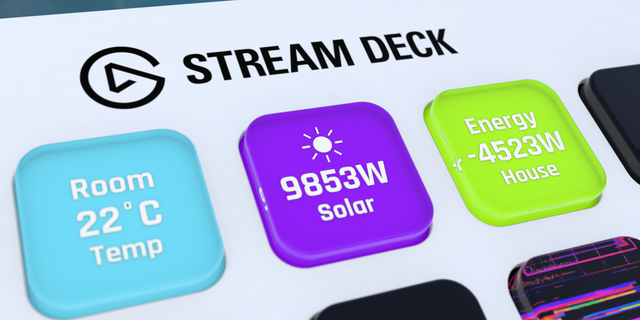
Dynamic visual feedback Every button updates in real time to reflect the actual state of your devices. Icons change color based on state — gold for lights on, blue for fans, green for locked, orange for open. Sensor buttons display live readings. Brightness, speed, humidity, temperature, and position values are shown directly on the key. You always know exactly what's happening in your home at a glance.
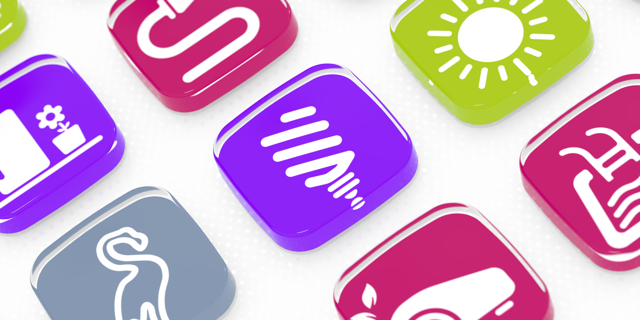
Customisable per button Each action supports custom on/off colors via color pickers, optional labels for multi-button setups, and device-type-specific icons. The plugin automatically picks up custom icons you've assigned in the Itsyhome macOS app.
How it works The plugin communicates with Itsyhome's app running locally on your Mac. All 12 action types are available as draggable actions in the Stream Deck app — just pick an action, select your device from the dropdown, and you're set.
Requirements: • macOS 14.0 or later • Itsyhome with Pro subscription and webhook server enabled • Stream Deck software 6.9 or later
What's new
Blinds toggle – the blinds action is now a single button that toggles open/closed based on current position, instead of requiring two separate buttons for each direction.
Temperature unit selector – thermostat and status (sensor) actions now let you choose between Celsius and Fahrenheit in settings.
Fixes
Fixed typo in thermostat settings ("Current temponly" → "Current temp only").
Version 1.2
Feb 25, 2026
Details
Type
Smart Home
OS
Mac
Compatibility
Stream Deck 6.9 or later
Size
445.63 KB
Version
1.2
Language
English
Support
Profiles
No
Dial support
No
You might also like