Engagement
Kick Stats Tracker
by Adx.cool
Overview
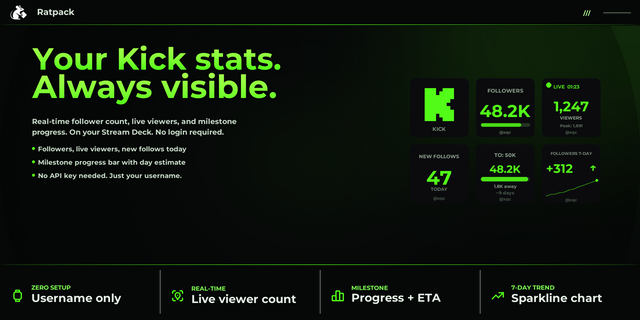
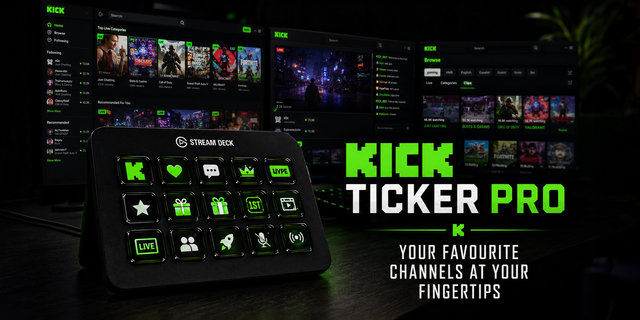
Track every public Kick stat — yours or a streamer you mod — right from your Stream Deck. No browser tab needed.
**15 actions, one app token:**
• Subscriber Count — active paid subs + today's delta • Live Viewers — concurrent viewers while live, OFFLINE otherwise • Stream Status — LIVE / OFFLINE pill with category subtitle • Stream Title — current title truncated to fit • Current Category — what they're playing right now • Stream Duration — live HH:MM:SS uptime, **zero quota** (local clock) • Subscriber Milestone — progress bar + Kick-green flash on hit • **Channel Avatar** — profile picture with LIVE pill + viewer count overlay • **Stream Language** — ISO language code for the current broadcast (EN · FR · ES…) • **Stream Thumbnail** — live preview image with the LIVE pill + viewers overlay • Multi-Metric Dial — rotate subs / viewers / category / duration • Channel Grid Dial — **up to 50 streamers in one batched call** (mods + viewers) • Live Console Dial — bigger LCD readout while live • Subs Velocity Dial — subs / hour, rotate to change window • Top Stream Dial — top live stream in each top category
**Setup once:** Create an app at kick.com/settings/developer, paste your Client ID + Secret into any key's Property Inspector, and every other key on your deck picks them up. Credentials stay local on your machine.
**Mock mode for trials:** Set both fields to mock to serve built-in demo data — perfect for testing before you create a real app.
**A note on Kick API limits:** v1 uses Kick's app-token tier (public stats). Subscriber **identities**, chat moderation, follower counts, channel age, and revenue analytics require the user OAuth scope, planned for v2.
v1.5 — New settings panel. Every key now previews itself in the Property Inspector ("Your key"), setup is a short numbered guide, two-way choices are buttons, and each action shows only the fields it uses — dials no longer show Theme or Open on Kick. Your existing keys keep their settings.
Version 1.5
Nov 6, 2026
Details
Type
Engagement
Social
Streaming
OS
Mac
Windows
Compatibility
Stream Deck 7.1 or later
Size
450.36 KB
Version
1.5
Language
English
French
Support
Neo Infobar support
No
Profiles
No
Dial support
Yes
Additional links
You might also like