Monitoring

Klipper

Overview

Klipper (Moonraker) integration for Stream Deck. Allows you to control your 3D printer directly from your Stream Deck.

Actions included:

Printer status: Display current status of your 3D printer, printing progress and various additional details that you can choose to display. Also allows to open a URL or execute a GCODE on press.

Spoolman status: If you have Spoolman integration set up, it can display the information about your currently selected spool, including how much filament is left.

Run GCODE: Execute a custom GCODE script on your printer.

Start print: Start printing a gcode file.

Pause print: Pause the currently running print process.

Resume print: Resume the paused printing process.

Cancel print: Cancel the printing process.

Speed factor (dial): Adjust the speed factor (feedrate) on the fly by turning the knob.

This plugin communicates with your 3D printer via the Moonraker API and does not depend on the frontend. You can use it together with Mainsail, fluidd, KlipperScreen, or anything else.

If you have any authentication in front of it and/or you have published your printer to the Internet, it's up to you to set it up so your Stream Deck can access it too.

Fixed font legibility.

Added a clarification about the Moonraker API URL setting.

Stream Deck SDK updated.

Version 1.0.1

May 6, 2026

Details

Type

Monitoring

OS

Mac

Windows

Compatibility

Stream Deck 6.9 or later

Size

239.17 KB

Version

1.0.1

Language

English

Support

Profiles

No

Dial support

Yes

You might also like
  • Polymarket Monitor
    Polymarket Monitor app icon

    Polymarket Monitor

    by 2kit

    ∙

    Monitoring

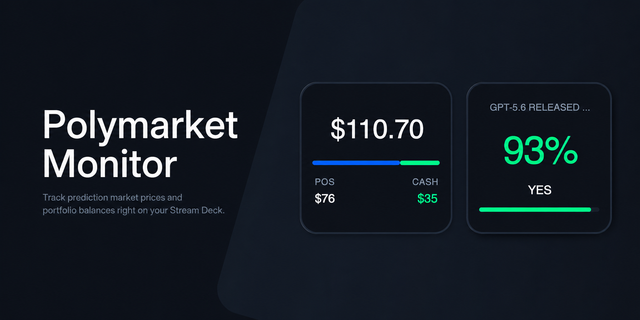
    Polymarket Monitor Track prediction market prices and portfolio balances — right on your Stream Deck. Polymarket Monitor...

    Free

  • BambuDeck
    BambuDeck app icon

    BambuDeck

    by BambuDeck

    ∙

    Smart Home

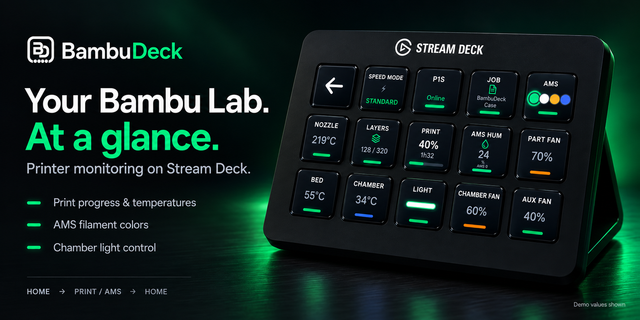
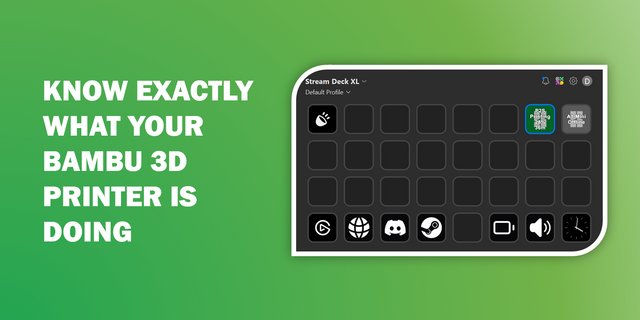
    BambuDeck brings real-time Bambu Lab printer and AMS monitoring directly to your Stream Deck, with ready-to-use profiles...

    $14.99

  • Monitor for Prusa
    Monitor for Prusa app icon

    Monitor for Prusa

    by Style-Idea

    ∙

    Monitoring

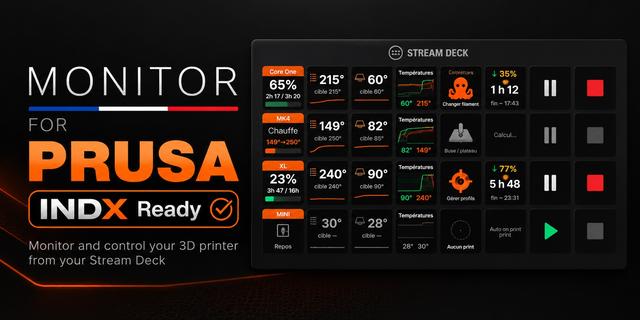
    Monitor your Prusa printers from your Stream Deck — including several printers at once, with the live thumbnail of what'...

    $9.99

  • BambuLab Printer Monitor
    BambuLab Printer Monitor app icon

    BambuLab Printer Monitor

    by Dadolyner

    ∙

    Smart Home

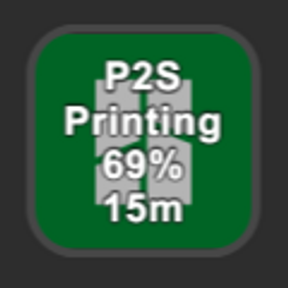
    Bambu Printer Monitor is a Stream Deck plugin for monitoring your Bambu 3D printer status You may ask what can you monit...

    Free

  • 3D Printer Deck for Klipper
    3D Printer Deck for Klipper app icon

    3D Printer Deck for Klipper

    by ALLEZfaces

    ∙

    Development

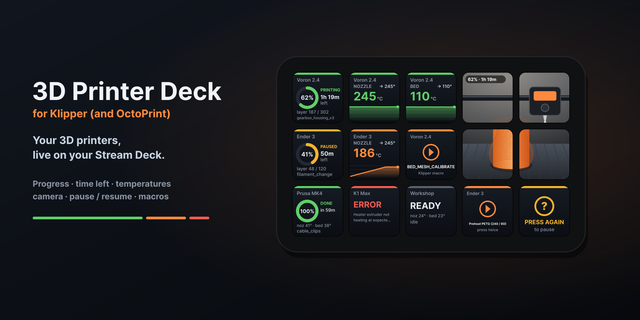
    3D Printer Deck for Klipper puts your 3D printers on your Stream Deck: Klipper (Moonraker, the API behind Mainsail and F...

    $2,690.00

  • BambuLink
    BambuLink app icon

    BambuLink

    by neverweep

    ∙

    Monitoring

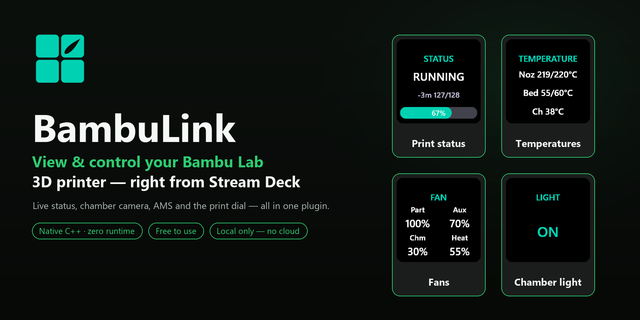
    BambuLink turns your Elgato Stream Deck into a control surface for your Bambu Lab printer. Live temperatures, print prog...

    Free

  • Printer Switcher for Windows
    Printer Switcher for Windows app icon

    Printer Switcher for Windows

    by GRAMSHIFT

    ∙

    Productivity

    Switch the Windows default printer from your Stream Deck with one key: home, office or PDF. A second key shows the print...

    $780.00

  • 3D Filament Tracker
    3D Filament Tracker app icon

    3D Filament Tracker

    by Adx.cool

    ∙

    Artistic

    Spool inventory, print cost and a drying timer for 3D printing, on your Stream Deck. A spool's remaining weight is the o...

    $3.99