Productivity

KOReadeck

Overview

KOReadeck lets you control KOReader directly from your Stream Deck, making reading more comfortable and effortless. With a single press, you can turn pages, adjust lighting, manage bookmarks, or check your battery without ever touching your e-reader.

It also helps you stay focused on reading by giving you quick access to everything you need: switch between night and light mode, change screen orientation, open your last book, or jump into settings instantly. You can even see your current book cover right on your Stream Deck or preview your device screen in real time on your computer.

Everything is designed to help you control your book more comfortably, especially when reading on a larger screen or using a Kindle stand, so you can adjust and navigate without having to pick up the device.

Initial release. Welcome to KOReadeck!

Version 1

Apr 27, 2026

Details

Type

Productivity

Utilities

OS

Mac

Windows

Compatibility

Stream Deck 6.9 or later

Size

10.97 MB

Version

1

Language

English

Support

Dial support

No

Profiles

Yes

Additional links

You might also like

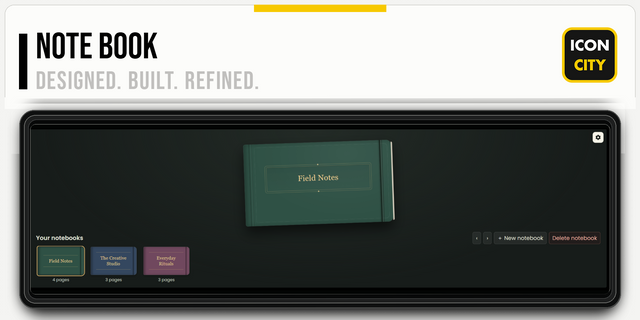
  • NOTE BOOK

    NOTE BOOK

    by iConCity

    ∙

    Artistic

    Give your ideas somewhere to live. NOTE BOOK brings the character of a traditional notebook to your XENEON EDGE, with te...

    $5.00

    Discount eligible
  • RadarDeck
    RadarDeck app icon

    RadarDeck

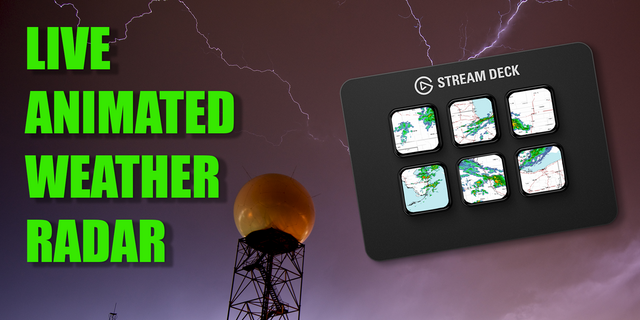
    RadarDeck turns your Stream Deck into a real-time weather monitoring tool, giving you instant access to live NOAA radar ...

    $7.99

  • Network Pulse
    Network Pulse app icon

    Network Pulse

    by SENTINELITE

    ∙

    Monitoring

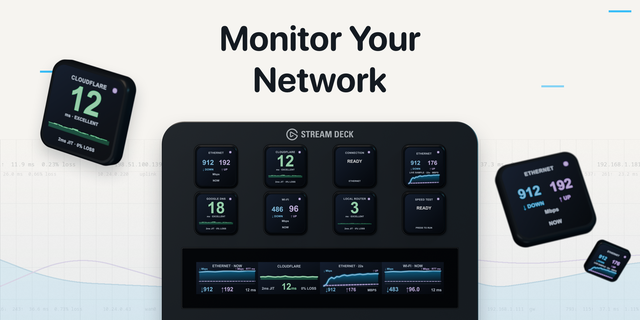
    Network Pulse (macOS ONLY) puts internet speed & connection health on your Stream Deck. It runs Apple's built-in network...

    $8.99

    Discount eligible
  • Flares Animated Icons

    Flares Animated Icons

    by SideshowFX

    ∙

    Blanks

    Turn your stream Deck device into a stunning lightshow. This collection of endlessly looping animated icons is just what...

    $9.99

    Discount eligible
  • CORSAIR Ctrl
    CORSAIR Ctrl app icon

    CORSAIR Ctrl

    by Corsair

    ∙

    Gaming

    Take control of your CORSAIR input devices—right from Stream Deck. No more switching between apps or losing access to yo...

    Free

  • VietSwitch Next
    VietSwitch Next app icon

    VietSwitch Next

    by Tati

    ∙

    Utilities

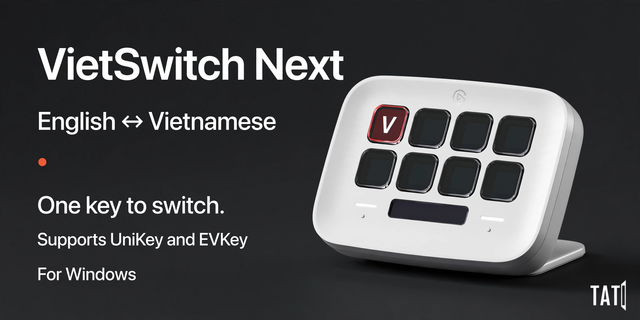
    Switch between English and Vietnamese typing with one Stream Deck key. VietSwitch Next connects your Stream Deck to UniK...

    Free

  • Elgato Studio
    Elgato Studio app icon

    Elgato Studio

    by Elgato

    ∙

    Video

    Elgato Studio brings your whole video setup together in one place, and this plugin puts all of it on Stream Deck. Scroll...

    Free

  • FileExplorer
    FileExplorer app icon

    FileExplorer

    by Arthur

    ∙

    Utilities

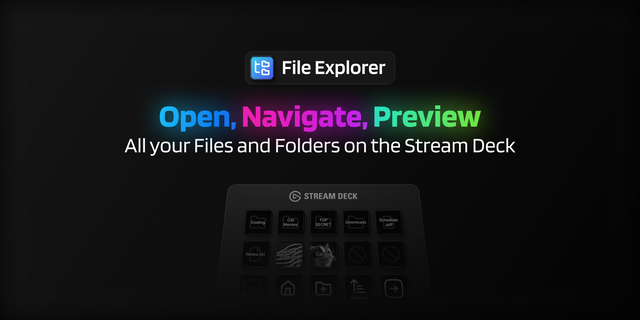
    Explore your files and folders without ever leaving your Stream Deck. The File Explorer Plugin lets you browse directori...

    Free