Monitoring
Libre Hardware Monitor
by moeilijk
Overview
# Libre Hardware Monitor for Stream Deck
Turn any key into a live hardware dashboard, or monitor multiple machines from a single Stream Deck setup. This plugin reads from Libre Hardware Monitor over its HTTP bridge, so your CPU/GPU temperatures, fan speeds, clocks, load, and power draw stay on your desk with no cloud accounts and no telemetry.
## More than a single sensor tile
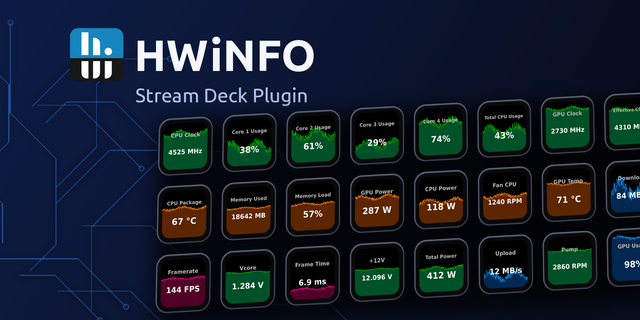
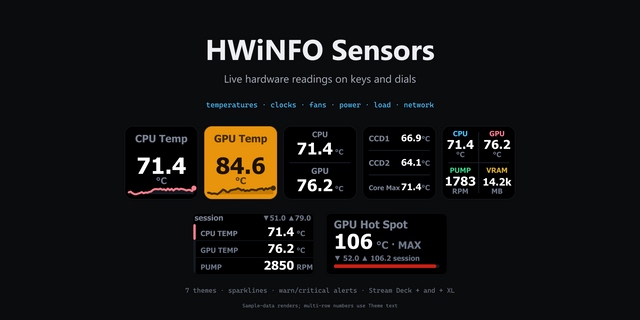
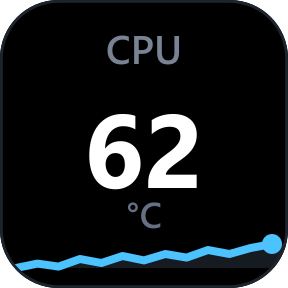
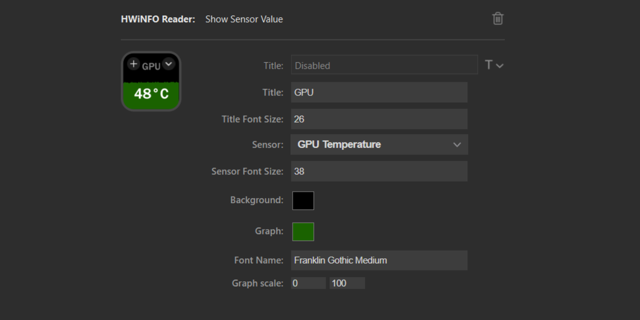
- Show any Libre Hardware Monitor sensor/reading pair with the live value and a rolling mini-graph.
- Build Composite Dashboard tiles to display multiple readings on one key.
- Create Derived Metric tiles to combine 2-8 readings using sum, average, max, min, delta, or percent formulas.
## Built for multi-machine monitoring
- Configure multiple source profiles for different PCs or monitoring endpoints.
- Point each tile at the machine you actually want to watch.
- Works especially well for remote monitoring setups, including the separate lhm-companion project for Linux systems and server dashboards.
## Fully customizable
- Choose colors, font sizes, formatting, divisors, and title behavior to match your layout.
- Use search, sorting, and favorites to find readings faster.
- Keep simple single-value tiles or build dense monitoring dashboards across multiple keys.
## Lean local setup
- The monitoring bridge is a small bundled Go binary.
- Everything runs on your own setup.
- No extra accounts, no external service dependency, no unnecessary bloat.
## Setup snapshot
1. Install Libre Hardware Monitor on the machine you want to monitor and enable the Remote Web Server on port `8085`.
2. Add the Libre Hardware Monitor action to a Stream Deck key and choose the sensor/reading you want.
3. For multi-machine setups, add more source profiles and assign tiles to the correct machine.
4. If you use the separate lhm-companion project, you can extend the same workflow to remote Linux monitoring.
Complete install and configuration walkthrough:
https://github.com/moeilijk/lhm-streamdeck#readme
## What's new
### Stream Deck+ Dial Carousel
Put a list of Libre Hardware Monitor readings on one dial. Rotate to cycle through them, with one shown fullscreen, and press for an overview (stacked or carousel, capped to 2 or 3 cards). The overview can also be the default view.
### Bulk Add
Fill a dial in seconds: add every reading on a sensor, a full set like all CPU cores, or one reading across matching sensors, with a live preview, individual deselect, and a name template like "CPU Core #1".
### Per-page setup
Each page works like a key: sensor, reading, format, divisor, unit, colours, fonts and value smoothing. Pick graph + text, text only or graph only, and adjust height, line thickness and outline. Graph scale now follows the reading, and history is kept across edits.
### Thresholds & alerts
Set per-page and type-scoped global thresholds. Tap the touch strip to snooze or acknowledge an alert, just like pressing a key, and optionally bring a page to the front when it fires.
### Finishing touches
A page indicator (dots or an "x / y" counter) with adjustable colour and size, optional in fullscreen; separators between adjacent dials; a default colour per page; and a per-dial reverse-direction option.
## Fixes
- General stability and security improvements.
Version 2
Jun 25, 2026
Details
Type
Monitoring
Utilities
OS
Windows
Compatibility
Stream Deck 6.9 or later
Size
40.35 MB
Version
2
Language
English
Support
Profiles
No
Dial support
Yes
Additional links
You might also like