Creative Tools
Lightroom Classic Shortcut Profile + Icon Pack
by Adx.cool
Overview
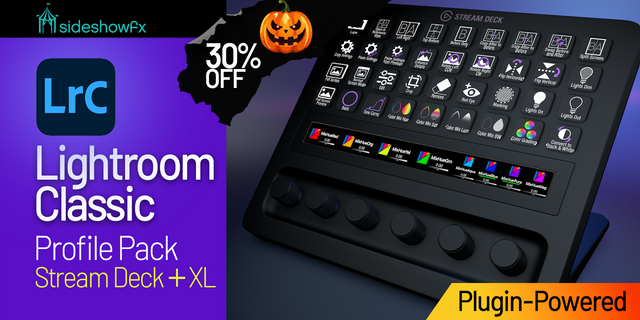
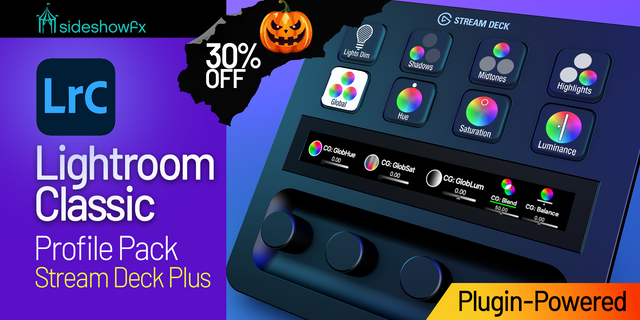
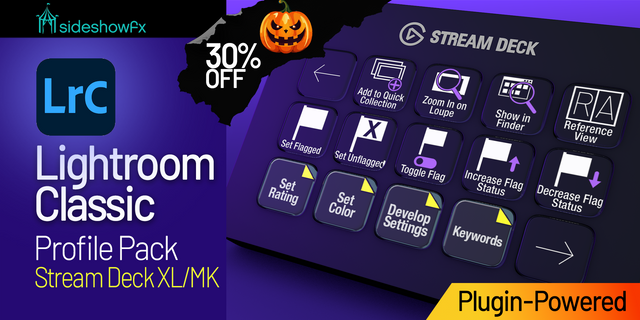
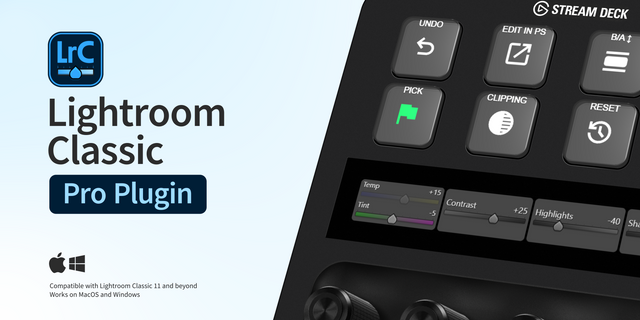
The complete Lightroom Classic keyboard shortcut pack for Stream Deck.
233 shortcuts across 10 categories — organized, scored by importance, and ready to install on Stream Deck Classic / MK.2, XL. Stop memorizing key combos. One tap, one action.
What's included:
• Develop (73): Cycle Crop Overlay, Create a new preset, Edit in Photoshop, Loupe / 1:1 Zoom, Slider Down (Fine), and 68 more • Rating & Flags (29): 1 Star, 2 Stars, 3 Stars, 4 Stars, 5 Stars, and 24 more • Files & Catalog (29): Import photos from disk, Open catalog, Open Preferences, Open Catalog Settings, Create new subfolder, and 24 more • Panels (25): Show/hide side panels, Show/hide all panels, Show/hide toolbar, Show/hide Picker, Show/hide Filmstrip, and 20 more • Keywords (22): Add keywords, Edit keywords, Set a keyword shortcut, Toggle Keyword Shortcut, Enable painting, and 17 more • Library (20): Switch to Loupe view, Switch to Grid view, Switch to Compare view, Switch to Survey view, Toggle Zoom view, and 15 more • View (16): Open selected photo, Lights Out Forward, Lights Out Backward, Toggle Lights Dim mode, Cycle screen modes, and 11 more • Modules (10): Go to Library, Go to Develop, Go to Map, Go to Book, Go to Slideshow, and 5 more • Collections (6): Add to Quick Collection, Quick Collection + Next, Show Quick Collection, Save Quick Collection, Clear Quick Collection, and 1 more • Help (3): Lightroom Shortcuts, Lightroom Help, Lightroom Tutorials
Features: • 230 Lightroom Classic shortcuts in 9 folders — Develop (73), Rating & Flags (29), Files & Catalog (29), Panels (25), Keywords (22), Library (20), View (16), Modules (10), Collections (6) • The full culling set on dedicated keys: 1–5 stars, the four colour labels, pick, reject and unflag — each with its own 'and go to next photo' twin • Every Develop tool one press away — White Balance, Crop, Spot Removal, Adjustment Brush, Graduated and Radial filters, Masking and the four Targeted Adjustment tools • Panel keys for all sixteen slots, left and right, so the panel you want opens without a scroll • Smart Profile auto-switch — bound to Lightroom Classic on macOS and Windows, no manual setup • Three icon themes (Dark · Plain · Brand) on all 8 devices, Mini through GALLEON 100 SD
Install: double-click any .streamDeckProfile to import. The App binding is pre-filled to Lightroom Classic — auto-activates on focus. If it didn't pre-fill, set it manually under Stream Deck → Preferences → Profiles → App.
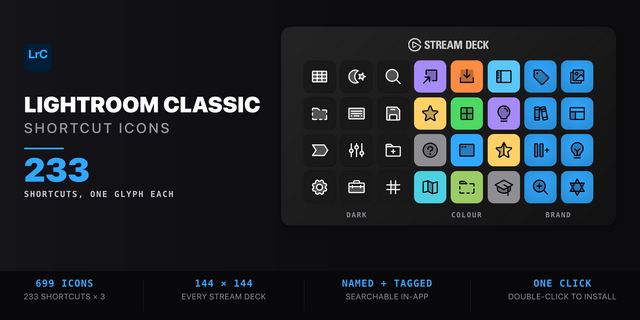
Also included: the 699-icon Lightroom Classic icon pack (233 icons in 3 finishes), as a .streamDeckIconPack you can install with a double-click. Every key in this profile, available to drop on any action you like.
Try it first: press the keys of this profile in your browser, no install — https://streamdeck.adx.cool/try/lightroom-classic/
Learn more about Lightroom Classic: https://www.adobe.com/products/photoshop-lightroom-classic.html
v1.0 — Every shortcut read from Adobe's own Lightroom Classic reference and verified through the builder's key encoder on both operating systems.
Directional pairs and digit ranges are expanded into real keys, so '1 - 5 Set star rating' ships as five keys rather than one.
Version 1
Sep 21, 2026
Details
Type
Creative Tools
Productivity
Device
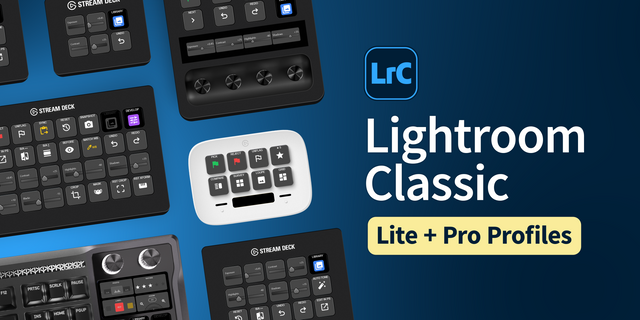
Stream Deck MK
Stream Deck XL
OS
macOS
Windows
Compatibility
Stream Deck 6.4 or later
Size
18.8 MB
Version
1
Language
English
Support
Icons
Yes
Additional links
You might also like