Utilities
Lock Key Status
by Louis Xii
Overview
Lock Key Status adds clear Caps Lock, Num Lock, and Scroll Lock indicators to the dial and touchscreen area of compatible Stream Deck devices.
The plugin continuously checks the current Windows lock-key states and displays each key as either ON or OFF. Status changes appear automatically whenever Caps Lock, Num Lock, or Scroll Lock is pressed, so no manual refresh or interaction is required.
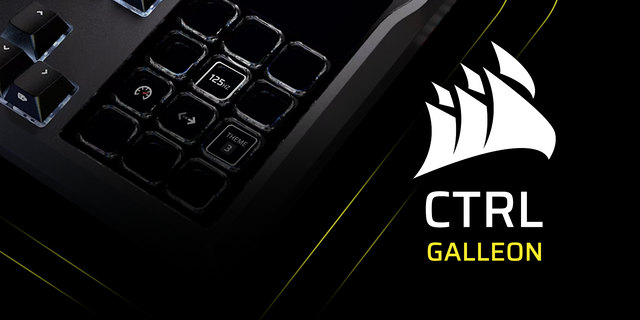
This is especially useful for Corsair Galleon users because the keyboard does not include traditional built-in lock indicator lights. By placing Lock Key Status in the Galleon touchscreen area, users can quickly confirm the state of all three lock keys without leaving their current App, game, or workspace.
Features
Real-time Caps Lock, Num Lock, and Scroll Lock status
Displays all three lock keys in one compact action
Clear ON and OFF labels
Custom active, inactive, and background colors
Multiple built-in color presets
Optional separate active colors for each lock key
Automatic settings saving
Designed for Windows 10 and later
Supports Stream Deck devices with dial or touch-strip actions
No additional software, account, or external service required
Setup
Install Lock Key Status from Marketplace.
Open the Stream Deck App.
Locate Lock Key Status in the actions list.
Drag the action into a compatible dial or touch-strip location.
Select the action to customize its colors.
The physical dial controls are intentionally unused. The action functions as a dedicated status display and updates automatically in the background.
Compatibility
Lock Key Status is a Windows-only plugin. A compatible Stream Deck device and Stream Deck App version 7.1 or later are required.
Release notes — Version 1.2.1
Initial Marketplace release of Lock Key Status by Louis XII.
Displays Caps Lock, Num Lock, and Scroll Lock status at a glance
Designed for the Galleon touchscreen, which does not include built-in lock-key indicators
Shows clear ON and OFF states in one compact widget
Includes multiple color presets
Supports custom active, inactive, and background colors
Allows separate active colors for Caps Lock, Num Lock, and Scroll Lock
Updates automatically in real time
Windows 10 and later support
Version 1.2.1
Aug 11, 2026
Details
Type
Utilities
OS
Windows
Compatibility
Stream Deck 7.1 or later
Size
30.3 KB
Version
1.2.1
Language
English
Support
Profiles
No
Dial support
Yes
You might also like