Gaming
Lucky Reels
by Gladkov Egor
Overview
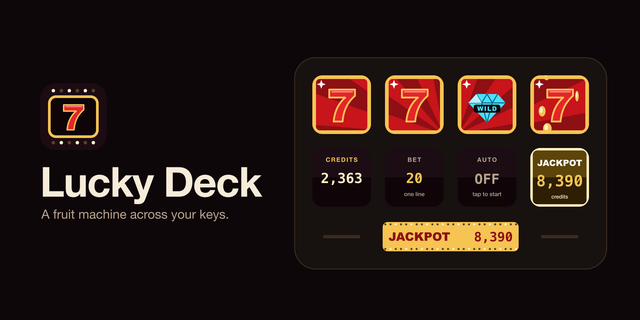
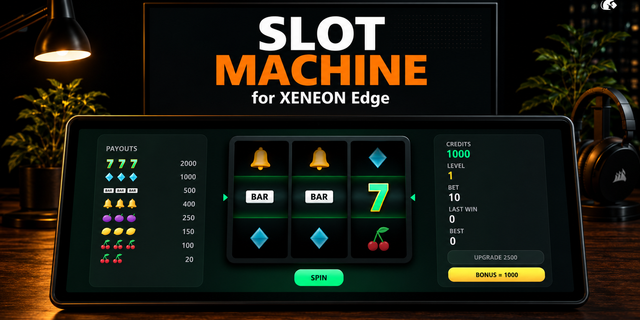
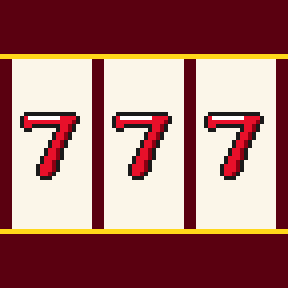
Lucky Reels turns your whole Stream Deck into a retro fruit machine. Key columns spin as reels of cherries, lemons, bells, BARs and sevens, the bottom row holds SPIN, BET, AUTO and an LED credit display. Play credits only: no real money, nothing to buy.
How it plays
Tap SPIN or any reel to spin, tap again to stop all reels at once.
Five paylines on Stream Deck XL and + XL, lines light up when they win and the credits count up.
Two sevens on a line keep the last reels spinning a little longer. Five sevens hit the jackpot and coins rain across every key.
The keys beside the reels show the pay table with chasing lights; the top-left key exits.
On Stream Deck + and + XL the first dial sets the bet, the others are the lever: turn right to spin. The touch strip shows credits, bet and the last win.
Out of credits? SPIN turns into COIN and hands you another 1000.
Setup
Ready-made profiles for Stream Deck XL, + XL, +, MK.2, Neo and Mini install with the plugin. Put the Start Lucky Reels key on any page to open the machine; hold any key for a second or press EXIT to return to your previous profile. It can also start by itself after the computer has been idle, off by default.
Requirements: Stream Deck 6.9 or later, Windows 10+ or macOS 12+.
Ready-made profile for the Corsair Galleon 100 SD keyboard: three reels on its 12 keys, five paylines, bet and lever on the two dials, credits on the screen.
Version 1.0.1
Oct 9, 2026
Details
Type
Gaming
OS
Mac
Windows
Compatibility
Stream Deck 6.9 or later
Size
139.4 KB
Version
1.0.1
Language
English
Support
Neo Infobar support
No
Dial support
Yes
Profiles
Yes
You might also like