Utilities

Mac Clipboard Manager

Overview

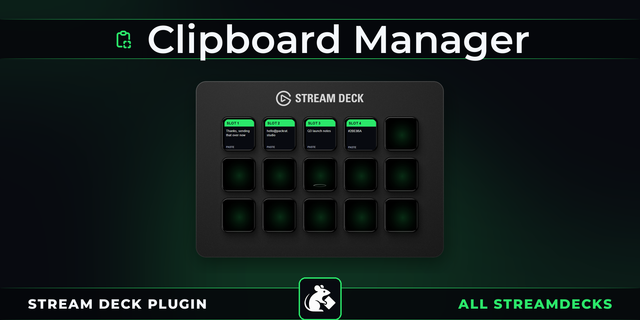
Store and recall multiple clipboard items from your Elgato Stream Deck. Each key is a clipboard slot that captures text, rich text, or images — press to capture, press again to paste, with a live preview right on the key.

Your clipboard can only hold one thing at a time. Mac Clipboard Manager gives you as many clipboard slots as you have Stream Deck keys.

Copy something — text, rich text, or an image — press a slot key, and it's stored. The key instantly shows a preview of what you captured and what type it is. Need it again? Press the same key and it's pasted into whatever app you're working in. Long press to clear a slot and start fresh.

Capture an image from Illustrator, a formatted paragraph from Pages, and a code snippet from your editor — all stored on separate keys, all pasteable with a single press. Each slot persists across Stream Deck restarts.

The key icon changes dynamically to show the content type: text lines for plain text, formatted lines for rich text, or a landscape thumbnail for images. You'll always know what's in each slot at a glance.

Added Finder file support — copy files or folders in Finder, capture to a slot, and paste them into Messages, Mail, or any app that accepts file attachments

Improved key title readability — removed emoji prefixes and stripped file extensions for cleaner display on Stream Deck buttons

Detection priority is now: file references → images → rich text → plain text

Fixed Unicode text handling for non-English languages (Korean, Japanese, Chinese, and other Unicode text)

Version 1.3

Aug 17, 2026

Details

Type

Utilities

OS

Mac

Compatibility

Stream Deck 6.9 or later

Size

112.98 KB

Version

1.3

Language

English

Profiles

No

Dial support

No

Additional links

You might also like
  • Clipboard slot
    Clipboard slot app icon

    Clipboard slot

    Your best friend with clipboard text retention needs...

    Free

  • Mac Control Lite
    Mac Control Lite app icon

    Mac Control Lite

    by Kuberstar

    ∙

    Utilities

    One-press control of your Mac, right from Stream Deck. Eject every external drive, put the Mac or the display to sleep, ...

    Free

  • Clipboard Manager
    Clipboard Manager app icon

    Clipboard Manager

    by PackRat 🐀

    ∙

    Productivity

    Clipboard Manager for Stream Deck: your last four copies sit on four keys, each showing a preview of the text it holds, ...

    Free

  • Mac Menu Trigger
    Mac Menu Trigger app icon

    Mac Menu Trigger

    by Schwab Music

    ∙

    Productivity

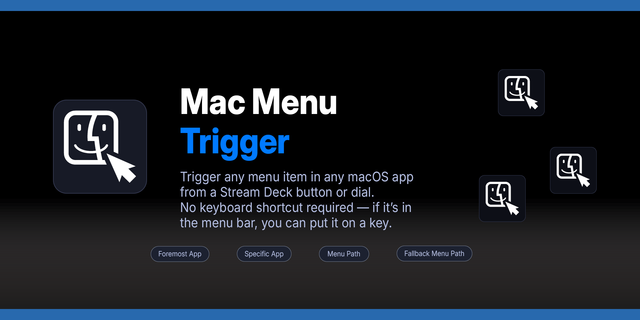
    Mac Menu Trigger gives you instant one-press access to any menu item in any Mac application — no keyboard shortcut requi...

    Free

  • Mac Shortcuts Runner
    Mac Shortcuts Runner app icon

    Mac Shortcuts Runner

    by Schwab Music

    ∙

    Productivity

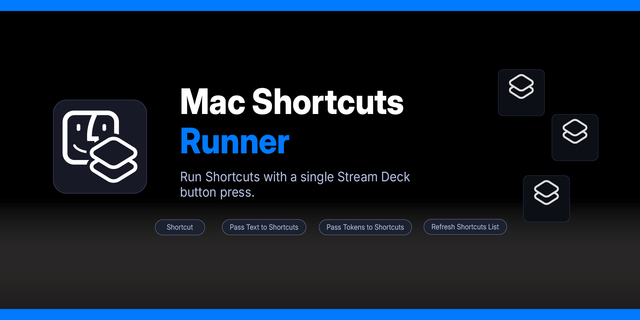
    Run any macOS Shortcut from your Stream Deck with a single press. Supports optional text input, output display on the ke...

    Free

  • Clipboard Manager Pro
    Clipboard Manager Pro app icon

    Clipboard Manager Pro

    by PackRat 🐀

    ∙

    Productivity

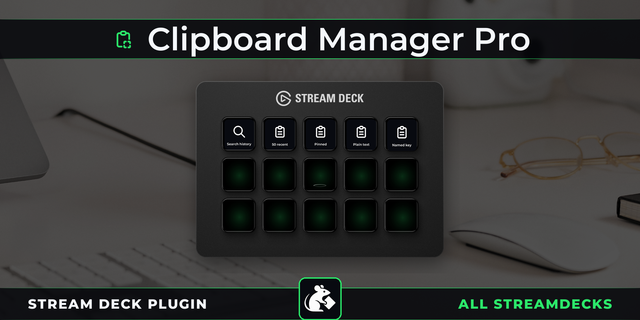
    Clipboard Manager Pro for Stream Deck: search your last 50 copies, pin entries that must stay, name important keys, and ...

    $6.99

  • Mac Window Snapper
    Mac Window Snapper app icon

    Mac Window Snapper

    by Schwab Music

    ∙

    Productivity

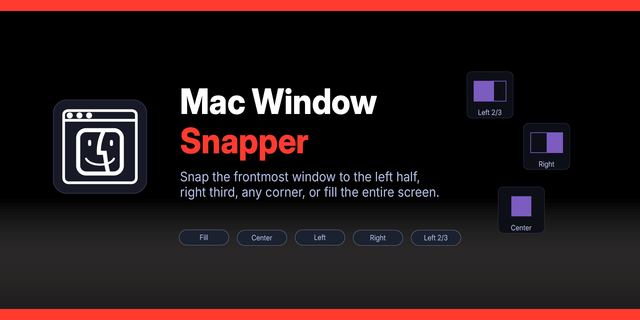
    Snap and tile macOS windows from your Stream Deck. Position the frontmost window to halves, thirds, quarters, or arrange...

    Free

  • Mac-A-Tron
    Mac-A-Tron app icon

    Mac-A-Tron

    by RoboMac

    ∙

    Productivity

    Mac-A-Tron is a Mac-specific (it uses a binary helper) plug-in to extend the Stream Deck into workflows otherwise hard t...

    Free