Productivity
Macro Recorder Key for Windows
by GRAMSHIFT
Overview
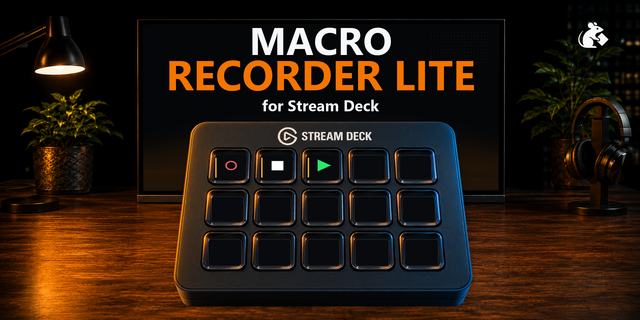
Record your keystrokes and mouse clicks on Windows, then play them back with one Stream Deck key, for repetitive office work such as forms, reports and file handling. The macro stops when you move the mouse or press a key, and lets go of the keys it pressed. No other software to install.
Features
Press to record, press again to stop. Press to play, press again to stop
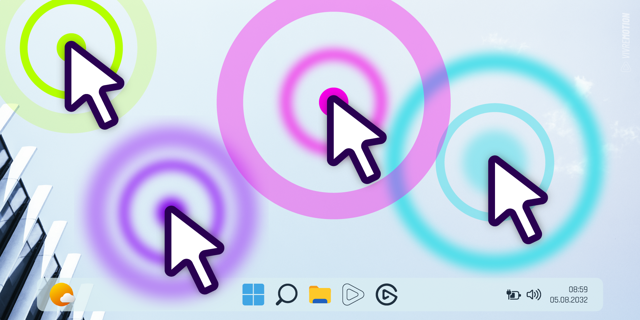
Records keys, mouse clicks and the wheel, and mouse movement if you choose
Speed 0.5x to 4x or no waits, or the same wait after every step
Repeat up to 100 times or until you stop it. The key shows the progress
Check: before each click and key, the plugin checks that the same program is there, and stops before that step if not
Position Window: clicks follow the window when it has moved
A Stop key, four looks (Classic, Neon, Ring, Solid), English and Japanese
Safety
Reads the keyboard and mouse only while a macro records or plays
Input that other programs send is not recorded
Privacy
A recording is saved in the key's settings on your PC, not encrypted, and is not sent anywhere. Do not type passwords while recording.
Requirements
Windows 10 or 11 (tested on Windows 11), Stream Deck 6.9 or later
Check compares programs, not windows
Windows does not let it send input to programs that run as administrator
A different keyboard layout or IME state than when recorded can change what is typed
Idea or bug? Use the Support link. Every message is read.
First release. Record your keystrokes, mouse clicks and the wheel (and mouse movement if you choose) on Windows and play them back with one Stream Deck key. A macro stops when you move the mouse or press a key, and lets go of the keys it pressed. Before each click and key it checks that the same program is there. Speed, repeat, Position Window, a Stop key, four looks, English and Japanese.
Version 1
Oct 12, 2026
Details
Type
Productivity
Utilities
OS
Windows
Compatibility
Stream Deck 6.9 or later
Size
828.07 KB
Version
1
Language
English
Japanese
Support
Profiles
No
Neo Infobar support
No
Dial support
No
Additional links
You might also like