Utilities
Macro X
Overview
There is a sequence you run at your desk most days that you have never written down. Your hands know it, and it looks nothing like anybody else's.
Macro X turns that sequence into one key, however many steps yours takes.
What one key can do
Launch apps, files, folders and URLs, or your own scripts: .ps1, .py, .ahk and .bat on Windows, shell, Python and AppleScript on a Mac
Run one of your Apple Shortcuts, on a Mac
Send any hotkey, modifiers included
Type out text, addresses, commands, whole replies
Move the mouse and click
Focus, minimise, maximise or close a window
Wait for a set time, or until a program is properly open
Hold a key down for as long as you need, then let go
Click by itself, at the rate you set, until you press the key again
Stop and ask you something, then carry on where it left off
Write live text onto the key while it runs
Play a chime when it finishes, or when it fails
Hand a step to Claude Code in plain English, if you already have it
Put the steps in the order you actually do them, then press once.
Long macros do not have to be fragile
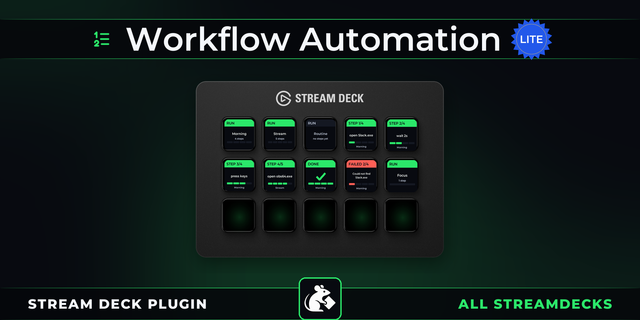
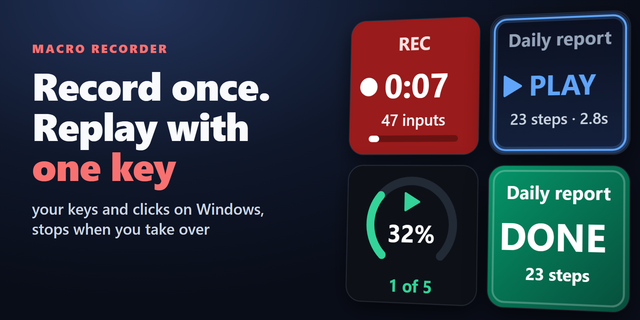
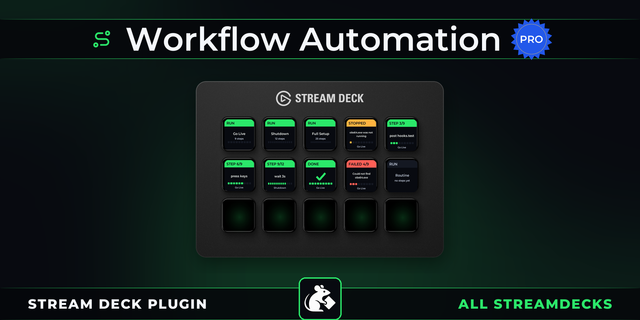
Macro X waits until an app is properly open before it moves on, instead of guessing a delay and hoping. A progress bar while it runs. A green tick when every step lands. A red cross naming the exact step that stopped.
Then make the key yours
Your own image, zoomed up to 300%. Your colors. Animated GIF faces. Several states on one key. An entirely different routine on press and hold.
Share it as text
Every macro is also a few lines of plain text, and the same text runs on Windows and on a Mac, where ctrl becomes Cmd on its own. Copy one, paste one, post one, or text one to a friend. Twenty-four are ready the moment you install it, and a free library lives on our GitHub.
Macro X is free. No locked features, no trial timer, and nothing inside it trying to sell you something.
Macro X is also part of Firedies Complete: all seven Firedies plugins in one, with the same features as each on its own. Until 30 November, Complete is 20% off with code FIREDIES20.
Windows 10 or later, and macOS 13 or later.
Macro X 1.1.1
Show desktop works again on newer versions of macOS. On a Mac it now hides every app, and the next press brings them all back with the app you were using in front. Windows is unchanged.
Version 1.1.1
Oct 27, 2026
Details
Type
Utilities
OS
Mac
Windows
Compatibility
Stream Deck 6.9 or later
Size
26.61 MB
Version
1.1.1
Language
English
Support
Neo Infobar support
No
Profiles
No
Dial support
Yes
Additional links
You might also like