Gaming
Marathon OBS Profile and Stream Deck Icons
by StreamSpell
Overview
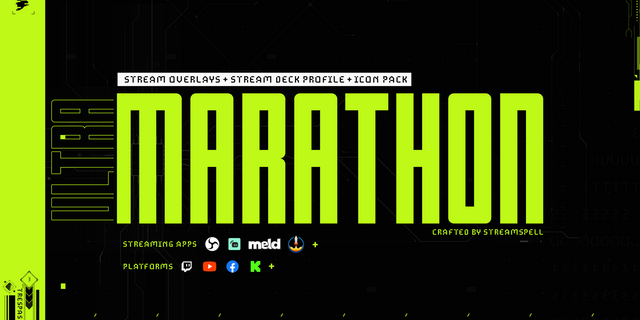
500+ Marathon Stream Deck Icons + OBS Studio Stream Deck Profile
Level up your stream control with ULTRAMARATHON, a Marathon-themed Stream Deck icon pack plus a ready-to-use OBS Studio Stream Deck profile, inspired by Bungie’s new shooter MARATHON. Go live with one button press, switch scenes instantly, and run your entire broadcast without digging through menus or hotkeys.
Designed for speed, clarity, and a sleek sci-fi interface that looks cohesive on every key.
What’s Included
500+ Marathon Stream Deck icons (including gaming, productivity, media and more icon categories)
OBS Studio Stream Deck Profile (import-ready)
Supported devices: Stream Deck Neo, Mini, MK, SD+, XL and Galleon 100 SD.
A clean button layout built around real streaming actions
One-Press Stream Controls
Start Streaming / Go Live
Scene switching (Starting, BRB, Gameplay, Ending, and more)
Mute mic and quick audio control
Hide/show sources (webcam, overlays, alerts, lower-thirds)
Save replays and trigger highlight moments
Play/pause media plus music controls
Extra utility actions for faster streaming workflows
Built for Streamers Who Want Zero Setup Pain
A cohesive icon system that makes your Stream Deck look premium and consistent
The included profile gets you functional fast, with minimal remapping
Optimized for everyday streaming workflows, not filler buttons
Quick Setup
Import the Stream Deck Profile into the Stream Deck app
Add the included icons
Map any personal inputs (your scenes, sources, audio devices)
Press your go-live key and start streaming
Get the ULTRAMARATHON Marathon Stream Deck Icons and OBS Studio Profile by StreamSpell and run your stream like a cockpit.
Product download updated and reorganized.
Version 1.2
Mar 10, 2026
Details
Type
Gaming
Productivity
Streaming
Device
GALLEON 100 SD
Stream Deck +
Stream Deck Mini
Stream Deck MK
Stream Deck Neo
Stream Deck XL
OS
Windows
Size
491.59 MB
Version
1.2
Support
Icons
Yes
Additional links
You might also like