Audio
Media Controller
by Sonky
Overview
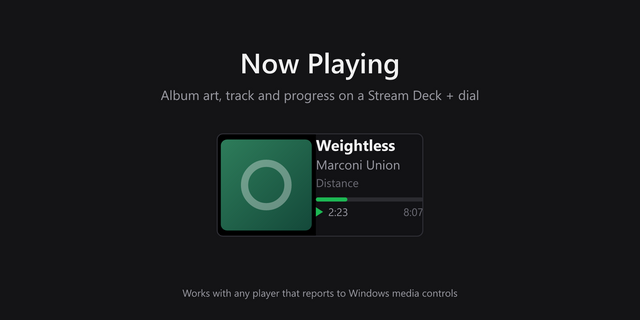
Shows the track playing on your Mac and controls it from a Stream Deck + dial or from keys. It reads the macOS Now Playing session instead of a single app, so it follows any player that appears there, including YouTube Music in a browser or as a web app.
Actions
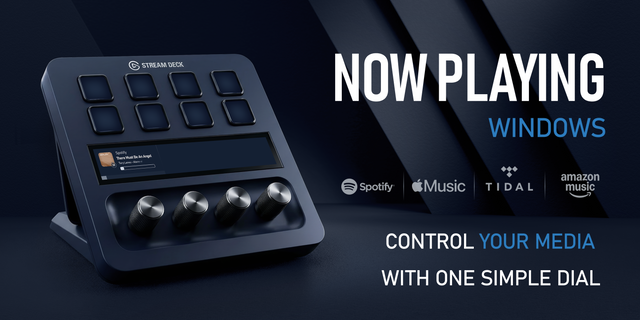
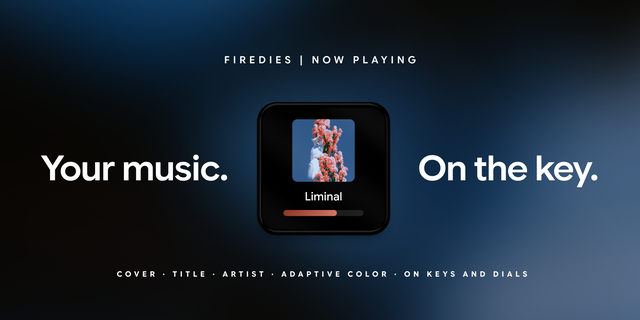
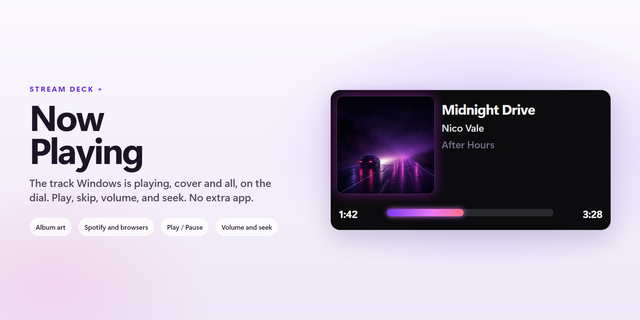
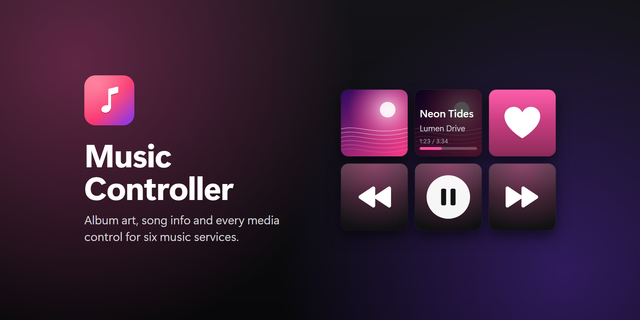
- Now Playing (dial or key). On a dial, the touch strip shows the album art with title, artist and album; rotate for the next or previous track (or switch rotation to system volume in the action settings), press or tap to play or pause. On a key, the album art becomes the key image with the track title under it; press to play or pause.
- Next Track and Previous Track (keys). One press each.
On a Stream Deck without dials, place Now Playing, Next Track and Previous Track side by side.
Requirements
- macOS 12 or later, Stream Deck app 7.1 or later
Notes
- Commands go to whichever app macOS treats as the current Now Playing session. You cannot pick a specific app.
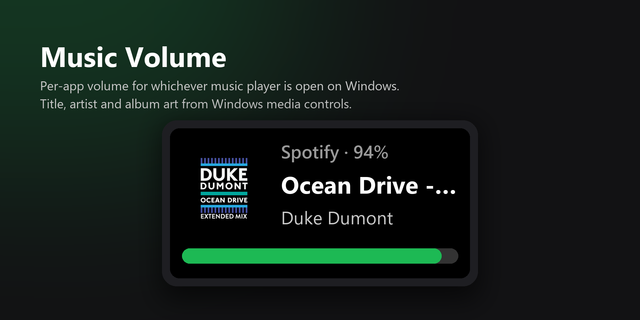
- Volume mode sets the system output volume, not the player's. Outputs without software volume, such as some HDMI monitors, only show a warning.
- The play/pause icon does not change with the playback state.
- With nothing playing, the action shows "Nothing playing".
- English and Korean, following the Stream Deck app language.
Since macOS 15.4, apps cannot read Now Playing information directly. The plugin gets it through ungive/mediaremote-adapter (BSD 3-Clause), which runs on the system's /usr/bin/perl. The license is included in the plugin.
First release. Now Playing for dials and keys, with dial rotation set to change tracks or system volume, plus Next Track and Previous Track keys.
Version 1
Oct 9, 2026
Details
Type
Audio
OS
Mac
Compatibility
Stream Deck 7.1 or later
Size
462.71 KB
Version
1
Language
Korean
Support
Profiles
No
Neo Infobar support
No
Dial support
Yes
Additional links
You might also like
-thumbnail-optimized-a74b6d6f-1886-4379-9f95-d19441860884.png)
-app-icon-optimized-7171bf4e-2e32-4875-b94d-30578d9bb4df.png)