Audio
Media Controls
by Neko7sora
Overview
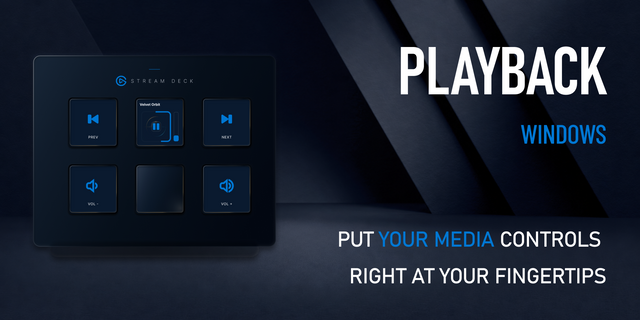
Control Windows media playback and volume from Stream Deck. See available album artwork, track titles and artists on your keys, and use Stream Deck + dials for volume or seeking. Choose playback and audio targets separately for supported Windows apps.
Includes play/pause, previous track, next track, stop, mute, volume keys, Volume Dial and Now Playing actions. Customize visible information and text scrolling per action. English and Japanese interfaces are included.
Requires Windows 11 or later (x64), and Stream Deck 7.1 or later. Dial actions require Stream Deck +. macOS is not supported. Information and controls depend on what each app exposes through Windows media APIs.
Optional Chrome integration requires Chrome 111 or later, installing the companion extension from the Chrome Web Store, registering the local bridge and enabling sending in its settings. Browser playback control requires an accessible HTML media element; direct previous/next track control is unavailable. No account is required; media information is processed locally. Artwork requests may contact the source website or image host.
AI assistance was used in plugin development, review, listing text and supporting media code. Supporting images use plugin assets and code-rendered previews with fictional sample media.
Patch release.
Fixed a missed seek step when turning a Stream Deck + dial repeatedly.
Chrome integration now authenticates the local bridge over HTTPS using a per-user certificate.
Version 1.0.1
Nov 3, 2026
Details
Type
Audio
Music
Utilities
Video
OS
Windows
Compatibility
Stream Deck 7.1 or later
Size
8.84 MB
Version
1.0.1
Language
English
Japanese
Support
Neo Infobar support
No
Profiles
No
Dial support
Yes
Additional links
You might also like