Monitoring
Metrics
Overview
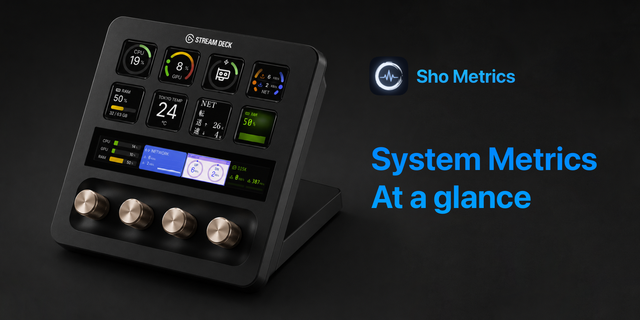
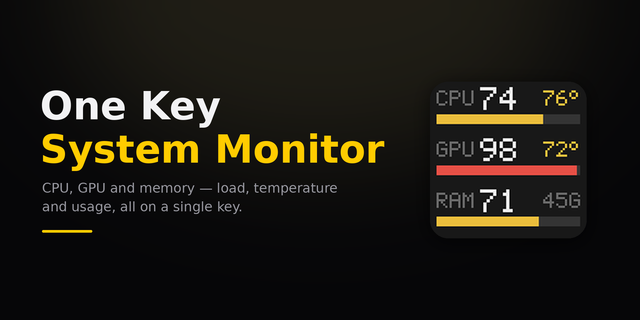
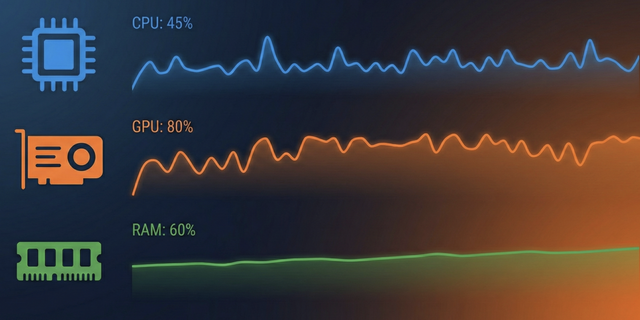
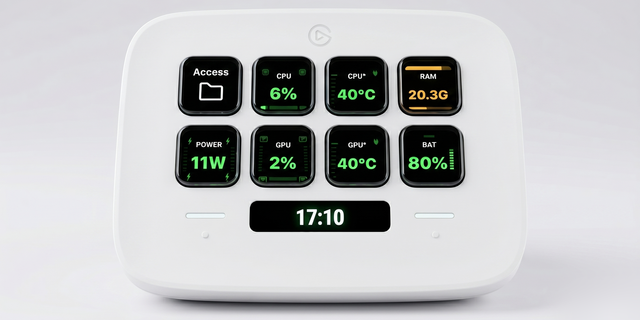
CPU, RAM, GPU, VRAM and disk, live on your keys.
You only look at your machine’s numbers once something has already gone wrong.
Metrics keeps five instruments running on your desk, always up to date.
You don't go and look. You've already seen.
What each key shows
CPU: live processor load, the same number Task Manager shows you on Windows
RAM: memory in use, in gigabytes or as a share of the whole
GPU: graphics load, for Intel, AMD and NVIDIA alike, and Apple silicon on a Mac
VRAM: video memory in use, against your card's own total (GPU MEM on a Mac, where graphics and processor share one pool)
Disk: how hard your drives are working, or how full they are
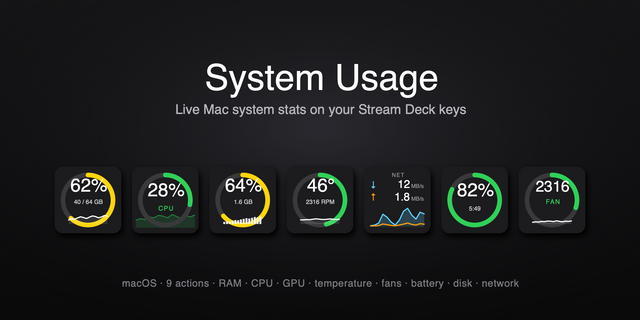
Color carries the reading
Calm green at rest, warming through amber, red under load, and a glow when a meter is pegged. Every threshold and every color is yours to change. Four styles per face: a color bar, monochrome, a clean number, or a live graph of the last fifteen seconds.
Press it
On RAM, VRAM and Disk a tap flips the unit, and a hold opens Task Manager, Resource Monitor or the drive itself, whichever you would rather. On a Mac, it's Activity Monitor, Finder, System Settings or System Information.
It asks nothing of the machine it measures
No drivers, no administrator prompt, no account, no background service. It reads what Windows or macOS already reports, and all five meters share a single reading, so ten of them cost no more than one.
Metrics is free.
Metrics is also part of Firedies Complete: all seven Firedies plugins in one, with the same features as each on its own. Until 30 November, Complete is 20% off with code FIREDIES20.
Windows 10 or later, and macOS 13 or later.
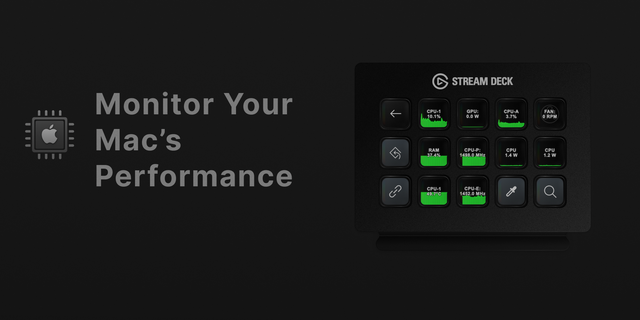
Metrics now runs on macOS as well as Windows.
New in 1.1.0
macOS 13 or later, alongside Windows 10 or later
CPU, RAM, GPU, GPU MEM and Disk on a Mac, read from what macOS already reports, with no driver and no administrator prompt
RAM on a Mac is counted the way Activity Monitor counts Memory Used, so cached files do not show as in use
The VRAM meter is labeled GPU MEM on a Mac, because on Apple silicon the graphics share one pool of memory with the processor
A press or hold can open Activity Monitor, Finder, System Settings or System Information on a Mac
On a Mac, Disk reads all disks together; choosing a single drive is Windows only for now.
Windows readings are unchanged. Metrics remains free.
Version 1.1
Oct 9, 2026
Details
Type
Monitoring
OS
Mac
Windows
Compatibility
Stream Deck 6.9 or later
Size
21.15 MB
Version
1.1
Language
English
Support
Neo Infobar support
No
Profiles
No
Dial support
Yes
Additional links
You might also like