Audio
Mic Drop
Overview
Mute your mic(s) in a flash with Mic Drop!
Mic Drop is a macOS app to mute and unmute yourself using a keyboard shortcut or menubar control. Thousands of people use it every day to keep them quiet in meetings, podcasts, and even magic shows!
What you can expect from our Stream Deck plugin:
a toggle key that toggles mute & displays your current mic state
a key that always mutes your mic
a key that always unmutes your mic
a collection of icons to choose from for every key
super responsiveness: mute Mic Drop on your Mac and the Stream Deck icon changes immediately
the same personal support and attention to detail you expect from Mic Drop
What you can expect from Mic Drop:
Push-to-talk
Custom keyboard shortcuts
Audio & visual notifications
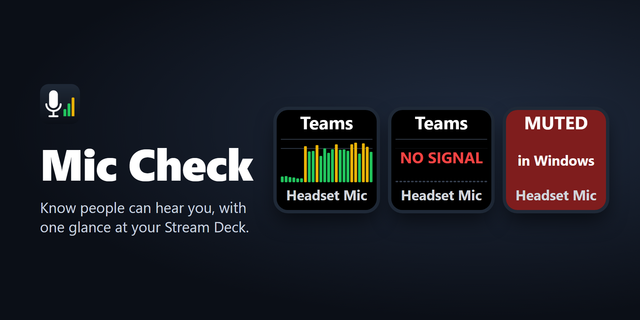
Mic Check: a floating, resizable window that shows your current mute state
Quick device switching
Device warnings & per-device controls
Customisable menu bar controls
AppleScript automations
Friendly support
How to use this plugin:
Install Mic Drop from the Mac App Store.
Configure Mic Drop to your liking.
Install the Stream Deck plugin.
Enjoy!
We hope you love Mic Drop! If you have any questions or issues, please drop us a line.
Updated to support the latest versions of the Stream Deck software and SDK, along with performance improvements.
This version of the Stream Deck plugin requires the latest version of Mic Drop: 3.2.0, available from the Mac App Store.
Version 3.2
Nov 2, 2026
Details
Type
Audio
Utilities
OS
Mac
Compatibility
Stream Deck 6.9 or later
Size
334.79 KB
Version
3.2
Language
English
Support
Profiles
No
Dial support
No
Neo Infobar support
No
Additional links
You might also like