Audio
MIDI Commander
Overview
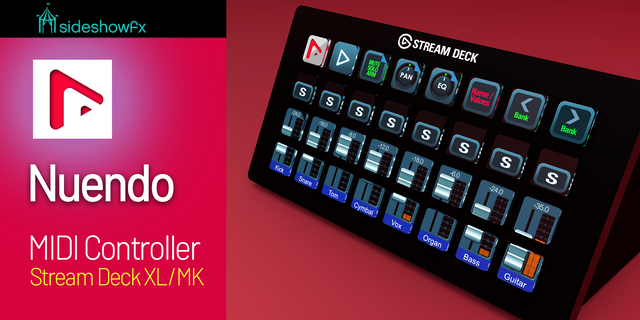
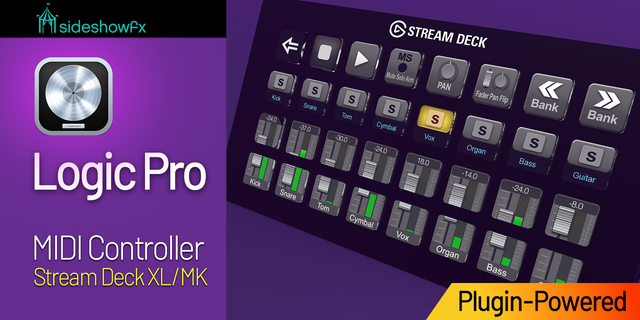
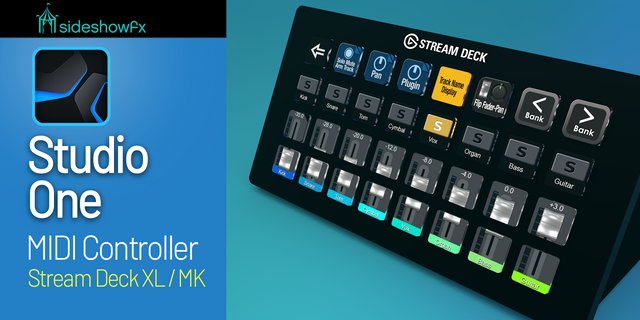
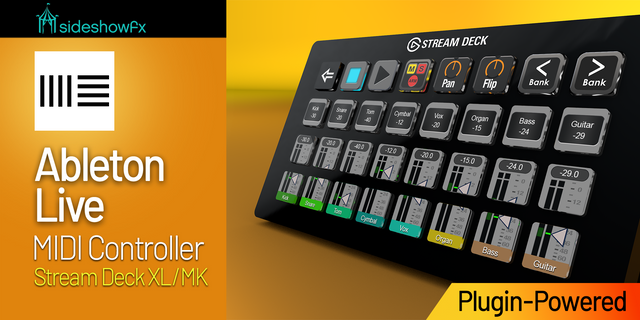
MIDI Commander turns your Stream Deck into a MIDI control surface. Send Note On/Off, Control Change, Program Change, and MMC transport commands to any DAW, synth, lighting desk, or MIDI-capable app on your computer, and let incoming MIDI drive your key states in return.
Five actions are included:
Send Note — Note On/Off, momentary (on while held) or toggle.
Send CC — one fixed value, or toggle between two (127/0 for mutes).
CC Dial — sweep 0–127 on a Stream Deck + dial with a live value bar on the touchscreen; press to send a second CC.
Program Change — switch patches or presets, with optional Bank Select MSB/LSB sent first.
Transport (MMC) — Play, Stop, Pause, Record punch in/out, Rewind, Fast Forward, Deferred Play.
How it works: drop an action on a key or dial, then pick a MIDI output port, channel, and value. The port list is read live from your machine, so hardware and virtual ports appear as soon as they connect. Switch on Feedback and the key mirrors incoming MIDI — a mute lights up when your DAW says it is muted, not only when you press it.
On macOS the plugin publishes its own “MIDI Commander Out” and “MIDI Commander In” virtual ports, so you can route MIDI to other apps with no extra software. On Windows, pair it with loopMIDI.
Requirements: Stream Deck 7.1 or later, macOS 12+ or Windows 10+. Works with Stream Deck keys and Stream Deck + dials.
CC Dial now shows you when a press lands, even when the gear on the other end doesn’t report anything back.
New: a highlight on the touchscreen while a press is active. Switch on Press: Indicator and the touchscreen lights up for as long as the press value is in force, so a press that cuts a fader to silence is obvious at a glance. It clears the moment you turn the dial. Give it your own label (like CUT) and color, or leave those blank to show the value itself.
New: press to cut, press again to come back. Set Press: Mode to Toggle and the next press returns the dial to exactly the level it was on before — handy for a quick mute and restore on a volume dial. Available when the press targets the dial’s own CC number.
Both are off by default, so dials you’ve already set up behave exactly as before.
Fixed: a half-configured or out-of-range Press CC number no longer sends an unintended Bank Select message on every press. A dial that loses its MIDI port also no longer drifts out of step with the target.
Version 0.4
Oct 26, 2026
Details
Type
Audio
Lighting
Music
Utilities
OS
Mac
Windows
Compatibility
Stream Deck 7.1 or later
Size
863.7 KB
Version
0.4
Language
English
Support
Neo Infobar support
No
Profiles
No
Dial support
Yes
You might also like