Gaming
Minecraft VSD Profile
by PackRat 🐀
Overview
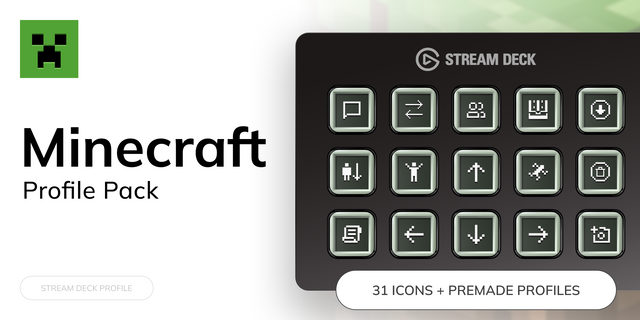
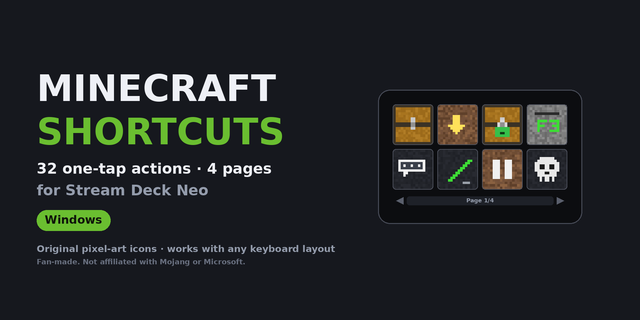
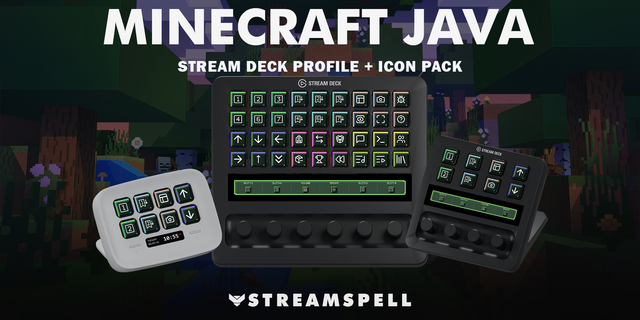
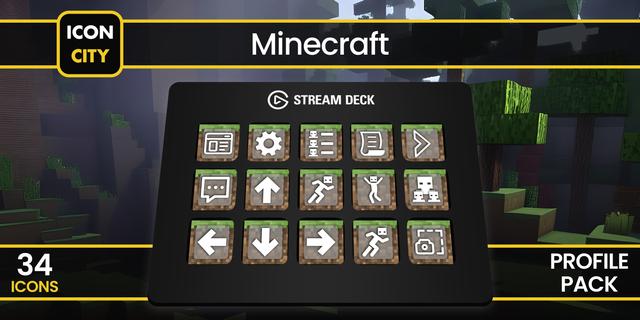
Minecraft Stream Deck profile: auto run, auto swing, inventory, hotbar, chat, debug screen and a wiki reference layer, on Java Edition's own default keybinds.
The Minecraft shortcuts you actually use, on real keys: auto run and auto swing toggles, pick block, inventory, drop, offhand swap, chat, command console, the full 1-9 hotbar, debug screen, screenshots, perspective, fullscreen and advancements, plus wiki and crafting reference links.
Works on Virtual Stream Deck (NIGHTSWORD v2 WIRELESS SD and SCIMITAR ELITE), for Windows and macOS.
*Auto run, auto swing, a full hotbar and debug tools.*
**Auto run and auto swing** - Press once to hold Auto Run or Auto Swing down, press again to release. A toggle, not a macro: no sequences, no chained input.
**Inventory** - Inventory, drop, offhand swap, chat, the command console and pick block.
**Hotbar** - All nine hotbar slots, one tap each, no counting keys.
**Display and debug** - Toggle GUI, screenshot, perspective, fullscreen and the F3 debug screen.
**Reference layer** - One-tap links to the Minecraft Wiki, crafting recipes, the debug-screen field guide and advancements list.
Built for building and exploring, not combat: every key is a single tap or a single toggle of one of Minecraft's own default binds, nothing invented, nothing chained.
---
Part of the Packrat profile collection for Stream Deck. Game decks, streamer decks and editing decks, all on the marketplace at @packrat.
Minecraft, Stream Deck profile, Minecraft shortcuts, Java Edition, crafting
- Inventory, drop, offhand swap, chat and the command console on Java Edition's own default binds.
- The full 1-9 hotbar, one tap per slot.
- Toggle GUI, screenshot, perspective, fullscreen, debug screen and advancements.
- Wiki, crafting recipe, debug-screen guide and advancements-list reference links.
Version 1
Aug 17, 2026
Details
Type
Gaming
Device
NIGHTSWORD v2 WL SD
SCIMITAR ELITE
OS
macOS
Windows
Compatibility
Stream Deck 7.1 or later
Size
114.81 KB
Version
1
Support
Icons
Yes
You might also like