Gaming
Minecraft Shortcuts (Windows)
by Hugo França
Overview
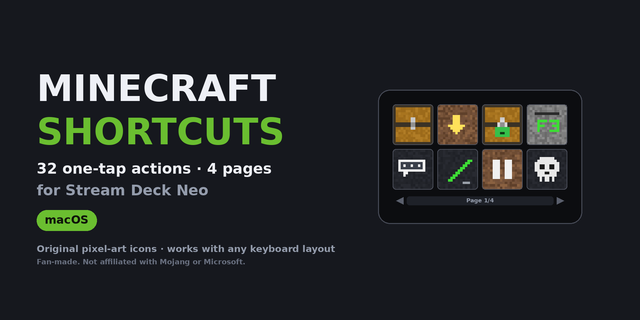
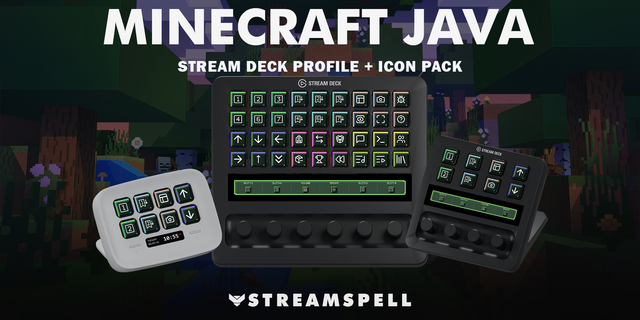
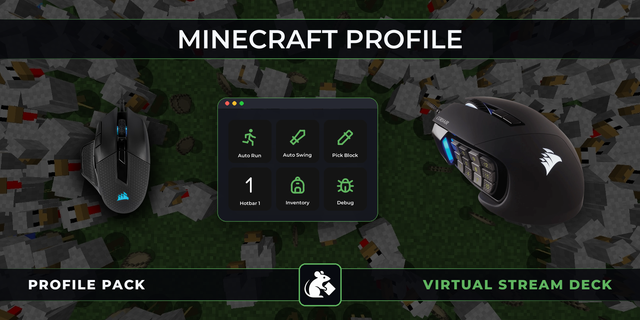
Play Minecraft: Java Edition with 32 one-tap actions for Stream Deck Neo, organized into 4 themed pages you flip through with the Neo's touch points.
PAGE 1 · GAME — Inventory, Drop item, Keep Inventory, Debug screen (F3), Chat, Command "/", Game menu, Respawn.
PAGE 2 · MODES & RULES — Creative, Survival, Adventure, Spectator, Freeze/Resume daylight cycle, Mob griefing off, Set spawn point.
PAGE 3 · TIME & WEATHER — Day, Night, Noon, Midnight, Clear sky, Rain, Thunder, Summon lightning.
PAGE 4 · DIFFICULTY & EXTRAS — Peaceful, Easy, Normal, Show seed, Heal, Feed, Clear effects, Clear inventory.
Command keys open the chat, type the full command and press Enter for you. Commands are typed as text, so the profile works with any keyboard layout (QWERTY, AZERTY, QWERTZ, ...).
Requirements:
Minecraft: Java Edition with default key binds (E, Q, T, F3, Esc)
Command pages require cheats enabled (singleplayer) or operator rights (servers)
Gamerule buttons use the current snake_case names (advance_time, mob_griefing, keep_inventory) introduced in snapshot 25w44a - use an up-to-date game version
If Minecraft runs as administrator, run the Stream Deck app as administrator too
Fan-made profile for use with Minecraft. Not affiliated with, endorsed or sponsored by Mojang or Microsoft.
Initial release. 32 actions across 4 pages (Game, Modes & Rules, Time & Weather, Difficulty & Extras) with original pixel-art icons. Commands verified against current Minecraft: Java Edition snake_case gamerules. Keyboard-layout independent.
Version 1
Aug 13, 2026
Details
Type
Gaming
Device
Stream Deck Neo
OS
Windows
Compatibility
Stream Deck 6.4 or later
Size
42.62 KB
Version
1
Language
English
Support
Dial support
No
AI Content
Yes
Icons
Yes
You might also like