Streaming
Moneo — Scene Switcher
by Moneo
Overview
10 scene pairs (20 icons total). Each scene has two states: a clean grey idle icon for when the scene is inactive, and an amber active icon with a sequential inside-out light-up animation for when it's live. Assign both to a single Stream Deck toggle button and your deck shows your stream's state at a glance.
Included scenes: Starting Soon, BRB, Just Chatting, Game, Full Camera, Screen Share, Intermission, Ending, Alert, and Replay.
Built for streamers: Pair each icon with your OBS scene hotkeys for instant visual feedback on what's live. Crisp line art, dark theme, and a consistent amber accent that looks sharp on any Stream Deck.
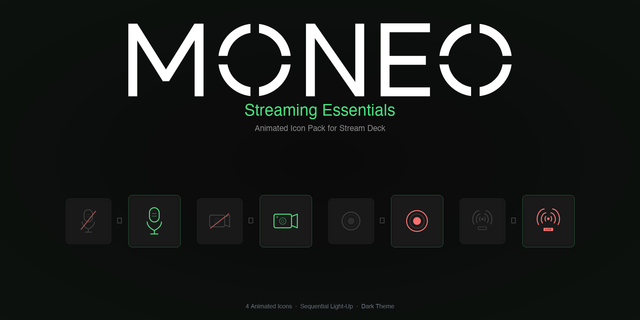
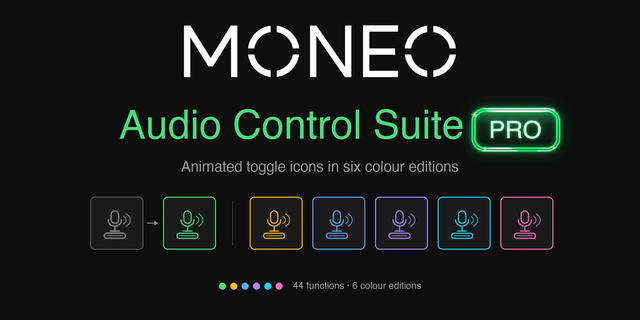
Pairs perfectly with Moneo — Streaming Essentials and Moneo — Audio Controls for a complete, cohesive deck.
Initial release. 10 animated scene-switching toggle pairs (20 icons) for Stream Deck — idle and active states with sequential amber light-up animation. Includes Starting Soon, BRB, Just Chatting, Game, Full Camera, Screen Share, Intermission, Ending, Alert, and Replay.
Version 1
Jun 15, 2026
Details
Type
Streaming
Style
Minimal
Theme
Technology
Color
Orange
Size
1.57 MB
Version
1
Animated
Yes
Language
English
Support
You might also like