Use code BLACKFRIDAY to save 30% on this product. Valid from Nov 16 through Nov 30.

Utilities

Monitor Manager Lite

Overview

Monitor Manager Lite is the free, focused version of Monitor Manager for Windows. It does one everyday job well: control the brightness of one monitor directly from Stream Deck.

Set exact brightness presets, create Brightness Up / Down keys, or use a Stream Deck+ dial for continuous adjustment. External monitors use Windows monitor APIs / DDC where supported, while laptop internal panels use the Windows internal brightness path.

Lite is intentionally simple. It does not include monitor power, refresh-rate switching, resolution, input switching, HDR, orientation, topology, multi-monitor orchestration, or saved Monitor Profiles.

Need the full display control center? Monitor Manager Pro adds those deeper controls plus whole-setup Monitor Profiles.

Starter profiles are included for Standard / MK.2, XL, Stream Deck+, and Virtual Stream Deck.

Windows 10 or newer. Hardware support depends on the connected display and Windows capabilities.

Part of the PackRat ecosystem.

• Improved plugin setup and settings experience

• General usability and reliability improvements

Version 1.1.1

Sep 22, 2026

Details

Type

Utilities

OS

Windows

Compatibility

Stream Deck 7 or later

Size

61.29 KB

Version

1.1.1

Language

English

Profiles

Yes

Dial support

Yes

You might also like
  • Monitor Manager Pro
    Monitor Manager Pro app icon

    Monitor Manager Pro

    by PackRat 🐀

    ∙

    Utilities

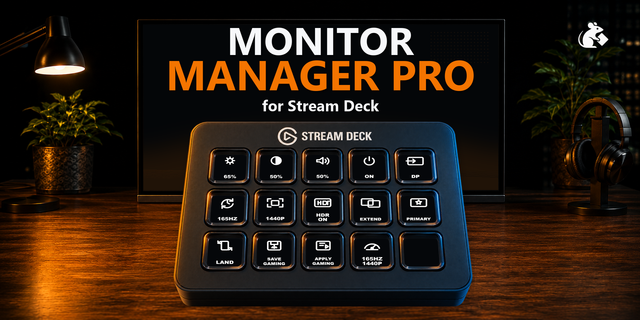
    Monitor Manager Pro is a Windows monitor manager and display manager built around one goal: control your whole monitor s...

    $9.99

    Discount eligible
  • Just Monitor Control
    Just Monitor Control app icon

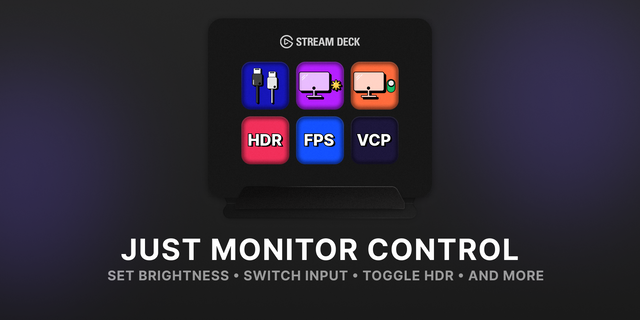
    Just Monitor Control

    No more fumbling with monitor buttons or digging through Windows display settings for a simple tweak. Adjust brightness,...

    Free

  • Monitor Input Switcher
    Monitor Input Switcher app icon

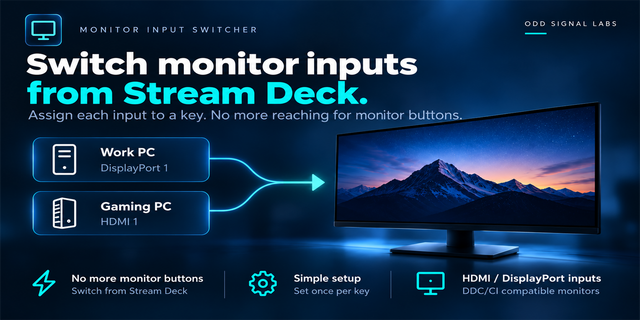
    Monitor Input Switcher

    by Odd Signal Labs

    ∙

    Productivity

    Share one monitor between multiple devices? Monitor Input Switcher lets you assign a monitor input to a Stream Deck key ...

    $500.00

  • Monitor Control
    Monitor Control app icon

    Monitor Control

    by same

    ∙

    Utilities

    DDC/CI brightness, contrast, input, color preset, volume, and power across every connected monitor — plus HDR, resolutio...

    $1,500.00

  • Monitor Input Keys for Windows
    Monitor Input Keys for Windows app icon

    Monitor Input Keys for Windows

    by GRAMSHIFT

    ∙

    Productivity

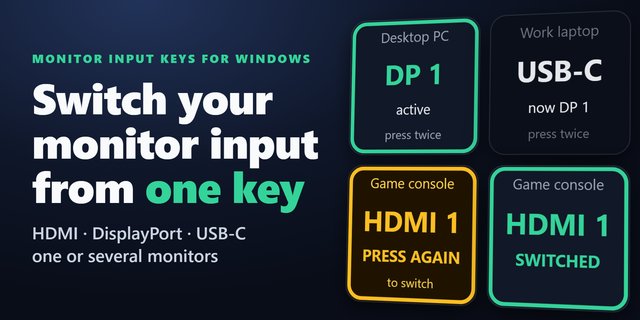
    Put your monitor input switch on a Stream Deck key. Switch input between HDMI, DisplayPort and USB-C from one key instea...

    $500.00

    Discount eligible
  • Multi-Monitor Profiles
    Multi-Monitor Profiles app icon

    Multi-Monitor Profiles

    by Alexa B.

    ∙

    Productivity

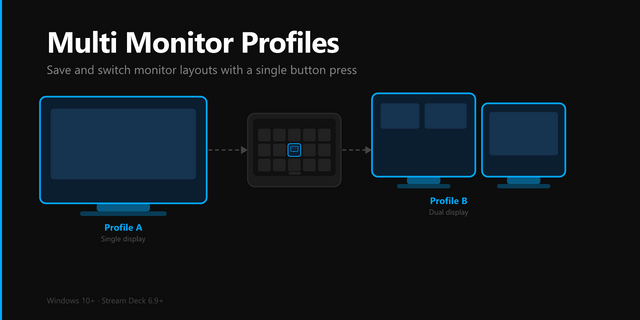
    Save and instantly switch between monitor display profiles. Each profile stores which monitors are enabled or disabled, ...

    $3.99

  • Display Brightness Control
    Display Brightness Control app icon

    Display Brightness Control

    by Raphiiko

    ∙

    Utilities

    Control the brightness of your displays directly from your Stream Deck over DDC/CI (Display Data Channel). Key features:...

    Free

  • Display Layout Switcher
    Display Layout Switcher app icon

    Display Layout Switcher

    by GRAMSHIFT

    ∙

    Gaming

    Change resolution, refresh rate, HDR and your dual monitor or multi-monitor layout from one Stream Deck key on Windows. ...

    $780.00

    Discount eligible