Productivity

Multi-Monitor Profiles

Overview

Save and instantly switch between monitor display profiles. Each profile stores which monitors are enabled or disabled, their exact positions and resolutions, refresh rates, orientation, HDR state and per-monitor scaling. Use Switch Profile to jump to a specific layout, or Toggle Profile to cycle through several with one button. Use auto-generated icons for each profile showing the display config, or import your own.

- Saved monitor orientation, including Portrait (flipped), is retained when you uncheck and recheck a monitor.

- Save Layout no longer turns on or rearranges monitors before capturing. If a selected monitor is inactive, it asks you to enable and arrange it first.

- Incomplete captures retain your previous settings instead of silently saving stale layout data.

- Profile switching checks the restored rotation, resolution and position, and reports a failure if Windows does not restore them correctly.

- Added diagnostic logging to help investigate display blackouts.

Version 1.7.1

Oct 6, 2026

Details

Type

Productivity

Utilities

OS

Windows

Compatibility

Stream Deck 6.9 or later

Size

216.45 KB

Version

1.7.1

Language

English

Neo Infobar support

No

Profiles

No

Dial support

No

You might also like
  • Monitor Input Switcher
    Monitor Input Switcher app icon

    Monitor Input Switcher

    by Odd Signal Labs

    ∙

    Productivity

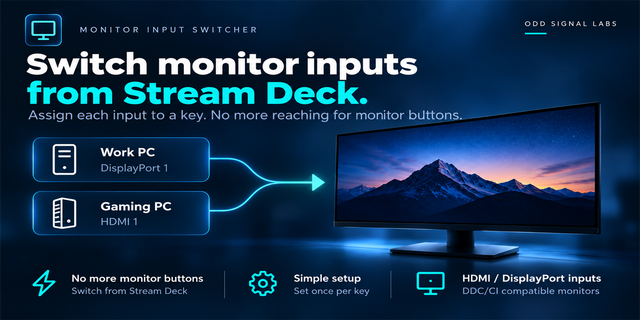
    Share one monitor between multiple devices? Monitor Input Switcher lets you assign a monitor input to a Stream Deck key ...

    $500.00

  • Desk Loadout
    Desk Loadout app icon

    Desk Loadout

    by Mellazure

    ∙

    Business

    Desk Loadout saves your whole desk with one Stream Deck key: open apps, websites with all their tabs, folders, documents...

    $7.99

  • Monitor Input Keys for Windows
    Monitor Input Keys for Windows app icon

    Monitor Input Keys for Windows

    by GRAMSHIFT

    ∙

    Productivity

    Put your monitor input switch on a Stream Deck key. Switch input between HDMI, DisplayPort and USB-C from one key instea...

    $500.00

  • Monitor Manager Pro
    Monitor Manager Pro app icon

    Monitor Manager Pro

    by PackRat 🐀

    ∙

    Utilities

    Monitor Manager Pro is a Windows monitor manager and display manager built around one goal: control your whole monitor s...

    $9.99

  • Display Layout Switcher
    Display Layout Switcher app icon

    Display Layout Switcher

    by GRAMSHIFT

    ∙

    Gaming

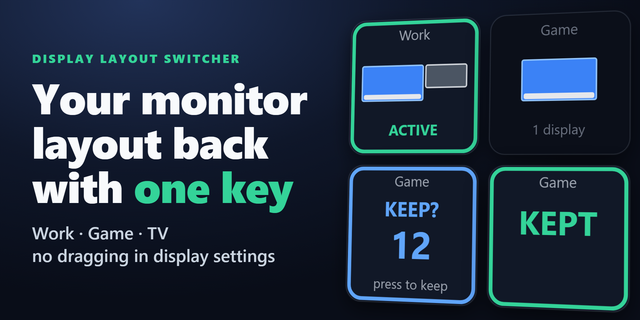
    Switch your dual monitor or multi-monitor layout, change the projection like Windows + P (Win+P), and turn one monitor o...

    $780.00

  • Keep Awake for Windows
    Keep Awake for Windows app icon

    Keep Awake for Windows

    by GRAMSHIFT

    ∙

    Productivity

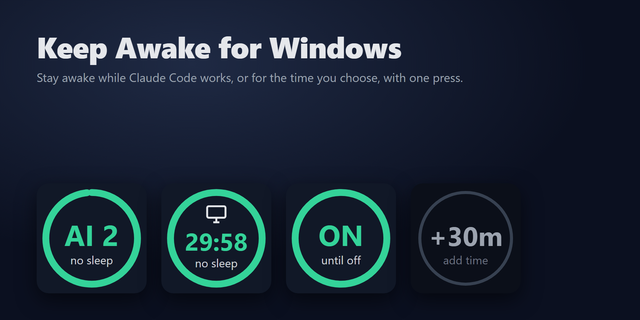
    A Stream Deck plugin that keeps your Windows PC awake while Claude Code is working, then lets it sleep normally. Or pres...

    $480.00

  • Color Picker for Windows
    Color Picker for Windows app icon

    Color Picker for Windows

    by GRAMSHIFT

    ∙

    Artistic

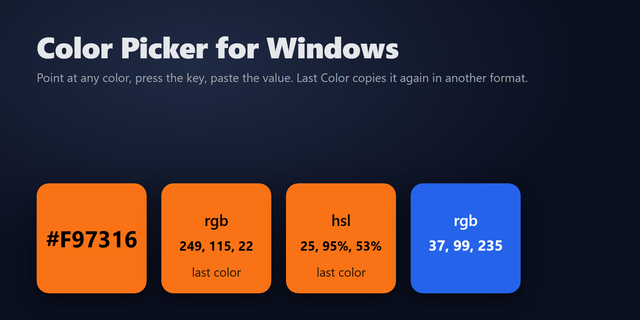
    A one-key color picker for Windows: point your mouse at any pixel on your screen, press the Stream Deck key, and its HEX...

    $550.00

  • Task Scheduler Monitor
    Task Scheduler Monitor app icon

    Task Scheduler Monitor

    by GRAMSHIFT

    ∙

    Monitoring

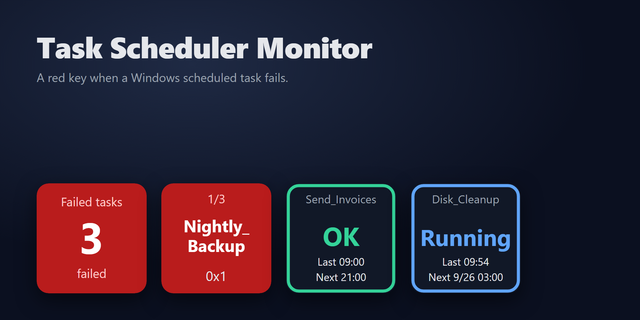
    A Stream Deck key that turns red when a Windows Task Scheduler task fails. It checks your scheduled tasks once a minute ...

    $980.00