Audio

MultiChat

Overview

Control MultiChat.chat from your Elgato Stream Deck. Turn browser text-to-speech on or off and switch MultiChat's viewer eligibility between Guarded and Open.

The TTS key uses MultiChat's mouth logo: green with sound waves when enabled, muted red without waves when disabled. Both keys show the dashboard's confirmed settings and update when you change them on the website.

Add a key and press it to open pairing. Sign in to MultiChat, select Connect, allow local-network access if prompted, and activate browser audio. Keep that dashboard tab open while using the plugin. Stream Deck 7.1 or later and a desktop Chromium browser are required. A MultiChat account is required.

The plugin is free and connects directly to your open dashboard on the same computer, with no additional hosted relay. Guarded controls MultiChat viewer eligibility; it is not Twitch Shield Mode. Open mode still respects blocks and mutes. TTS ON describes the enabled setting; browser audio activation and speaking-detection holds still apply.

Fixes the Connect to MultiChat setup button in Stream Deck. Corrects setup-panel message routing and restores the button after delayed plugin responses. Includes setup instructions and connection status for TTS on/off, Guarded/Open, and Pause while speaking.

Version 0.1.0.6

Sep 24, 2026

Details

Type

Audio

Streaming

OS

Mac

Windows

Compatibility

Stream Deck 7.1 or later

Size

836.95 KB

Version

0.1.0.6

Language

English

Profiles

No

Dial support

No

Neo Infobar support

No

Additional links

You might also like
  • TTS.Monster Companion
    TTS.Monster Companion app icon

    TTS.Monster Companion

    🎙️ Give your TTS full Stream Deck control. ⚠️ Note: This plugin is for Twitch/YouTube streamers, and requires an accoun...

    Free

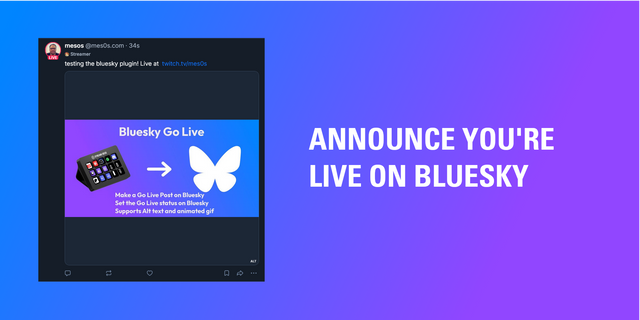
  • BlueSkyGoLive
    BlueSkyGoLive app icon

    BlueSkyGoLive

    by mes0s

    ∙

    Social

    Bluesky Go Live Announce your stream on Bluesky and automatically update your "Go Live" profile status badge with a sing...

    Free

  • Amazing TTS
    Amazing TTS app icon

    Amazing TTS

    by AmazingTTS

    ∙

    Streaming

    Bring control of your AmazingTTS queue onto your Stream Deck, so skipping a bad message, pausing the queue for a moment,...

    Free

  • VConnect
    VConnect app icon

    VConnect

    by Glutarios

    ∙

    Engagement

    Run VConnect nodes directly from your Stream Deck. Select a node from the list Create a custom message for node with par...

    Free

  • StreamWarehouse
    StreamWarehouse app icon

    StreamWarehouse

    by StreamWarehouse

    ∙

    Productivity

    Take control of StreamWarehouse Studio directly from your Stream Deck. The official StreamWarehouse plugin puts your cre...

    Free

  • Voice Puppet
    Voice Puppet app icon

    Voice Puppet

    by VoicePuppet LLC

    ∙

    Engagement

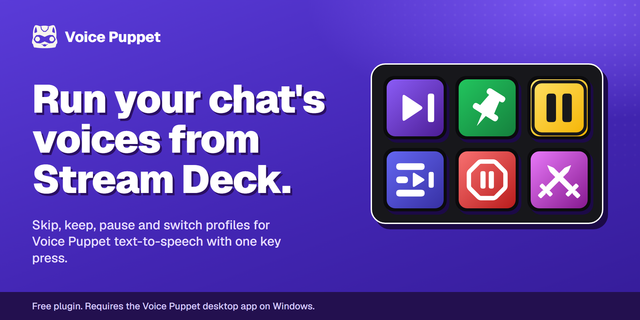
    Control Voice Puppet text-to-speech from your Stream Deck. Skip or keep the message playing on stream, pause the queue, ...

    Free

  • VRC Deck
    VRC Deck app icon

    VRC Deck

    by KONON

    ∙

    Gaming

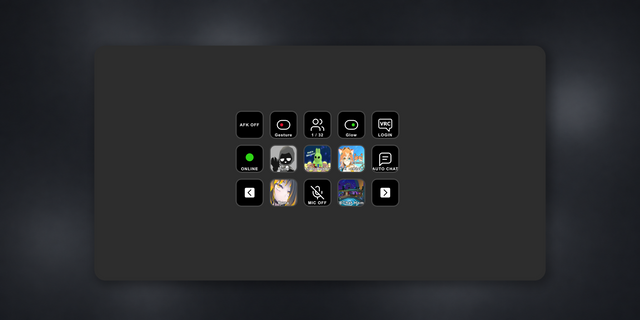
    Control and monitor VRChat directly from your Stream Deck. VRC Deck provides convenient controls for commonly used VRCha...

    Free

  • ControlPlay
    ControlPlay app icon

    ControlPlay

    ControlPlay turns your Elgato Stream Deck into a Twitch soundboard, voice changer and control panel for interactive Twit...

    Free