Audio

Music Volume

Overview

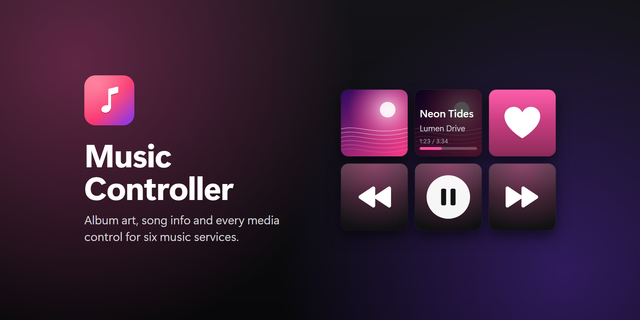
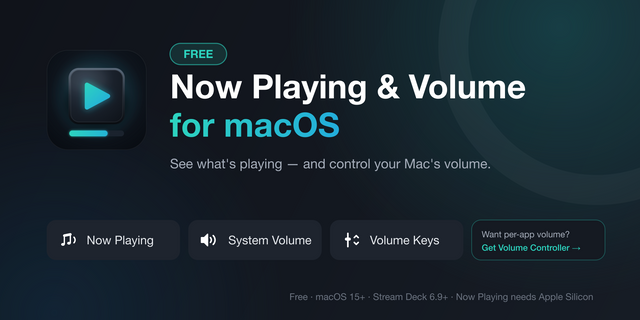
One dial for your music, whatever you are playing it with. Music Volume follows whichever music player is open on Windows and controls that app's volume, not the system mixer, so a quick turn lowers Spotify without touching your game or your call.

Rotate for volume. Press for play/pause. Hold to mute that app only. Tap the touch strip on the left for the previous track and on the right for the next one. The strip shows the title, the artist and the album art Windows reports for the current track, with a volume bar in the player's own colour.

You decide which players count and in what order. Spotify and Deezer are set up out of the box; add any app that has an audio session. The player that is actually playing wins, and the dial stays on the last one that played when everything is paused. Players routed to virtual outputs such as Voicemeeter are found too.

Requirements: Windows 10 or later and a Stream Deck+. No account, no setup. Free and open source.

First Marketplace release. Per-app volume, play/pause, mute and skip for whichever music player is open, with album art and track info on the touch strip.

Version 0.2

Oct 7, 2026

Details

Type

Audio

Music

Utilities

OS

Windows

Compatibility

Stream Deck 6.9 or later

Size

73.86 KB

Version

0.2

Language

English

Support

Profiles

No

Neo Infobar support

No

Dial support

Yes

Additional links

You might also like
  • Media Controller
    Media Controller app icon

    Media Controller

    by Sonky

    ∙

    Audio

    Shows the track playing on your Mac and controls it from a Stream Deck + dial or from keys. It reads the macOS Now Playi...

    Free

  • Now Playing
    Now Playing app icon

    Now Playing

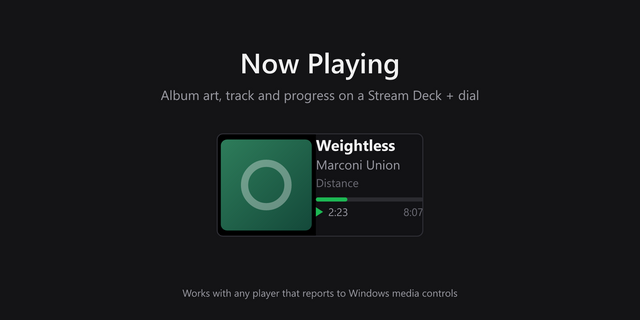
    Turn a Stream Deck + dial into a now playing display. Shows album art, track, artist and album for whatever is playing o...

    Free

  • Now Playing - Windows
    Now Playing - Windows app icon

    Now Playing - Windows

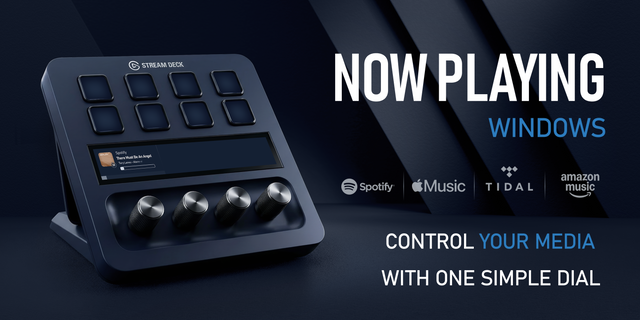
    See what’s playing and control Windows media from one Stream Deck + dial. Now Playing shows live artwork and progress, t...

    $9.99

  • Clef
    Clef app icon

    Clef

    by DaveDev

    ∙

    Audio

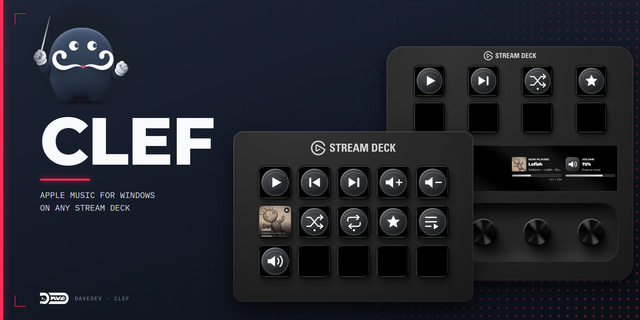
    Overview: Clef controls Apple Music for Windows from any Stream Deck. On every model, keys play, pause, and skip ...

    Free

  • Current Media (Now Playing)
    Current Media (Now Playing) app icon

    Current Media (Now Playing)

    See what's playing, right on your Stream Deck. With a single key, the current track’s cover art, artist, and title appea...

    Free

  • Simply Spotify
    Simply Spotify app icon

    Simply Spotify

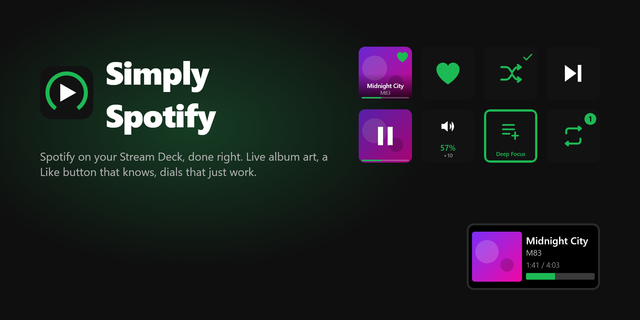
    Simply Spotify is a fast, reliable Spotify plugin for Stream Deck and Stream Deck +. Play/Pause and Now Playing keys sho...

    Free

  • Music Controller
    Music Controller app icon

    Music Controller

    by Alanthia

    ∙

    Audio

    Control Apple Music, Spotify, TIDAL, Amazon Music, Deezer and YouTube Music from your Stream Deck on Windows. Album art ...

    $1.00

  • Now Playing & Volume for macOS
    Now Playing & Volume for macOS app icon

    Now Playing & Volume for macOS

    by Luluberlu

    ∙

    Artistic

    Your Mac's music, on your Stream Deck. Now Playing dial (Stream Deck+): the touchscreen shows what's playing right now (...

    Free