Streaming
My Stream Timer
Overview
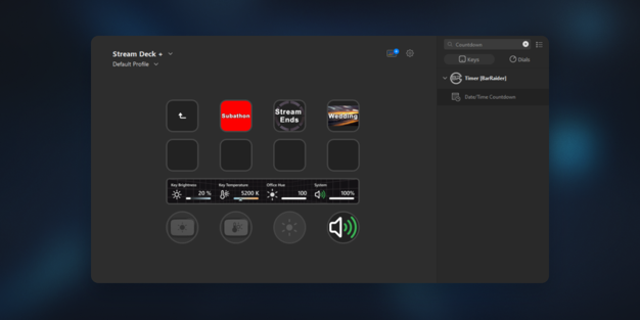
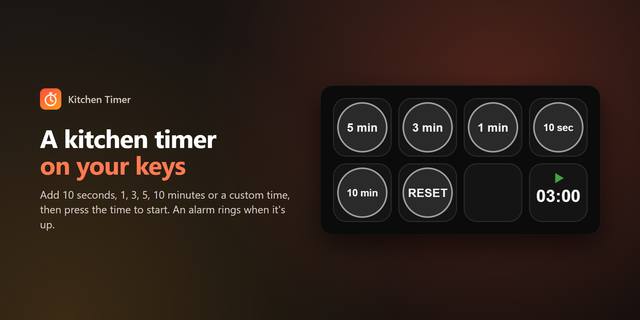
My Stream Timer for Stream Deck puts your stream timers one keypress away. Start a countdown, pause it, add five minutes when chat wants more, or reset for the next segment — all without touching your mouse.
Works two ways
🖥️ App Timer — control the My Stream Timer desktop app (Windows & macOS)
Start any of four countdowns, two count-ups, or the current-time clock
Countdowns can start from a duration, run to a specific clock time, or count down to the top of the hour
Pause, resume, reset, and stop any timer
Add or subtract minutes or seconds on the fly
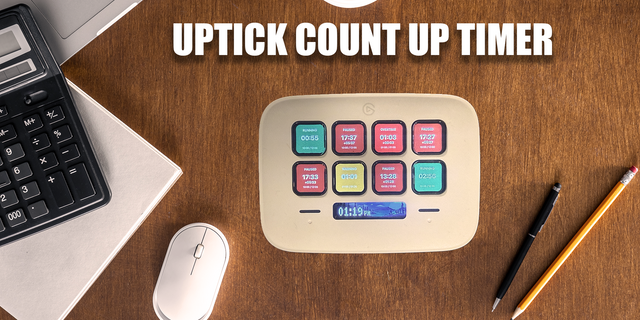
Each key shows what it does right on the button — "Down 1 / 5 min", "Up 2 / +30s"
📄 Stream Deck Timer — no app required
A built-in countdown, count-up, or live clock that runs entirely inside the plugin
Writes the time to a plain text file you point OBS, Streamlabs, or any broadcaster's Text source at
One-click Copy output file path so wiring it into your scene takes seconds
Pause, resume, reset, and stop from separate keys
Why streamers like it
Starting-soon, BRB, and "back at :00" countdowns without alt-tabbing
Multi-Action friendly — start a timer and switch scenes in one press
Zero setup for file timers; just drop the text file into a Text source
Runs natively on Windows 10+ and macOS 12+
Setup
Add an action to a key.
App Timer: pick the timer and how to start or control it. Make sure My Stream Timer is installed (free at mystreamtimer.com).
Stream Deck Timer: pick Countdown, Count Up, or Current Time, set a duration, then copy the output path into your Text source.
Rebuilt on the official Stream Deck SDK
• New: standalone file timers (countdown, count-up, current time) that need no companion app
• New: one-click copy of the output file path
• New: App Timer Control for pause / resume / reset / stop / add / subtract
• New: start countdowns to a clock time or top of the hour
• Clean break from the legacy plugin — existing keys must be re-added
Version 2.0.1
Sep 1, 2026
Details
Type
Streaming
Utilities
OS
Mac
Windows
Compatibility
Stream Deck 7.1 or later
Size
97.68 KB
Version
2.0.1
Language
English
Support
Profiles
No
Dial support
No
You might also like