Streaming

MyHUD Deck

Overview

MyHUD Deck connects your Stream Deck to MyHUD so you can control broadcast from hardware keys during your stream. Toggle the HUD, scoreboard, and veto panels, or reload the HUD, without touching the mouse. Keys display live ON and OFF state synced from MyHUD plus a subtle connection indicator so you always know the link is active.

Actions: • Toggle HUD window: show or hide the main MyHUD overlay • Toggle scoreboard: turn the scoreboard panel on or off • Toggle veto: turn the veto panel on or off • Reload overlay: refresh the overlay window

Features: • Real-time key feedback driven by MyHUD state • Automatic connection to local automation on your PC • No API keys, tokens, or plugin settings to configure • Branded key visuals with action labels

Requirements: • Stream Deck software 7.1 or newer (desktop app must be running) • MyHUD on the same computer with local automation enabled • Windows 10 or newer

Quick setup: enable local automation in MyHUD, add actions from the MyHUD Deck category to your profile, and press a key to verify. Stream Deck Mobile forwards key presses to the desktop app only. MyHUD must be running on the PC where Stream Deck is active.

v1.1.1 Release Notes

Show Player Stats - use scoreboard slots (1–9, 0, 11, 12) instead of GSI observer indices

Show Player Stats - fix roster lookup showing the wrong player for slot 0

Show Player Stats - default to slot 1 and a 10 s display duration

Key labels - truncate long player names so the slot number stays readable on the key face

Version 1.1.1

Aug 4, 2026

Details

Type

Streaming

OS

Mac

Windows

Compatibility

Stream Deck 7.1 or later

Size

89.69 KB

Version

1.1.1

Language

English

Support

Profiles

No

Dial support

No

Additional links

You might also like
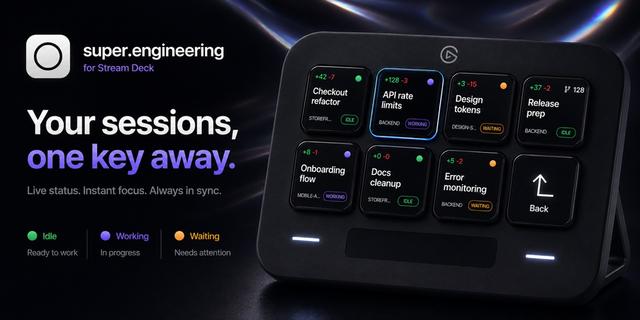
  • super.engineering
    super.engineering app icon

    super.engineering

    by Shai Mishali

    ∙

    Productivity

    Bring your super.engineering sidebar to Stream Deck. Session keys stay in the same visible order as the app and update l...

    Free

  • StreamChum
    StreamChum app icon

    StreamChum

    by StreamChum

    ∙

    Streaming

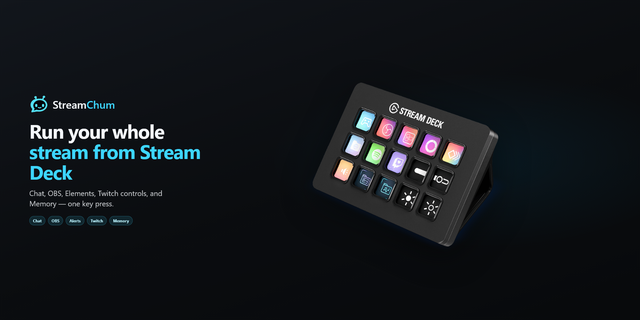
    Ready to run your stream from one key? StreamChum is a multi-platform streaming command center for Twitch, YouTube, and ...

    Free

  • AWS Monitor
    AWS Monitor app icon

    AWS Monitor

    by Phantas

    ∙

    Development

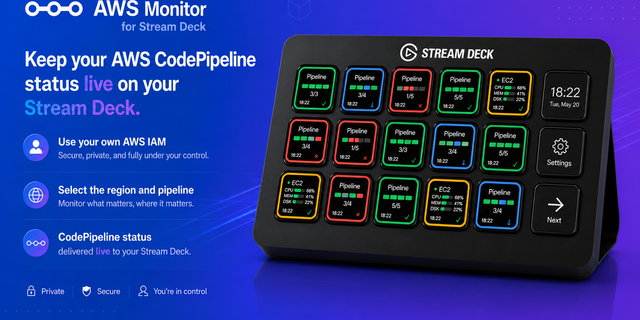
    AWS Monitor for Stream Deck A Stream Deck plugin for monitoring AWS services, starting with AWS CodePipeline. View CodeP...

    Free

  • Cut Deck Lite for Final Cut Pro
    Cut Deck Lite for Final Cut Pro app icon

    Cut Deck Lite for Final Cut Pro

    by Kuberstar

    ∙

    Video

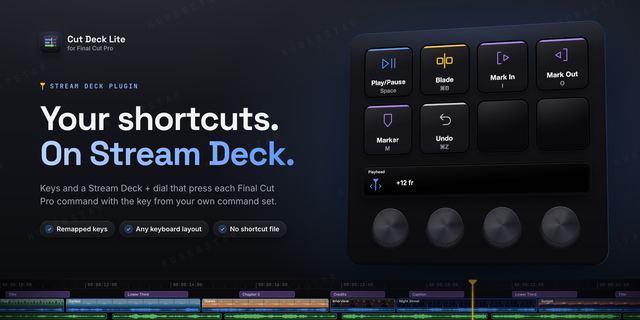
    Control Final Cut Pro from Stream Deck with the shortcuts you already use. Cut Deck Lite presses every command with the ...

    Free

  • Symbol Keys
    Symbol Keys app icon

    Symbol Keys

    by Multis LLC

    ∙

    Productivity

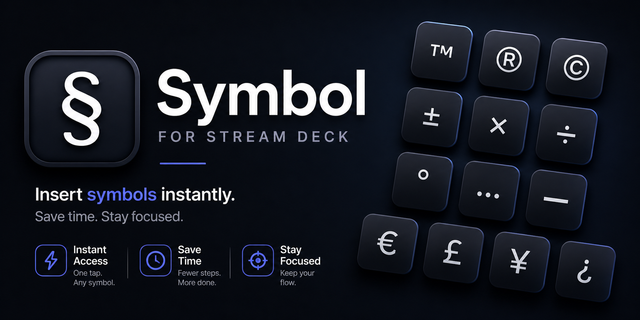
    Type special symbols (©, ™, ®, €, °, ∞ and 100+ more) directly from your Stream Deck into any app....

    Free

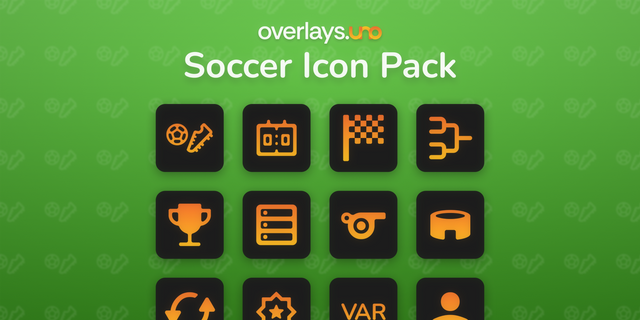
  • Overlays.uno Soccer Icons

    Overlays.uno Soccer Icons

    by Overlays.uno

    ∙

    General

    An overlays.uno themed Stream Deck Soccer icon pack for livestreaming workflows. Features: 40 custom icons Built for ove...

    Free

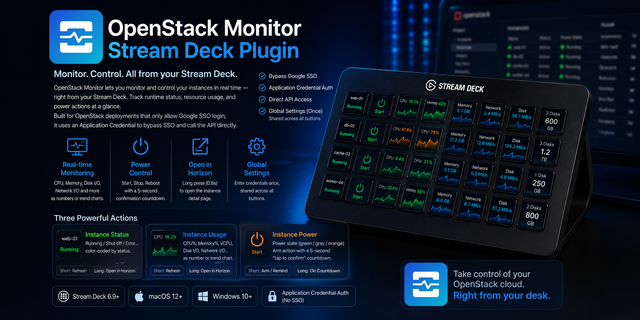
  • OpenStack Monitor
    OpenStack Monitor app icon

    OpenStack Monitor

    by Phantas

    ∙

    Development

    Monitor and control OpenStack instances right from your Stream Deck: runtime status, resource usage, and power control. ...

    Free

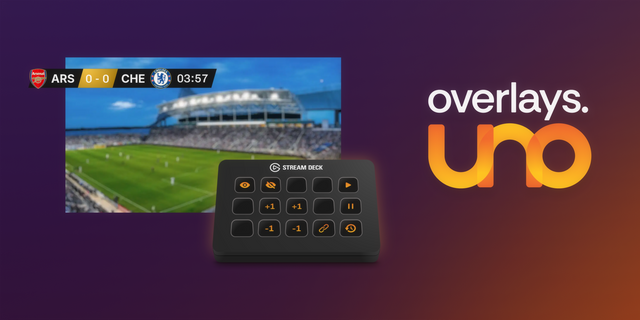
  • Overlays.uno 2
    Overlays.uno 2 app icon

    Overlays.uno 2

    by Overlays.uno

    ∙

    Streaming

    The Overlays.uno Elgato Stream Deck plugin lets you control your Overlays.uno graphics directly from your Stream Deck wi...

    Free