Monitoring
Native Hardware Monitor
Overview
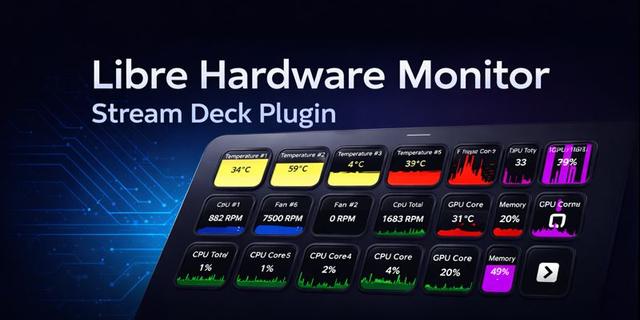
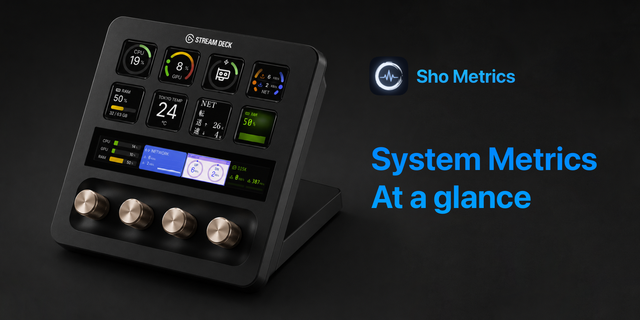
Native Hardware Monitor (no external depencies or sensors) brings comprehensive system monitoring to your Stream Deck with visual feedback.
Features:
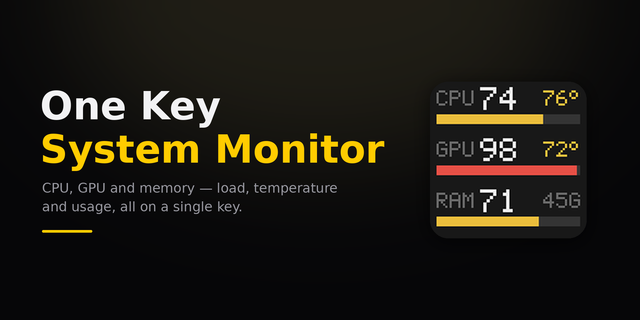
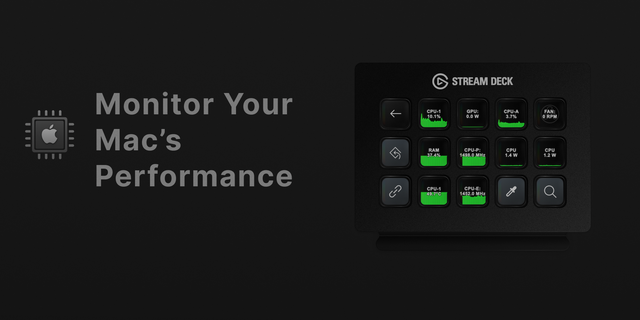
• CPU Usage (Win/Mac) - Monitor processor utilization with configurable history chart
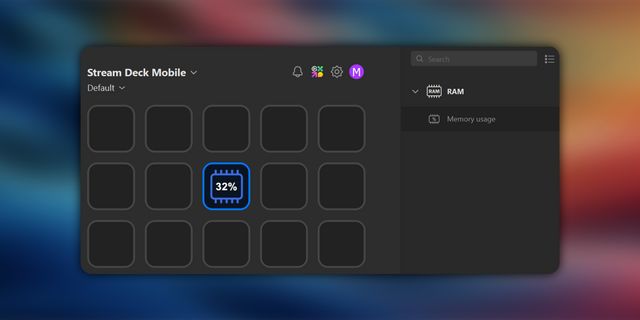
• RAM Usage (Win/Mac) - Track memory consumption in real-time
• GPU Usage & Temperature (Win Only) - Display graphics card utilization with multi-GPU support
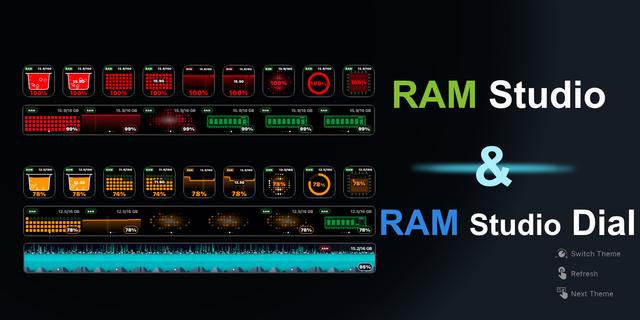
Each metric displays as a beautiful chart showing up to 2 minutes of activity history, giving you instant insight into system performance trends. Choose between area, line, bar chart, or value-only display. (Incase of any rendering issues, simply re-drag the action into desired location)
Perfect for:
✓ Gamers monitoring performance during gameplay
✓ Streamers tracking system load while broadcasting
✓ Content creators rendering videos
✓ Developers running resource-intensive builds
Note: This plugin is 100% free. If you wish you donate, please consider doing so to Gaza Emergency Appeal at: https://donate.unrwa.org/int/en/gaza
Due to constant requests & feedback:
macOS Support — CPU Usage and RAM Usage now work on macOS 10.15 (Catalina) and later. GPU actions remain Windows-only
Configurable Update Speed — New "Update Speed" dropdown in the Property Inspector. Choose how fast each action polls hardware data: 1 second (Fast), 2 seconds (default), 5 seconds, or 10 seconds (Power Saver)
Version 2
Feb 23, 2026
Details
Type
Monitoring
OS
Mac
Windows
Compatibility
Stream Deck 7 or later
Size
447.03 KB
Version
2
Language
English
Support
Profiles
No
Dial support
No
You might also like