
Utilities
NextUp
by cos scarpa
Overview
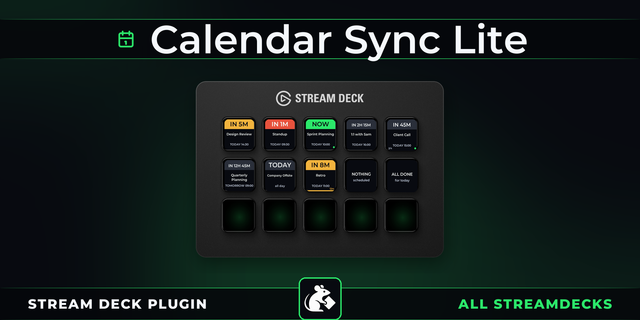
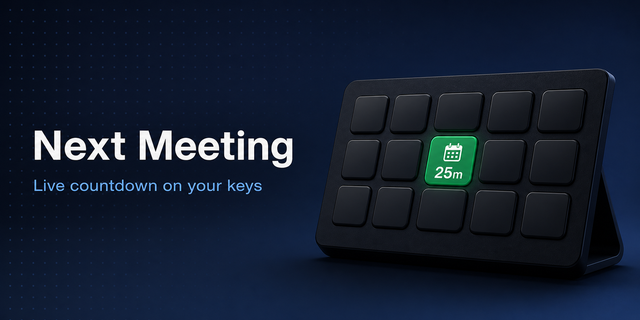
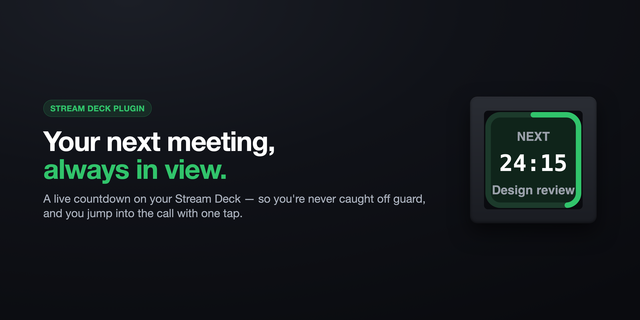
NextUp turns your Stream Deck into a live calendar assistant.
Your next meeting is always visible, with real-time updates every 30 seconds so you never miss what’s coming next.
The plugin automatically highlights the next relevant event and ignores meetings that have already started more than five minutes ago. This keeps your Stream Deck focused on what actually matters.
If your schedule changes, a meeting is rescheduled, a new event becomes the next priority, or the urgency level changes, the Stream Deck key briefly blinks to notify you.
KEY FEATURES
- Live calendar monitoring NextUp checks your Google Calendar every 30 seconds and always displays the next upcoming event.
- Smart event filtering Events that started more than five minutes ago are automatically skipped so your display stays relevant.
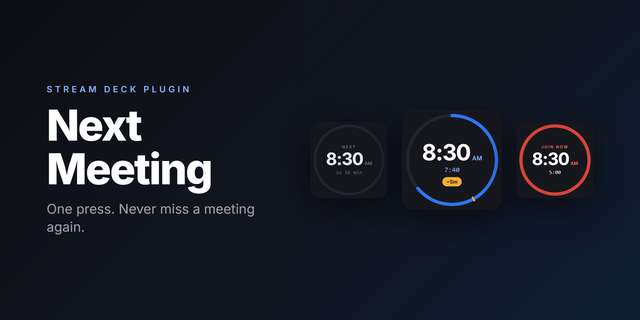
- Urgency colour system Five visual urgency levels make it easy to understand your schedule at a glance:
🔴 Red — happening now
🟠 Orange — within 15 minutes
🟡 Yellow — within 1 hour
🟣 Purple — within 3 hours
🟢 Green — more than 3 hours away
- Instant meeting access
Tap the key to open Google Calendar. Hold the key for three seconds to join the meeting directly (Google Meet, Zoom, Microsoft Teams, or any conference link). Large countdown display
NextUp shows a clear countdown indicator, such as:
NOW IN 12 MIN IN 1½ HRS
STREAM DECK + DIAL SUPPORT
NextUp supports both Stream Deck keys and Stream Deck + dials.
Keys
Tap → Open Google Calendar Double-tap → Check following event Hold → Join meeting link
##Dials Push → Open meeting or calendar Rotate → Refresh event data Touch → Open Google Calendar
The touch display shows the event title and a live countdown timer.
AUTHENTICATION
Users sign in securely with Google directly from the Stream Deck settings panel.
• Secure Google authentication • Persistent login across restarts • Easy sign-out at any time
# What's new?
You can now toggle on/off the all day events from your calendar.
Version 1.3.0.2
Jul 6, 2026
You might also like


-thumbnail-optimized-70c35d7a-a6e5-40ab-9ea7-e94ae4542f3f.png)