Gaming
Niconico Ticker Pro
Overview
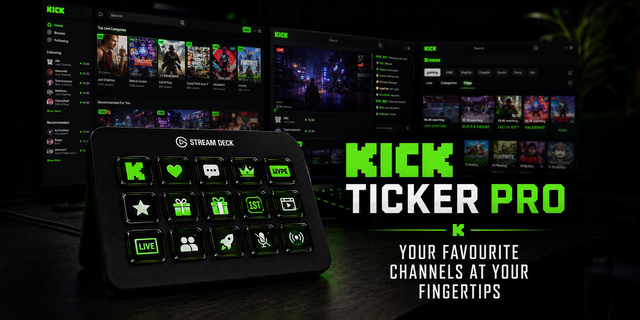
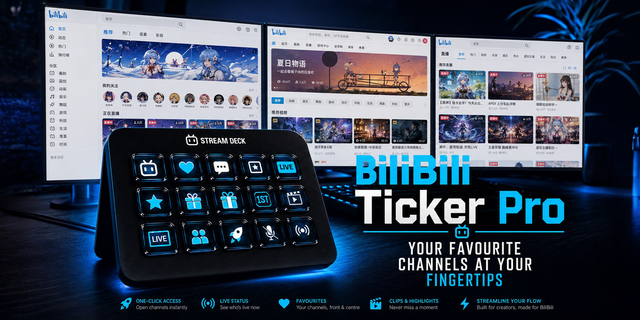
Niconico Ticker Pro displays Niconico (Nico video) channel information, video activity, and livestream status directly on your Stream Deck. It is designed for creators, streamers, moderators, and Niconico fans who want useful Niconico information available at a glance without constantly opening a browser.
With Niconico Ticker Pro, you can create customizable Stream Deck keys for different Niconico channels and use them to monitor the information that matters to you. Each action can be configured individually, so you can build a layout that fits your personal workflow, your streaming setup, or your content monitoring needs.
The plugin can be used to display channel-related information, track recent video activity, and show livestream status directly on your Stream Deck keys. This makes it easy to see whether a channel is live, keep an eye on selected Niconico activity, or organize multiple channels across your Stream Deck layout.
Configuration is handled directly inside the Stream Deck app through the action settings. Add an action to a key, enter the Niconico channel or video information required for that action, choose the display options you want to use, and the key will update with the selected Niconico data.
Included functionality:
Display Niconico channel information on Stream Deck keys
Monitor livestream status at a glance
Create separate buttons for different channels or use cases
Customize the displayed information per action
Build layouts for creators, streamers, moderators, or personal monitoring
Simple setup directly inside the Stream Deck app
No Niconico API key required
Niconico Ticker Pro is made for everyday use and gives you a convenient way to keep important Niconico activity visible directly on your Stream Deck.
This plugin is not officially affiliated with, endorsed by, sponsored by, or associated with DWANGO Co., Ltd. or Elgato/Corsair.
How to use it:
open nicovideo.jp
find your favourite channel/creator
copy that channel url (i.e. https://www.nicovideo.jp/user/140186817 or https://ch.nicovideo.jp/...)
fill it into the channel url field within the plugin
Done.
(If you wish, you can change display or action settings additionally)
improved startup for StarLink customers
improved logging for future analysis
bugfix in server connection
adding system test option under "troubleshooting"
small fix with DateTime selection
Version 1.3.1
Jul 24, 2026
You might also like