Business
Notes
by Kron
Overview
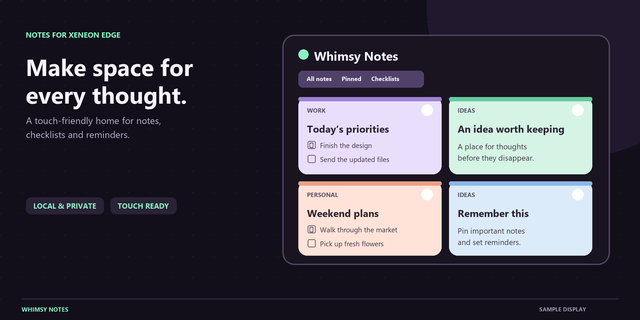
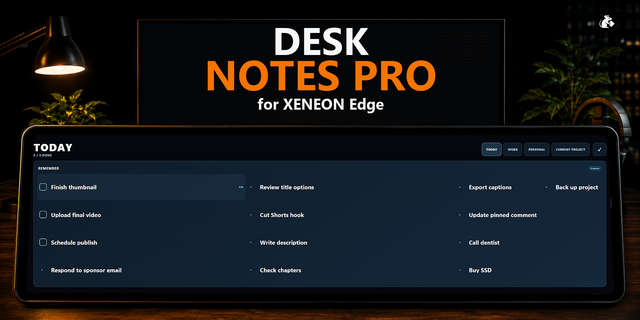
Notes keeps your thoughts, lists and plans on your XENEON EDGE. Write with headings, lists and checklists, pin what matters, give each note a color and see everything at a glance on the Board.
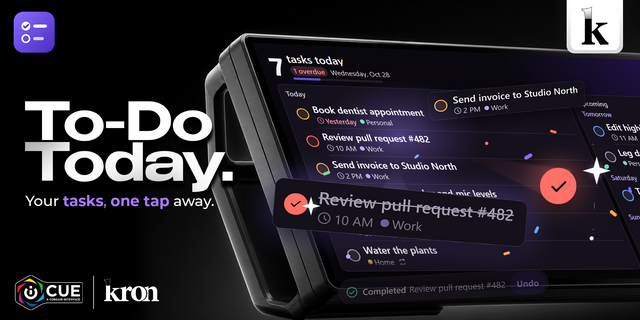
What makes it different: it is built for the touchscreen. Type right on the EDGE with the on-screen keyboard, check off items with a tap, drag them into place, and dress your notes in the style that fits your desk.
Styles:
Minimal: Classic, All Black, All White, Liquid Glass.
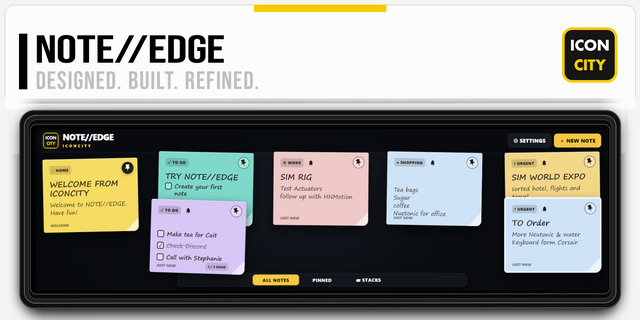
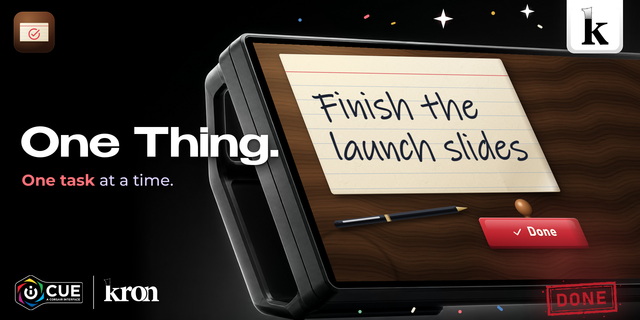
Paper: Sticky Notes, Paper Notebook, Chalkboard.
Bold: Terminal, Neo Brutalism, Synthwave.
Also inside: your own folders with colors, Recently Deleted for 30 days, Privacy Mode that hides your notes until you tap, backup and restore, and Small, Medium and Large text.
Good to know: your notes are saved by iCUE on this PC, for this widget. Turn on the On-Screen Keyboard in the widget settings; a physical keyboard works too.
What's New in Notes 2.0.0
- On-screen keyboard: turn it on in the settings to type right on the XENEON EDGE.
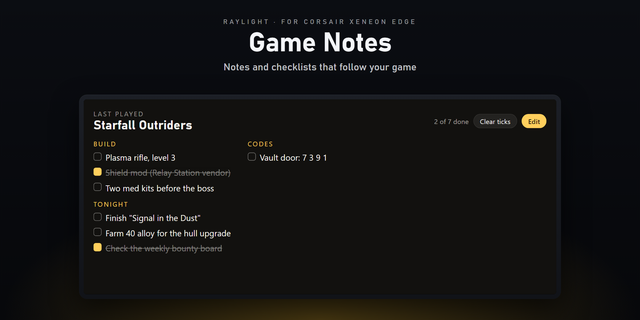
- Board view: your notes as big cards, with checklists you can tick right there.
- 10 styles: Classic, All Black, All White, Sticky Notes, Paper Notebook, Liquid Glass, Chalkboard, Terminal, Neo Brutalism, Synthwave.
- Your own folders: create, rename, color, delete, and move notes between them.
- Note colors, shown in the list and on the board.
- Heading, Subheading, bulleted and numbered lists, bold, italic, underline, strikethrough.
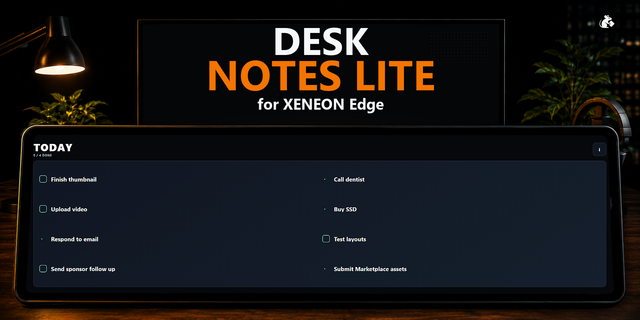
- Checklists add items at the cursor, reorder by dragging, show progress (2/5) and move checked items down.
- Recently Deleted keeps notes for 30 days, plus Undo after deleting.
- Privacy Mode hides your notes until you tap the screen.
- Back up and restore all your notes.
- Larger text, buttons and icons in every size.
- Fixed: checklists no longer lose their checkboxes.
Your notes, folders and settings are kept when updating.
Version 2
Nov 3, 2026
Details
Type
Business
Finance
Gaming
Social
Streaming
Utilities
Device
XENEON EDGE
OS
Windows
Size
250.28 KB
Version
2
Language
English
Support
Dashboard Sizes
Extra large
Large
Medium
Small
Recommended Orientation
Horizontal
Vertical
Interactive
Yes
Additional links
You might also like