Music
Now Playing
Overview
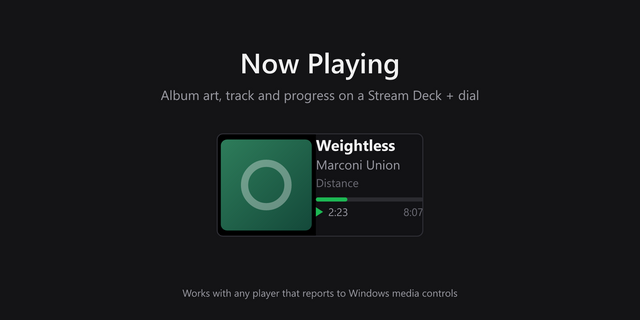
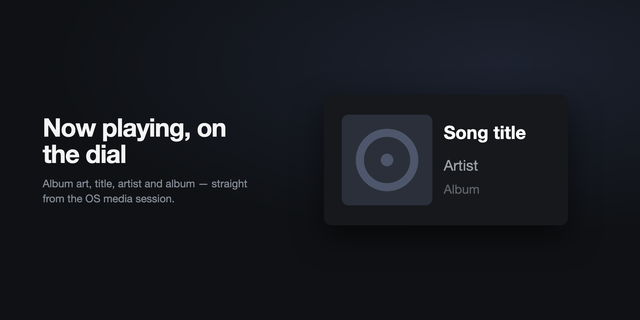
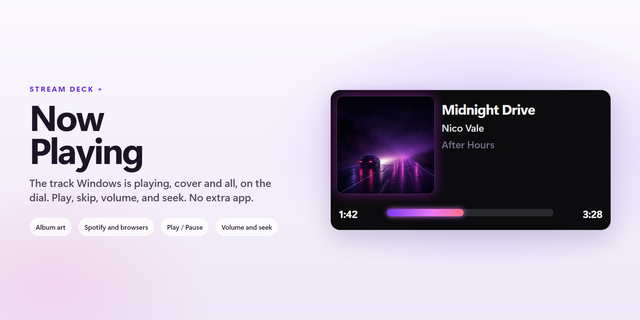
Album art, the track, the artist and a live progress bar, with no account to connect.
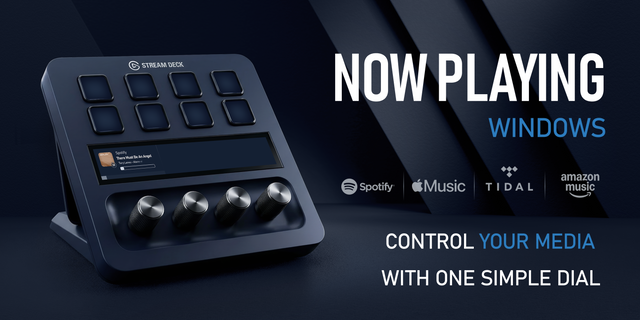
On Windows there is no player to pick, because it reads Windows' own media system, the same place your volume popup gets its track name from. If a player turns up there, it turns up here. Spotify, Apple Music, a YouTube tab, foobar2000.
On a Mac it talks to Apple Music and Spotify directly, and only once they're already open, so it never launches one.
What the key can do
Show the artwork, the track, the artist and live progress
Play and pause with a press, skip with a hold
Skip tracks by turning the dial, long-press it to cycle through scrubbing and volume
Show only the players you choose, or hide the ones you do not
The color comes off the cover
The accent is sampled from the album artwork itself and contrast-checked, so the key takes on the record's own palette and the text stays readable on a white sleeve or a black one. A wall of these, changing with every track, is worth seeing.
Three looks: everything at once, artwork edge to edge, or a single play mark.
Now Playing is also part of Firedies Complete: all seven Firedies plugins in one, with the same features as each on its own. Until 30 November, Complete is 20% off with code FIREDIES20.
Windows 10 or later, and macOS 13 or later.
Now Playing now runs on macOS, with Apple Music and Spotify.
New in 1.1.0
macOS 13 or later, alongside Windows 10 or later
On a Mac it reads Apple Music and Spotify directly: artwork, track, artist, progress, play and pause, skipping, scrubbing and volume
It only talks to a player that is already open, so it never launches one
A quieter default click, 5% rather than 15%, because a dial ticks on every notch; a click volume you already set is kept
The first time, macOS asks to allow Firedies Now Playing to control each player, once for Apple Music and once for Spotify.
On a Mac, other players and browser tabs do not appear, and Spotify's artwork is fetched from Spotify's own image link. On Windows, Now Playing still reads every player that reports to Windows' media controls.
Existing keys need no changes.
Version 1.1
Oct 9, 2026
Details
Type
Music
OS
Mac
Windows
Compatibility
Stream Deck 6.9 or later
Size
21.3 MB
Version
1.1
Language
English
Support
Neo Infobar support
No
Profiles
No
Dial support
Yes
Additional links
You might also like



-thumbnail-optimized-a74b6d6f-1886-4379-9f95-d19441860884.png)
-app-icon-optimized-7171bf4e-2e32-4875-b94d-30578d9bb4df.png)