Audio
Now Playing
Overview
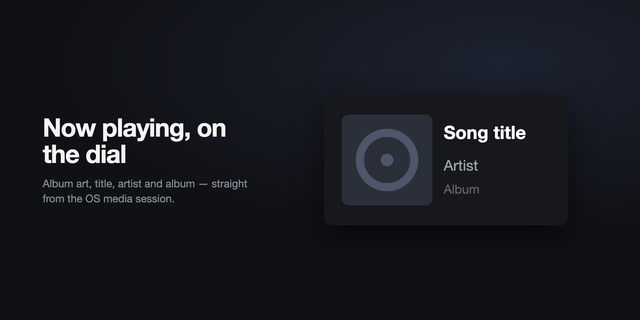
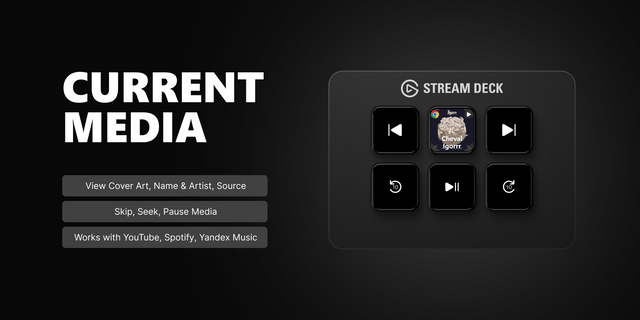
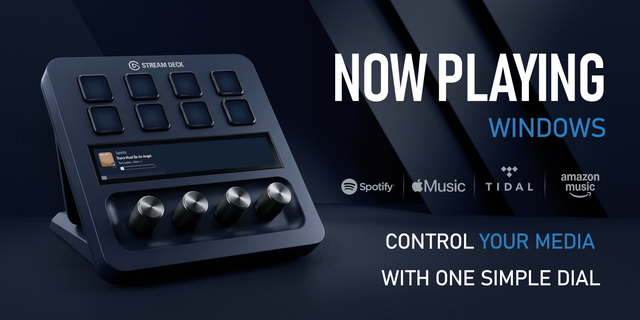
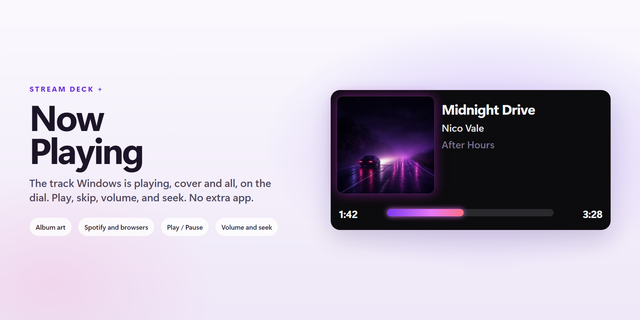
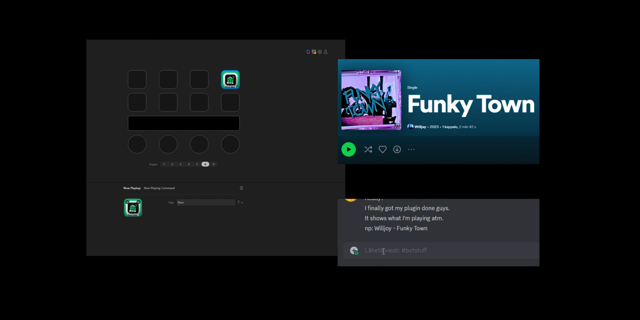
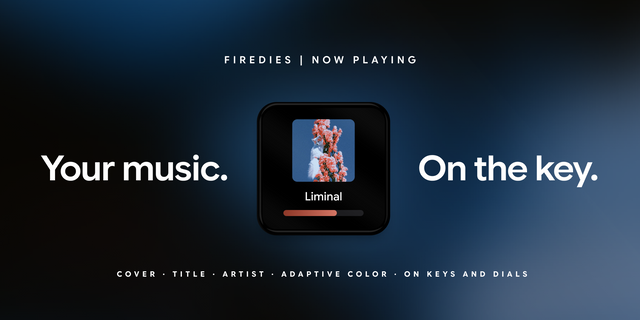
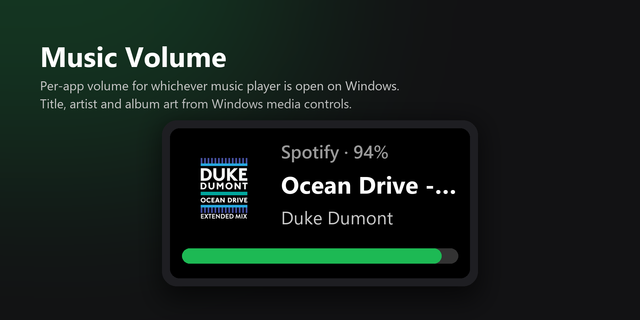
Turn a Stream Deck + dial into a now playing display. Shows album art, track, artist and album for whatever is playing on Windows, with a live progress bar. Press to play or pause, tap for next, hold for previous, and turn for volume, track or scrub. Works with any player that reports to Windows media controls, including Spotify, TIDAL, Plexamp and browser players.
Turn a Stream Deck + dial into a now playing display.
Album art, track, artist and album for whatever is playing on Windows, with a live progress bar. Press to play or pause, tap for next, hold for previous, turn for volume, track or scrub — every gesture is a setting.
Volume drives that player's own mixer entry rather than the system slider, and says so when the player has released its audio or holds the device in exclusive mode.
Works with anything that reports to Windows media controls: Spotify, TIDAL, Plexamp, Apple Music and browser players.
Version 1
Sep 24, 2026
Details
Type
Audio
Music
Utilities
OS
Windows
Compatibility
Stream Deck 7.1 or later
Size
6.21 MB
Version
1
Language
English
Support
Profiles
No
Neo Infobar support
No
Dial support
Yes
You might also like