Audio
Now Playing for Dials
by SquierStream
Overview
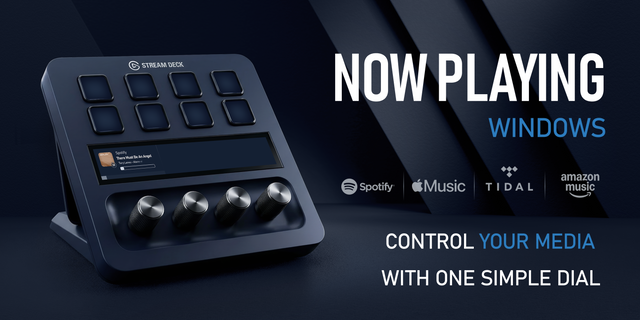
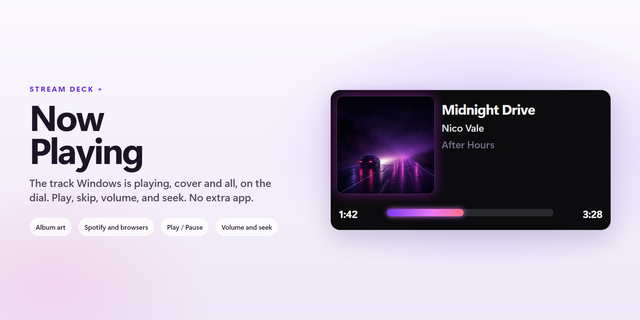
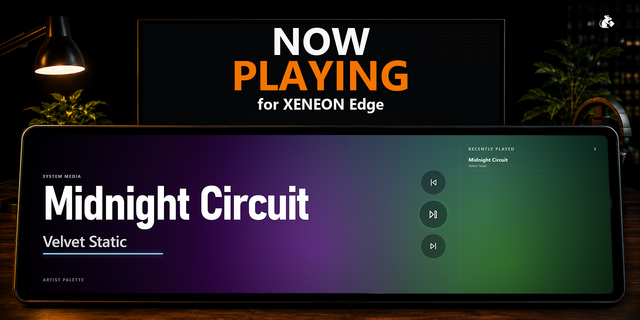
The full-width media panel Stream Deck + owners have been asking for.
Pick the setup that matches how you use your Dials
Heavy Dials user, different profiles per app? Give the panel its own “Now Playing” profile and turn on auto-show (10s by default). It pops up on track change, gives you a glance and a tap, then hands your dials straight back — you never lose your place.
Rarely touch your Dials? Skip the extra profile — drop the panel onto your default profile's four dials and leave it up permanently. Always there, never demanding attention.
Use Dials occasionally, mostly for volume? Put the panel on a second page. Swipe to it for media controls, swipe back when done — no profile-switching, no auto-show needed.
What it actually does (skin aside)
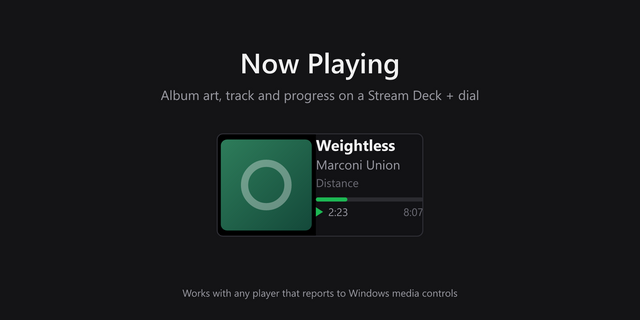
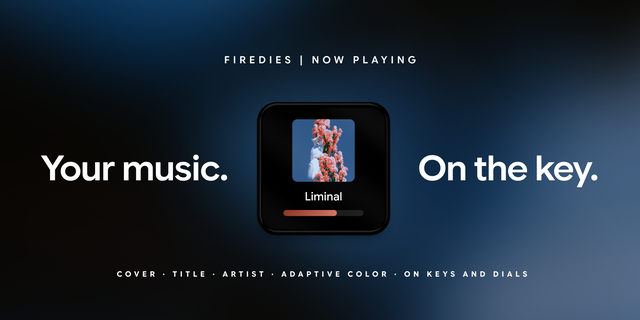
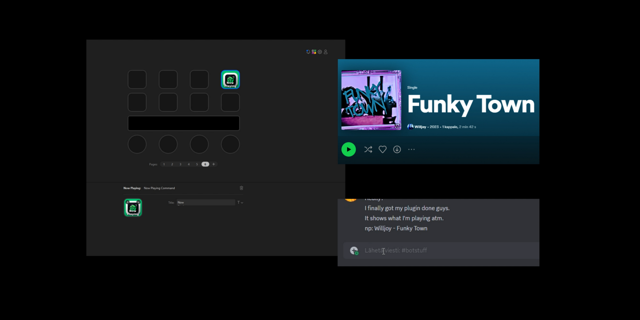
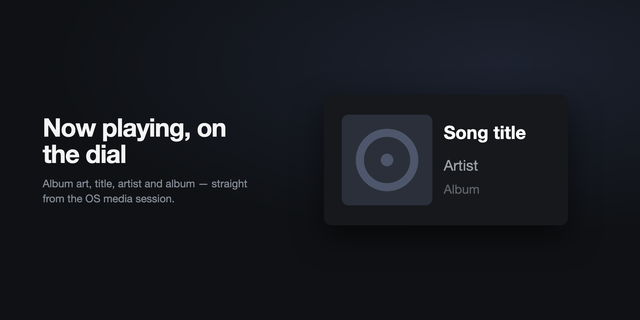
One continuous panel across all four dials — album art, title, artist, progress bar, auto-sizing down to fewer zones.
Works with almost anything — reads Windows' System Media Transport Controls, the same API the OS's own overlay uses.
Full transport control — tap the strip or press a dial for previous/next/play-pause; icon always matches real state.
Seek ±15 seconds — rotate the third dial to jump within the track.
Shuffle / repeat cycling — tap the first dial's strip to cycle off → shuffle → repeat-all → repeat-one.
Per-app music volume on the first dial — rotate to adjust, press to mute.
Windows master volume on the second dial — same pattern, independent of app volume.
Weather on the fourth dial — rotate for a ±12h preview in 30-min steps, press to refresh; doubles as a live 12/24h clock.
Online artwork lookup for players without their own cover art, via Apple Music/Deezer — no account, fully optional.
Auto-show that gives Dials back — shows on track change, extends on a button press, returns control the moment you touch a dial.
Your other keys stay visible — profile page sync keeps your layout showing through the brief switch.
Genuinely localized — English, Russian, German, Spanish, French, plus date/time format and encoder-label settings.
Skins — and there are a lot of them already
The progress bar is fully re-skinnable — Minimal, Standard, Artwork Color, Pac-Man, Liquid Glass, Retrowave, Nyan Cat, Minecraft, Battle City, and Tetris, each a genuinely different look. Still actively growing, but every feature above works the same regardless of skin.
One honest heads-up
Volume control can occasionally be overridden by other audio routing. With Elgato Wave Link or similar virtual mixers, per-app or master volume may snap back because another mixer holds that app at its own saved level. That's a routing quirk, not a plugin bug — we're looking at alternatives for a future version.
Now Playing for Dials 1.45
## New: sound visualizer
Spectrum bars dance behind the track info on every style, bass on the left, treble on the right. Turn it on under Sound visualizer and adjust opacity, sensitivity, bars per dial (48 on Stream Deck +, 72 on + XL) and direction: from the bottom or from the centre. On Windows 11 it listens only to your player; on Windows 10, to the whole output device. Sound is analysed on your PC and never recorded or sent.
## New styles
Vinyl: the cover becomes a spinning record, the tonearm shows progress.
nowplayamp: a late-90s desktop player with a dot-matrix display, pixel font (Cyrillic too), seek bar, clock and weather. With the visualizer on, its spectrum window comes alive.
Twelve styles in total, each described behind the ? next to "Progress bar style".
## Fixes
No more solid block to the right of long scrolling titles.
Track changes and button presses no longer lag.
The panel no longer blinks when you change settings.
Music in browser tabs is recognised correctly.
Version 1.45.1
Sep 24, 2026
Details
Type
Audio
Monitoring
Music
Utilities
OS
Windows
Compatibility
Stream Deck 6.9 or later
Size
471.19 KB
Version
1.45.1
Language
English
French
German
Spanish
Support
Neo Infobar support
No
Profiles
Yes
Dial support
Yes
Additional links
You might also like