Music
Now Playing Panel
by PackRat 🐀
Overview
Now Playing Panel for the Corsair Xeneon Edge.
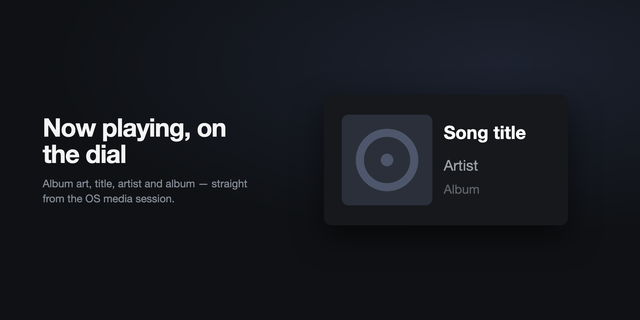
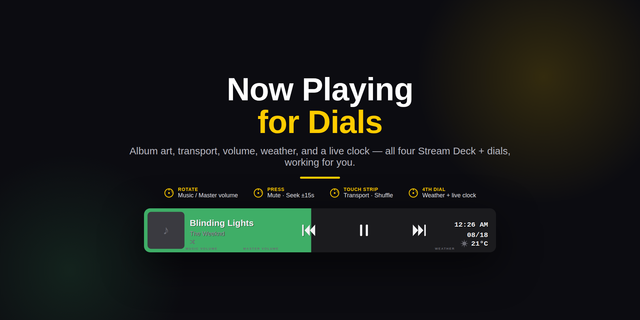
See the current song and artist across your desk, with previous, play or pause, and next always within reach.
Works through the Windows system media session in iCUE, so it can follow compatible desktop players and browsers without a separate helper app.
Typography first: the track title fills the panel in large auto fitting type, with the artist directly beneath it.
Artist driven color: a deterministic generative gradient gives each artist its own visual character, with Artist, Neon, Ember and Ocean presets.
Three media controls: previous, play or pause, and next are large touch targets built for the display.
Recently played on XL: track changes are kept locally per widget instance and appear in the XL layout.
Ambient when idle: when nothing is playing, the panel becomes a clean gradient clock instead of a dead rectangle.
There is no album art, progress bar or seek control because the iCUE Media provider does not expose those values.
Part of the PackRat 🐀 collection for the Corsair Xeneon Edge.
Large auto fitting track title and artist typography.
Deterministic artist driven gradient with Artist, Neon, Ember and Ocean presets.
Previous, play or pause, and next touch controls. Ambient idle clock and local recently played history on XL.
Tuned layouts for S, M, L and XL in horizontal and vertical orientations.
Version 1
Aug 28, 2026
Details
Type
Music
Device
XENEON EDGE
OS
Windows
Size
47.89 KB
Version
1
Language
English
Support
Dashboard Sizes
Extra large
Large
Medium
Small
Recommended Orientation
Horizontal
Vertical
Interactive
Yes
You might also like




-thumbnail-optimized-a74b6d6f-1886-4379-9f95-d19441860884.png)
-app-icon-optimized-7171bf4e-2e32-4875-b94d-30578d9bb4df.png)