Productivity
OmniFocus for Stream Deck
by MeenTeen
Overview
Current Marketplace version: 0.28.2, with an English interface. Version 0.28.5 is pending review and adds startup and connection fixes; it is not available through the Marketplace yet.
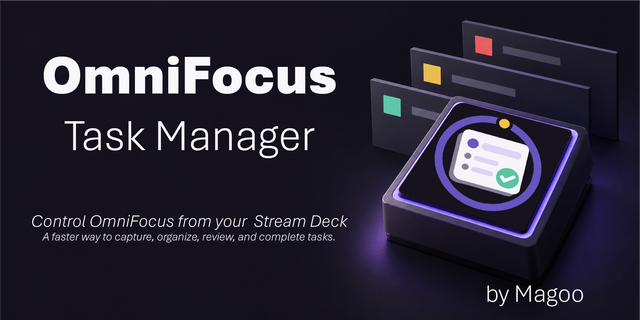
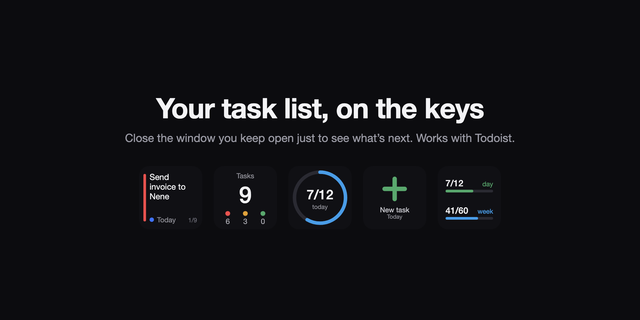
Control OmniFocus on your Mac with Stream Deck. See live Inbox, Due Today, Flagged, Overdue and Review counts, open perspectives and capture ideas in Quick Entry. Complete, flag, defer or move selected tasks and add tags from configurable keys.
Version 0.28.2 provides an English interface throughout: settings, help, diagnostics, key captions and error feedback. Your own task, project, tag and perspective names, custom labels and macOS dialogs retain their original language.
Version 0.28.2 includes 22 key actions, one Neo InfoBar action and eight editable starter profiles for Stream Deck Neo and Virtual Stream Deck. Inbox Processing, Focus Mode, project review and combined task actions work with your own projects and tags. No special OmniFocus database layout is required.
New in 0.28.2: the OmniFocus Status key combines a fixed three-line dashboard with consistent gestures: single press opens the bundled Start profile, hold opens Quick Entry and double press opens Inbox Processing. Profile gestures require the bundled Neo or Virtual profiles. Missing or stale data is marked clearly.
On Stream Deck Neo, add OmniFocus InfoBar to your chosen profiles for a dashboard, workflow or selection view. Task names are hidden by default and require explicit opt-in. The InfoBar displays information; task control remains on the keys. Virtual Stream Deck supports the key actions, not the Neo InfoBar.
Requires macOS 13 or later, Stream Deck 7.6 or later and OmniFocus 4 with Omni Automation access. Select tasks in foreground OmniFocus before using task actions. macOS Automation permission is required; selected-text capture also requires Accessibility and System Events access. Custom perspectives depend on your OmniFocus edition.
Runs locally with no plugin account, cloud service, AI or telemetry. OmniFocus may sync according to your own settings. Independent integration, not an official Omni Group or Elgato product.
Support: b.hania@meenteen.nl
Status key artwork update: the live OmniFocus Status key now follows the supplied design, including the app header, connection indicator, coloured row icons and supporting status. Loading, permission, offline and stale states remain explicit; missing values are never shown as zero. Counts remain dynamic.
Includes the complete English interface update from 0.28.1 and the previously tested single/hold/double gestures: Start profile, Quick Entry and Inbox Processing. Existing saved settings, action IDs and profile identities are preserved.
Requires macOS 13+, Stream Deck 7.6+ and OmniFocus 4 with Omni Automation access. Profile gestures use the included Neo or Virtual profiles.
Version 0.28.2
Oct 21, 2026
Details
Type
Productivity
OS
Mac
Compatibility
Stream Deck 7.6 or later
Size
155.36 KB
Version
0.28.2
Language
English
Support
Dial support
No
Profiles
Yes
Neo Infobar support
Yes
You might also like