Monitoring
One Key System Monitor
by SquierStream
Overview
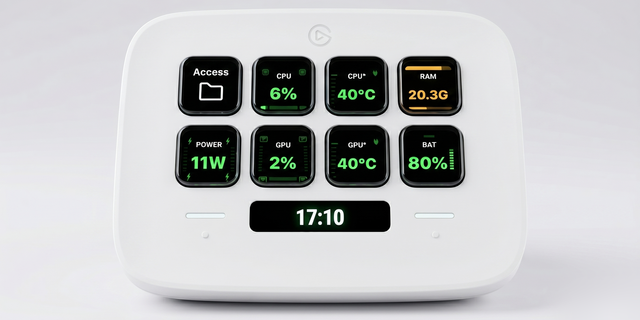
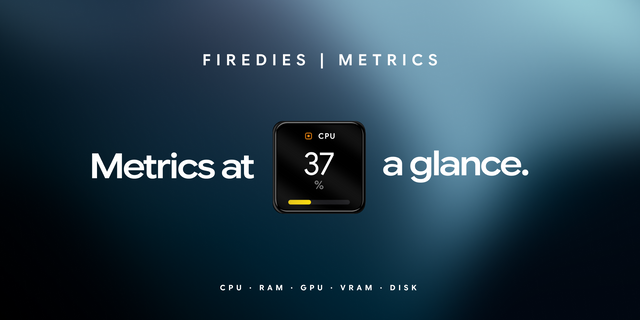
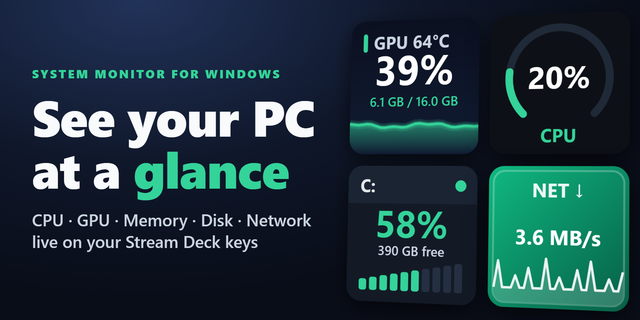
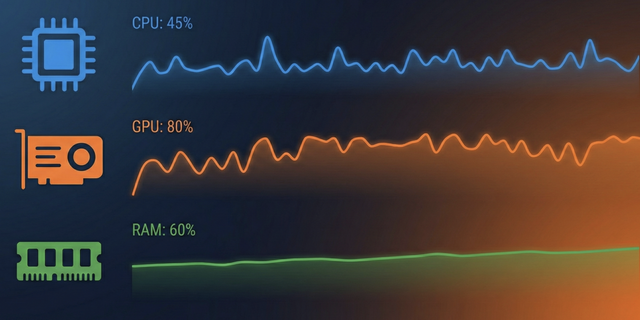
Your Stream Deck can show what your PC is actually doing. One Key System Monitor puts five readings on a single key: CPU load and temperature, GPU load and temperature, and memory in use — as numbers, as bars, and as colour that shifts from green to amber to red while things heat up.
No dashboard, no second monitor, no window in the way. A glance at one key tells you whether the render is finishing, whether the game is CPU-bound, or whether memory is about to run out.
Press the key and it does two things at once: refreshes the reading immediately, and opens Windows Task Manager straight to the Processes tab, sorted by CPU — the exact process that is hogging the machine is right there, no digging required.
NVIDIA, AMD and Intel graphics are all supported, and the card is detected automatically. On NVIDIA the data comes straight from the driver, so there is nothing to install. CPU load and memory always come from Windows itself.
Two readings need one free helper: Windows hides CPU temperature from applications, and AMD ships no tool like nvidia-smi. Install LibreHardwareMonitor, enable its web server, and both are covered. CPU temperature can also be switched off.
SETTING IT UP
Install the plugin and drag CPU / GPU / RAM onto any key.
That is it for CPU load, GPU load, GPU temperature, memory and the Task Manager shortcut.
On NVIDIA, GPU readings already work. For CPU temperature — and for GPU readings on AMD or Intel — install LibreHardwareMonitor, run it as administrator, then enable Options - Remote Web Server - Run.
Leave the port at 8085 unless you changed it, and set it to start with Windows.
Interface in English, German, Spanish, French and Russian.
First release.
Five readings on a single key: CPU load and temperature, GPU load and temperature, and memory in use — shown as numbers, bars, and colour that shifts from green to amber to red as things heat up.
NVIDIA, AMD and Intel graphics are all supported and detected automatically. NVIDIA data comes straight from the driver — nothing to install. AMD and Intel are read through LibreHardwareMonitor, which also supplies CPU temperature (Windows does not expose it without a driver). CPU temperature can be switched off entirely in settings.
CPU load and memory usage come from Windows itself, no extra software needed.
Press the key and it does two things at once: refreshes the reading immediately, and opens Task Manager straight to the Processes tab, sorted by CPU — the process hogging the machine is right there, no digging through tabs and columns.
Adjustable refresh interval.
Interface in English, German, Spanish, French and Russian, matched automatically to your Stream Deck language.
Requires Windows 10 or 11, Stream Deck 6.9 or newer.
Version 1.2.1
Aug 13, 2026
Details
Type
Monitoring
OS
Windows
Compatibility
Stream Deck 6.9 or later
Size
134.14 KB
Version
1.2.1
Language
English
French
German
Spanish
Support
Dial support
No
Profiles
No
You might also like