Productivity
OrcaSlicer
Overview
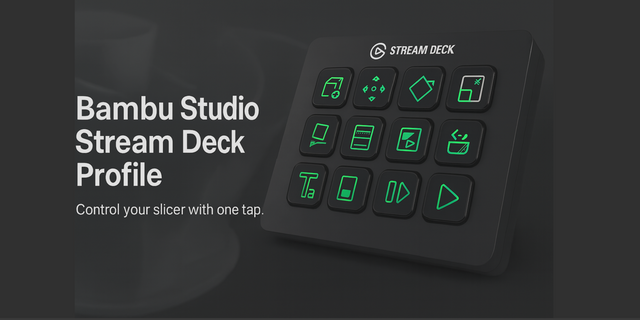
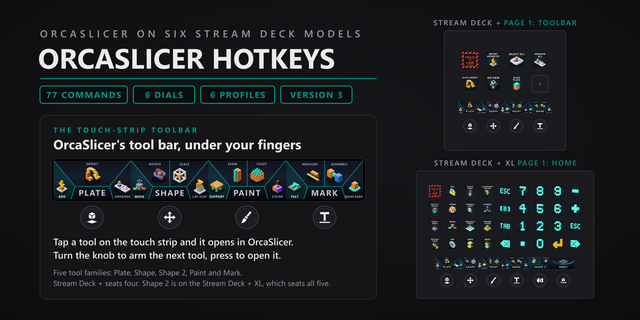
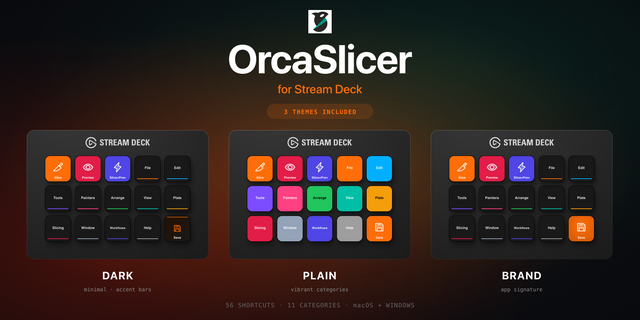
Streamline your OrcaSlicer workflow with this custom Stream Deck profile. It brings the most frequently used OrcaSlicer shortcuts to your fingertips — so you can focus on perfecting your models and prints instead of navigating menus.
With clear, high-contrast icons and an intuitive layout, you can:
Add, duplicate, and align models instantly
Switch between Prepare, Slice, and Preview modes with one tap
Adjust supports, infill, and layer visibility in seconds
Control print simulation, inspection tools, and measurements directly from the Stream Deck
Customize every button to match your unique OrcaSlicer setup
Whether you’re testing print parameters or managing multiple printers, this profile helps you work faster, stay organized, and keep full control of every print.
Optimized for makers, pros, and enthusiasts using OrcaSlicer as their daily driver.
No release notes for this version
Version 1
Nov 3, 2025
Details
Type
Productivity
Device
Stream Deck MK
OS
Windows
Compatibility
Stream Deck 6.4 or later
Size
55.42 KB
Version
1
Language
English
Support
Dial support
No
Icons
Yes
You might also like