Creative Tools
OrcaSlicer Shortcut Profile
by Adx.cool
Overview
The complete OrcaSlicer keyboard shortcut pack for Stream Deck.
56 shortcuts across 11 categories — organized, scored by importance, and ready to install on Stream Deck Classic / MK.2, XL. Stop memorizing key combos. One tap, one action.
What's included:
• View (9): Default View, Top View, Bottom View, Front View, Back View, and 4 more • File (8): New Project, Open Project, Save Project, Save As, Import Model, and 3 more • Tools (8): Move, Rotate, Scale, Lay on Face, Cut, and 3 more • Edit (7): Undo, Redo, Copy, Paste, Cut, and 2 more • Plate (5): Add Plate, Delete Plate, Next Plate, Previous Plate, Move to Plate • Slicing (5): Toggle Prepare/Preview, Layer Up, Layer Down, G-code Window, Single Layer • Painters (4): Paint Color, Paint Support, Seam Paint, Text Emboss • Arrange (4): Arrange All, Arrange Selected, Auto-Orient, Auto-Orient All Plates • Window (4): Toggle Sidebar, Preferences, Full Screen, Project Browser • Workflows (1): Slice + Preview • Help (1): Open Docs
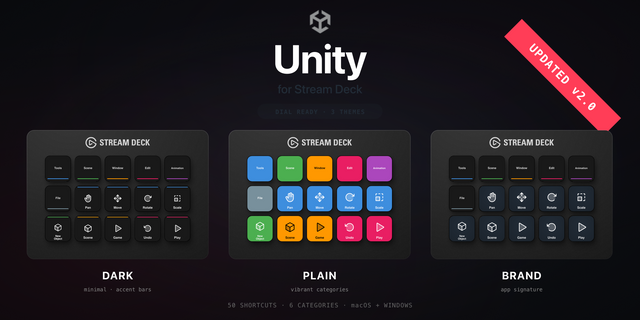
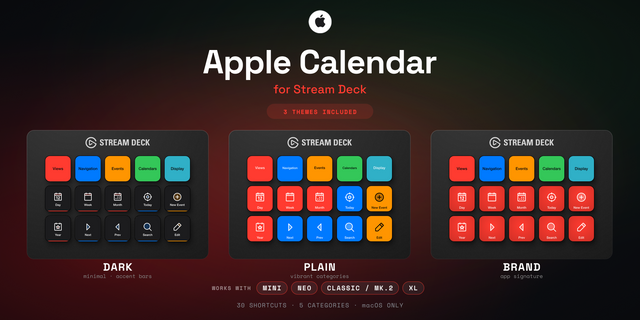
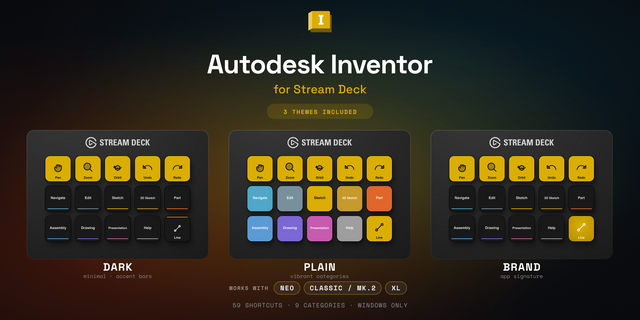
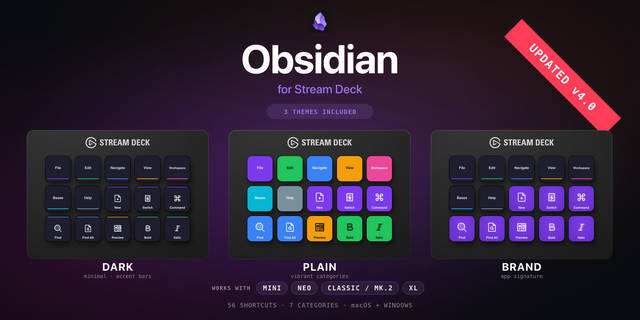
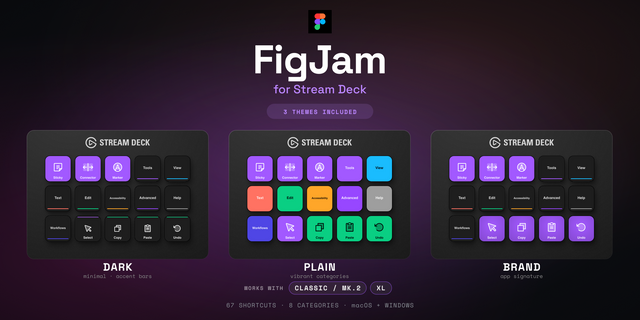
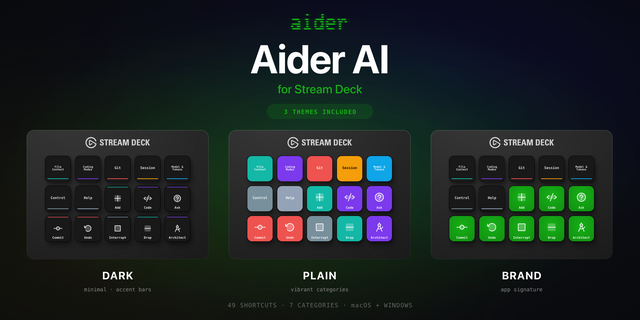
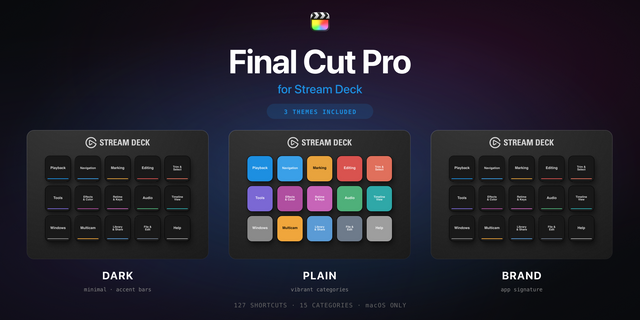
Features: • Three icon themes: Dark (minimal, accent bars), Plain (vibrant category colors), and Brand (app signature color across all keys) • Folder-based navigation with category pages for quick access • Auto-organized layout — most important shortcuts first • Works on Stream Deck Classic / MK.2, XL • Available for macOS and Windows
v1.0 — Initial release (May 2026).
56 OrcaSlicer shortcuts across 11 categories: File · Edit · Tools · Painters · Arrange · View · Plate · Slicing · Window · Workflows · Help.
Built-in native features (no setup required): • Smart Profile auto-switch — AppIdentifier pre-filled for both macOS and Windows. The deck flips to this profile the moment OrcaSlicer takes focus. • Workflows → Slice+Prev — a single button that fires CMD-R (slice the active plate) then TAB (jump to preview) via Elgato's Multi Action plugin. The canonical 'slice and verify the layers' move in one tap. • Skeuomorphic dials (SD+ / Studio / Galleon) — 4 encoders with photoreal finish, bronze ORCA cap, 4 cardinal ticks. Pre-mapped to native hotkeys: Zoom (I/O, push = iso reset), Layer scrub (↑/↓ in preview, push = Prepare/Preview), Plate nav (CMD-←/→, push = Slice), Undo/Redo (push = Save). Auto-scaffolded plugin via _shared/lcd-design; zero setup. • Help → Open Docs — one-tap button that opens the SoftFever wiki (github.com/SoftFever/OrcaSlicer/wiki) in your browser. Uses Stream Deck's native 'website' action; works whether or not OrcaSlicer is focused.
Version 1
Jun 5, 2026
Details
Type
Creative Tools
Device
Stream Deck MK
Stream Deck XL
OS
macOS
Windows
Compatibility
Stream Deck 6.4 or later
Size
4.35 MB
Version
1
Language
English
Support
Icons
Yes
Additional links
You might also like